MXPRODV USER GUIDE CHAPTER 10
122
• The color used for the background must not appear elsewhere in the image. For
example, if Kong’s head (in the example above) contains colors close to the chro-
makey background, the picture of the bridge would appear in those areas. (Profes-
sionals often use a special “blue screen” paint for the backdrop when filming the
image.)
• The color of the background must be evenly distributed. Glare from camera lights
and shadows of the subject can alter the background color. MXProDV’s chro-
makey circuitry might not be able to handle the different values, thereby spoiling
the illusion.
This chapter explains how to prepare footage for use with the chromakey feature. Of
course, screen images appear in grayscale in this book.
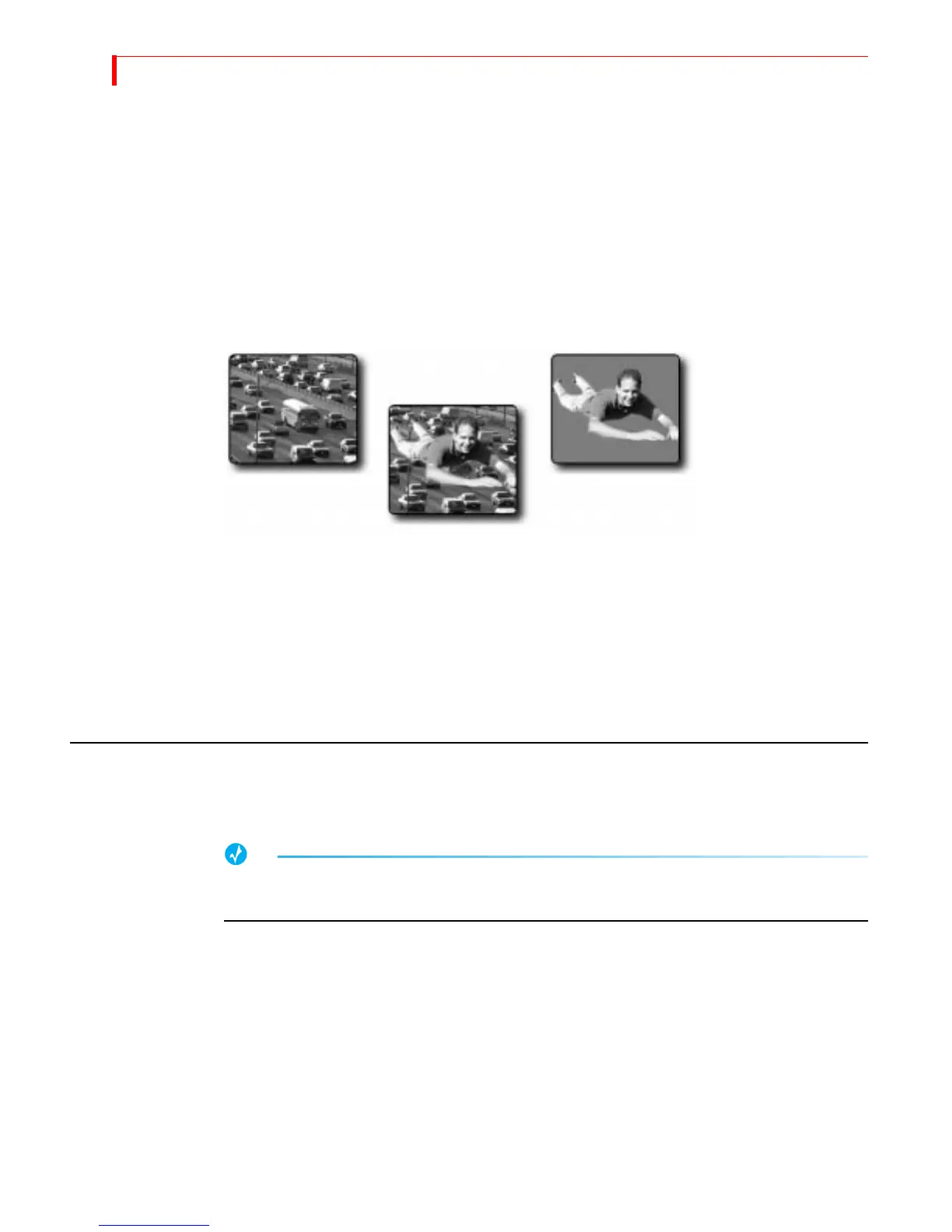
The Background footage shows traffic moving along a freeway or highway.
The Keyed footage, specially prepared, shows our intrepid hero flying against a solid
colored background.
The Chromakey footage is the result of combining the background footage and
keyed footage using the MXProDV chromakey feature.
PREPARING THE BACKGROUND FOOTAGE
Preparation of the background footage does not require anything special. It might be
footage of automobile traffic taken from a bridge.
The more unusual or dramatic the Background footage the greater the final effect of the
chromakey.
Background
Footage
Keyed
Footage
Chromakey
Footage



 To Next Page