CHAPTER 10
CHROMAKEY
You’ve probably seen the chromakey effect used in television weather reports.
The weather person stands in front of a “blue screen” (a solid blue background)
and the weather map then keys onto the background from some other source.
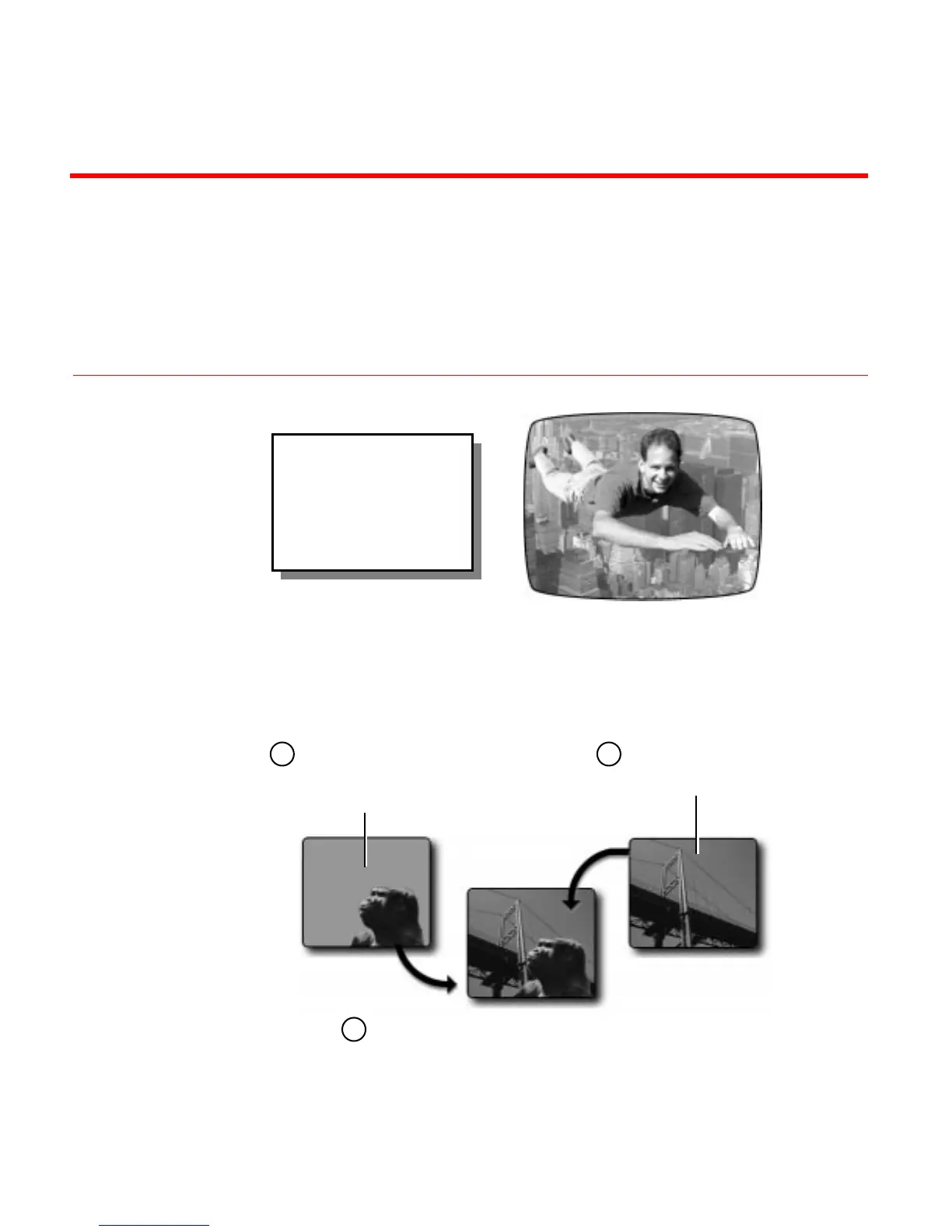
Chromakey combines two sources to create a composite image.
Chromakey requires careful preparation of the input sources to achieve the
desired effect. Keep the following points in mind:
Using Chromakey you can
combine two completely
separate images to create a
composite image that
might be impossible to
create any other way.
One source has a
solid colored
background, such
as a blue screen.
The other source
can be any video
image.
The chromakey effect replaces the solid
colored background in the first image with
the video signal from the second image. The
second image replaces the background only
where the designated color appears.
1 2
3



 To Next Page