CHAPTER 8
PIPS
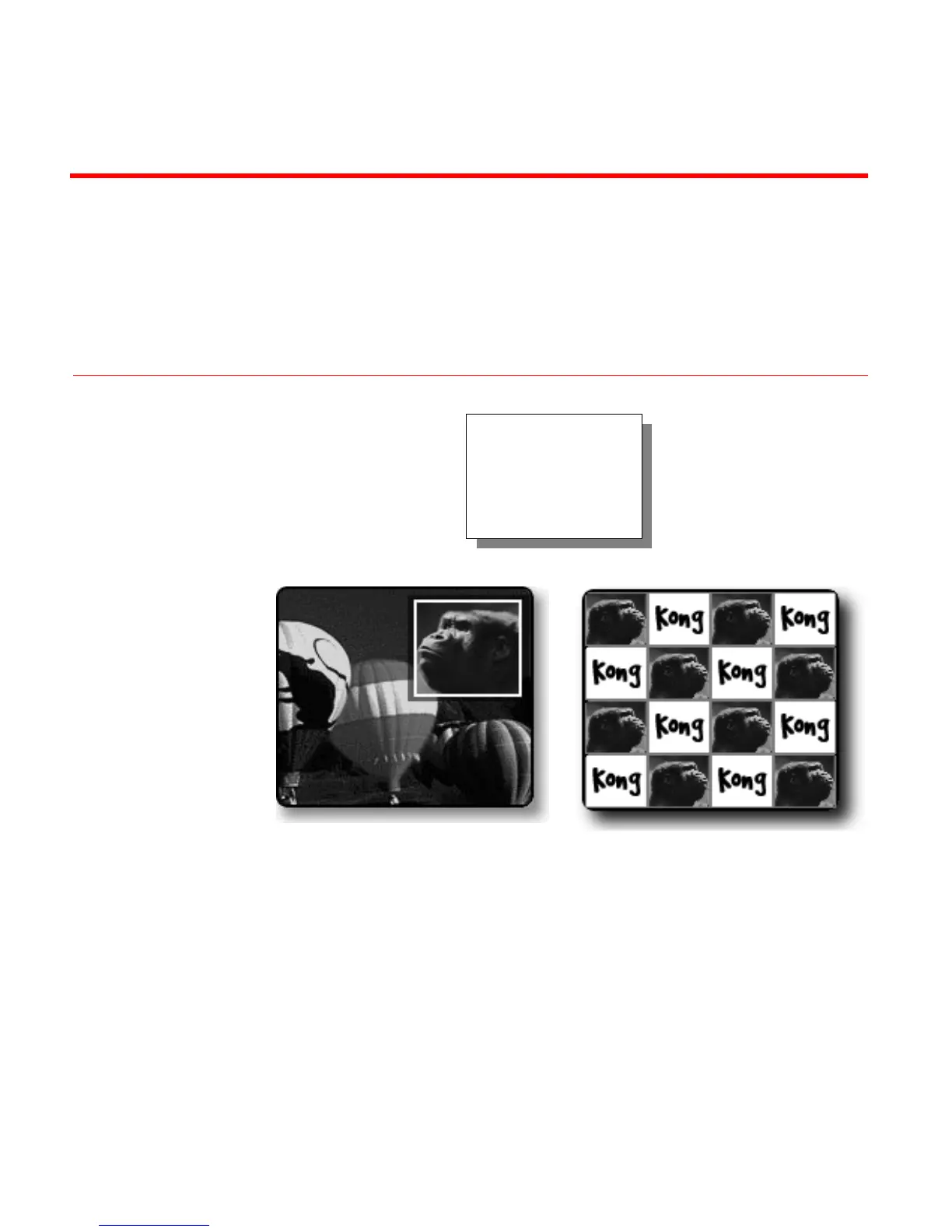
With PIPs (Picture-In-Picture), you can combine images on the same screen.
For example, one image appears inside a small rectangle, and the other image
fills the remainder of the screen. This is single PIP.
With multi-PIP, up to sixteen images can appear on the screen at the same
time.
All PIP images consist of a tile (the video image) and a mask (the window or
shape through which the tile shows).
Single PIP and multi-PIP work in slightly different ways, as you’ll learn in this
chapter.
Multi-PIPSingle PIP
With MXProDV you
can easily produce
single and multiple
Picture-in-Picture
displays.



 To Next Page