MXPRODV USER GUIDE CHAPTER 6
76
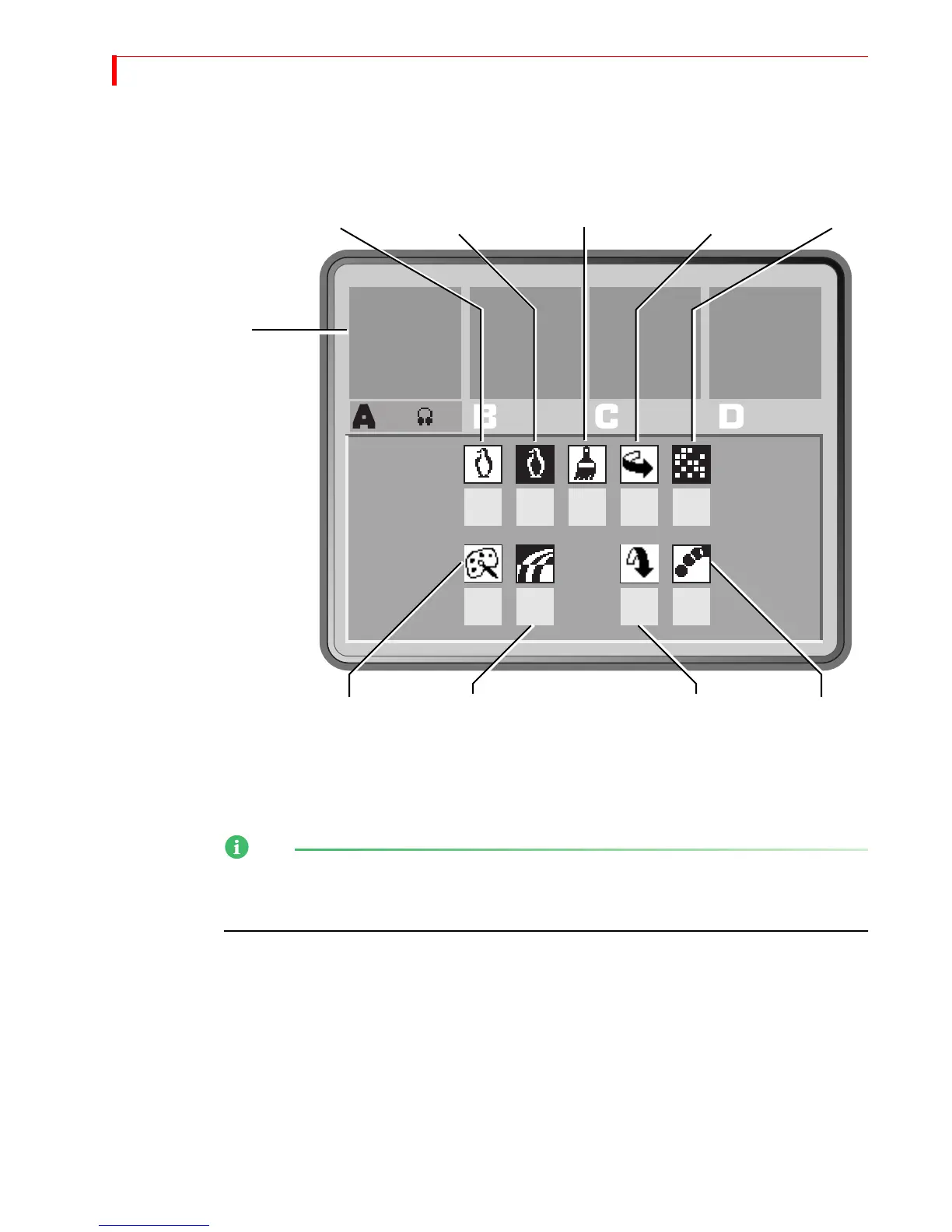
INPUT EFFECTS MENU
Press any input effects button to display the Input Effects Menu — or, press the INPUT
EFFECTS button.
When you press one of the input effects buttons (such as
POSTERIZE), MXProDV auto-
matically selects that effect in the menu. When you press the
INPUT EFFECTS button,
MXProDV selects the first item in the menu —
B&W.
The menu does not contain an icon or settings for the chromakey option. When you
press the CHROMAKEY button, MXProDV takes you directly to the chromakey screen.
See Chapter 10, Chromakey, for details.
0 0
00
0
0
0
0
0
B&W
B&W
POSTERIZE
FLIP
MOSIAC
COLOR COLOR FLIP STROBE
NEGATIVE
CORRECT NEGATIVE
VERTICAL
HORIZONTAL
MXProDV does NOT
update the preview
images to show Input
Effects when you set the
Preview mode to
Display Next.



 To Next Page