MXPRODV USER GUIDE CHAPTER 13
154
Using a GPI Trigger Device
If your edit controller is automatic and has a GPI trigger, you can trigger each page in
a project with the controller. You might need a special cable to connect the GPI jacks
from the GPI device to MXProDV.
Always turn off power before plugging into any GPI jack.
The following instructions explain how to automatically trigger events using the
device described above. Instructions for other devices should be similar, but you
should check the device instructions beforehand.
To use a GPI device as a trigger:
1 Connect the GPI device to MXProDV using an appropriate cable.
2 Press the GPI trigger button when you want to trigger an event. You can trigger
events between scenes or anywhere in the middle of a scene. You can also trigger
each event in a Learned Script (see “Learned Scripts” beginning on page 131).
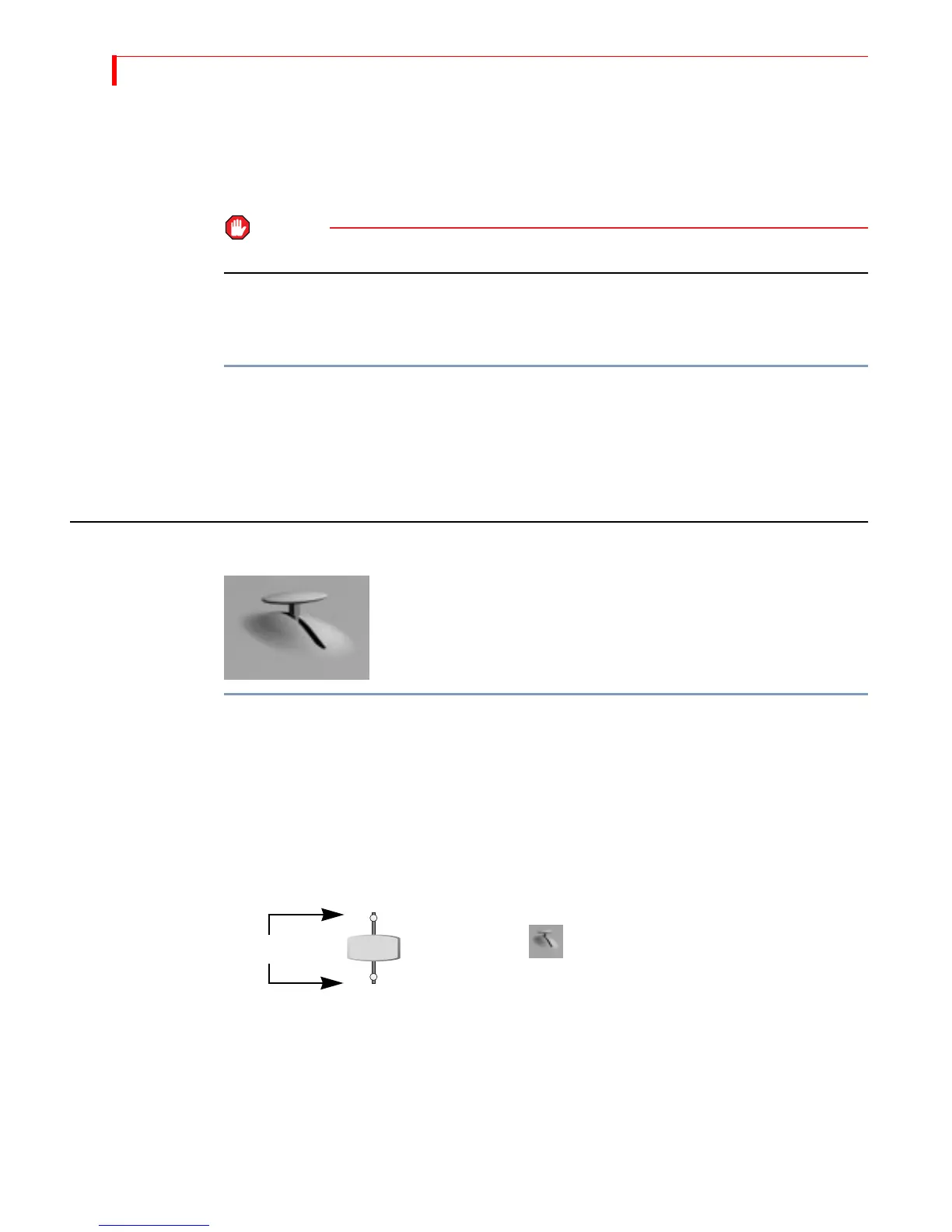
CALIBRATING THE T-BAR
If you suspect that the T-BAR is not functioning properly, it
might need re-calibration. A symptom of an incorrectly cal-
ibrated
T-BAR might be that transitions do not run correctly
from start-to-finish in each direction.
To re-calibrate the T-BAR:
1 Turn MXProDV off.
2 Press and hold
SHIFT+INPUT EFFECTS while turning the unit back on.
3 Wait 10 seconds, then release
SHIFT and INPUT EFFECTS.
4 Move the
T-BAR near the top of its slot, then press the UP ARROW key. The Video LED
(above the
VIDEO/AUDIO selector) lights up.
5 Move the
T-BAR near the bottom of its slot, then press the DOWN ARROW key. The
Audio LED (below the
VIDEO/AUDIO selector) lights up.
6 Press
OK.
All LED’s on the unit go out and MXProDV automatically re-initializes itself. The T-BAR is now prop-
erly calibrated.
VIDEO
AUDIO
VIDEO/AUDIO Selector
LED’s
Do not push the T-BAR hard against the
top or bottom of its slot during calibration.
This over-calibrates the
T-BAR and might
prevent transitions from executing properly.



 To Next Page