BASIC OPERATIONS SELECTING S OURCES
51
SELECTING SOURCES
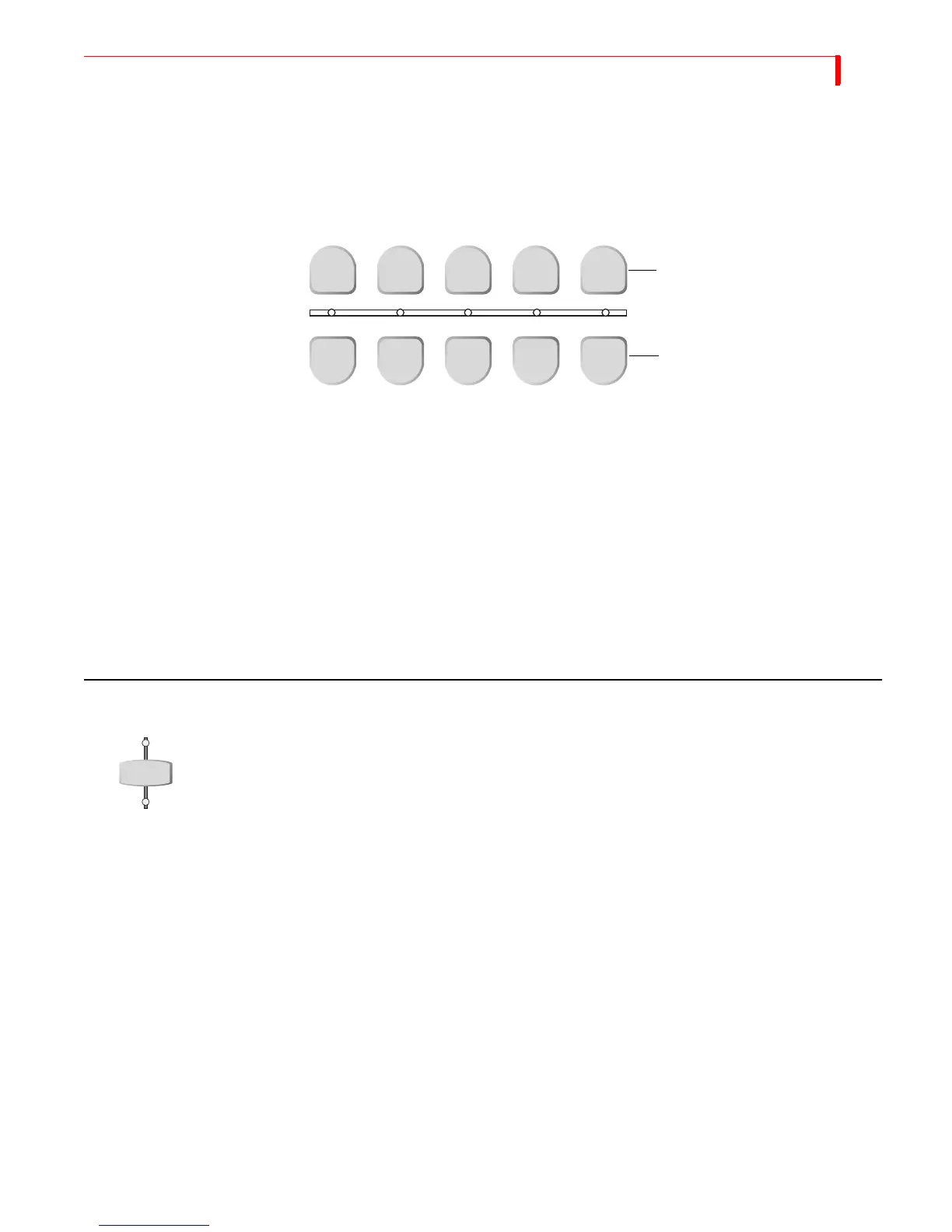
Now that you understand the distinction between the CURRENT and NEXT source,
you need to know how to select sources for each. Use the
CUT and NEXT buttons on
the MXProDV keyboard to select sources.
Use the
CUT buttons to cut to a new source. The four buttons labeled A, B, C, and D
correspond directly to the Input Source Previews on the Preview Screen (see page 47)
and to MXProDV’s four channels. Use the
COLOR button to select a solid color back-
ground rather than an image coming from a source device (see “Using Color Back-
grounds” on page 54). When you press any
CUT button, the output video cuts to the
new source and the indicator light below the
CUT button glows steadily.
Use the
NEXT buttons to select the NEXT source. The buttons are labeled the same as
the
CUT buttons. When you press any NEXT button, the indicator light above that but-
ton flashes. The output does not change until you use
PLAY or the T-BAR to transition to
the
NEXT source.
USING THE VIDEO/AUDIO SELECTOR
The VIDEO/AUDIO selector controls which parts of the input signal get used from any
given source.
You can set the
VIDEO/AUDIO selector to any of three positions — VIDEO only, AUDIO
only, or both. Press the button as required to turn on the Video, Audio, or both
lights.
VIDEO – Video changes, audio does not. Video light only is illuminated.
AUDIO – Audio changes, video does not. Audio light only is illuminated.
both – Audio and Video both change. Both the video and audio lights are illumi-
nated.
Many sources (such as pre-recorded video tapes) carry both video and audio signals.
Other input sources (such as a compact disc player) carry only audio signals, and
some sources carry only video signals.
You are producing a documentary on hot air ballooning. You want to use video from
channels A and B, and audio from Channel C. Using the VIDEO/AUDIO selector you can
process only the video from the VCRs and combine it with the audio from an audio tape
containing the voice-over material.
CUT
NEXT
A B C D COLOR
A B C D COLOR
Use to change the CURRENT source
Use to select NEXT source
VIDEO
AUDIO



 To Next Page