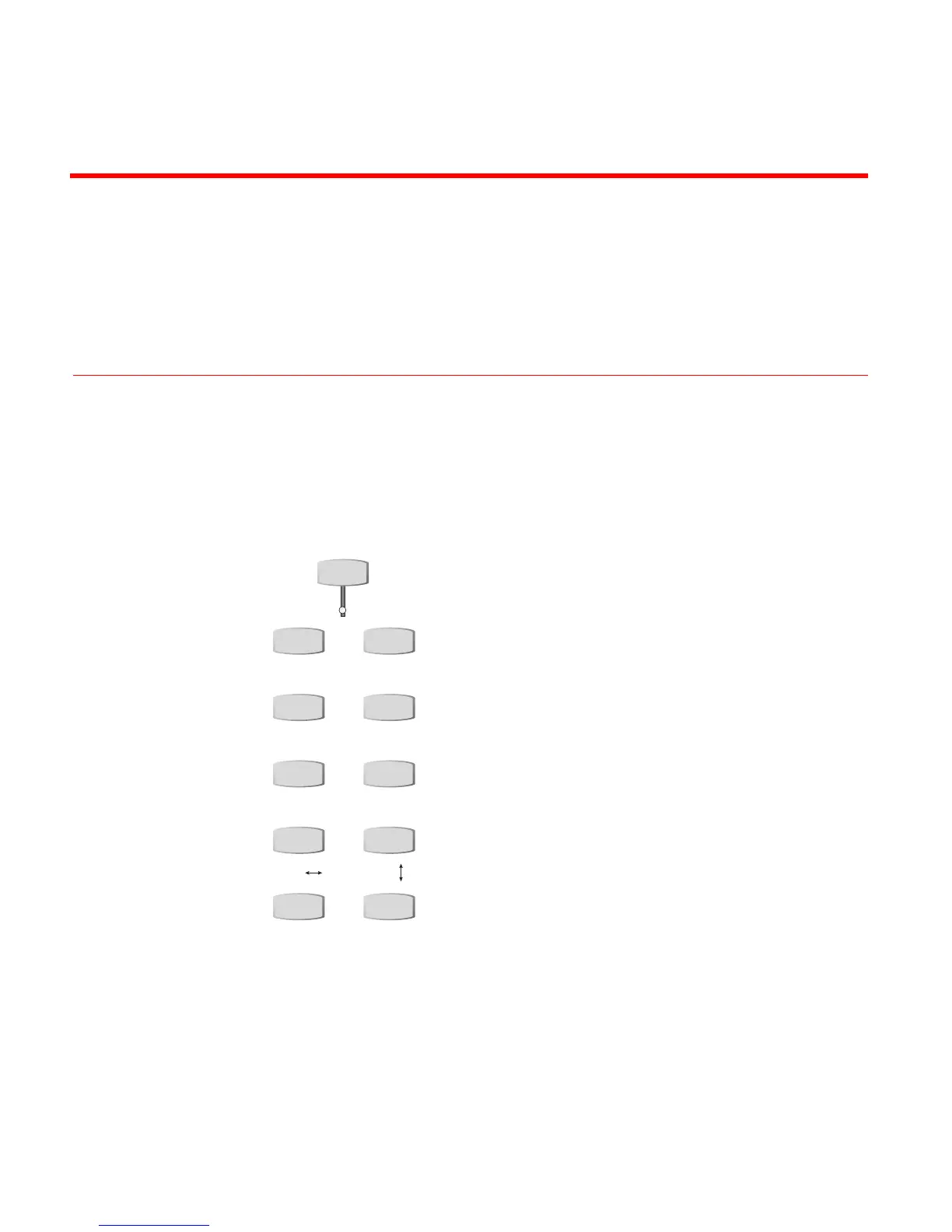
lowing button group on the MXProDV keyboard.
INPUT EFFECTS
B&W COLOR CORRECT
B&W NEG COLOR NEG
POSTERIZE CHROMAKEY
FLIP FLIP
MOSAIC STROBE
You can use Input Effects in the following
ways:
• Apply input effects to any source.
• Combine many different input effects
to create entirely new effects.
• Apply input effects to some, none, or
all sources, in any combination.
You cannot use Input Effects:
• With trailing transitions.
• With multi-PIPs.
• In compose mode.
• On the key source in a chromakey.



 To Next Page