I
NTRODUCTION
M
AJOR
F
EATURES
5
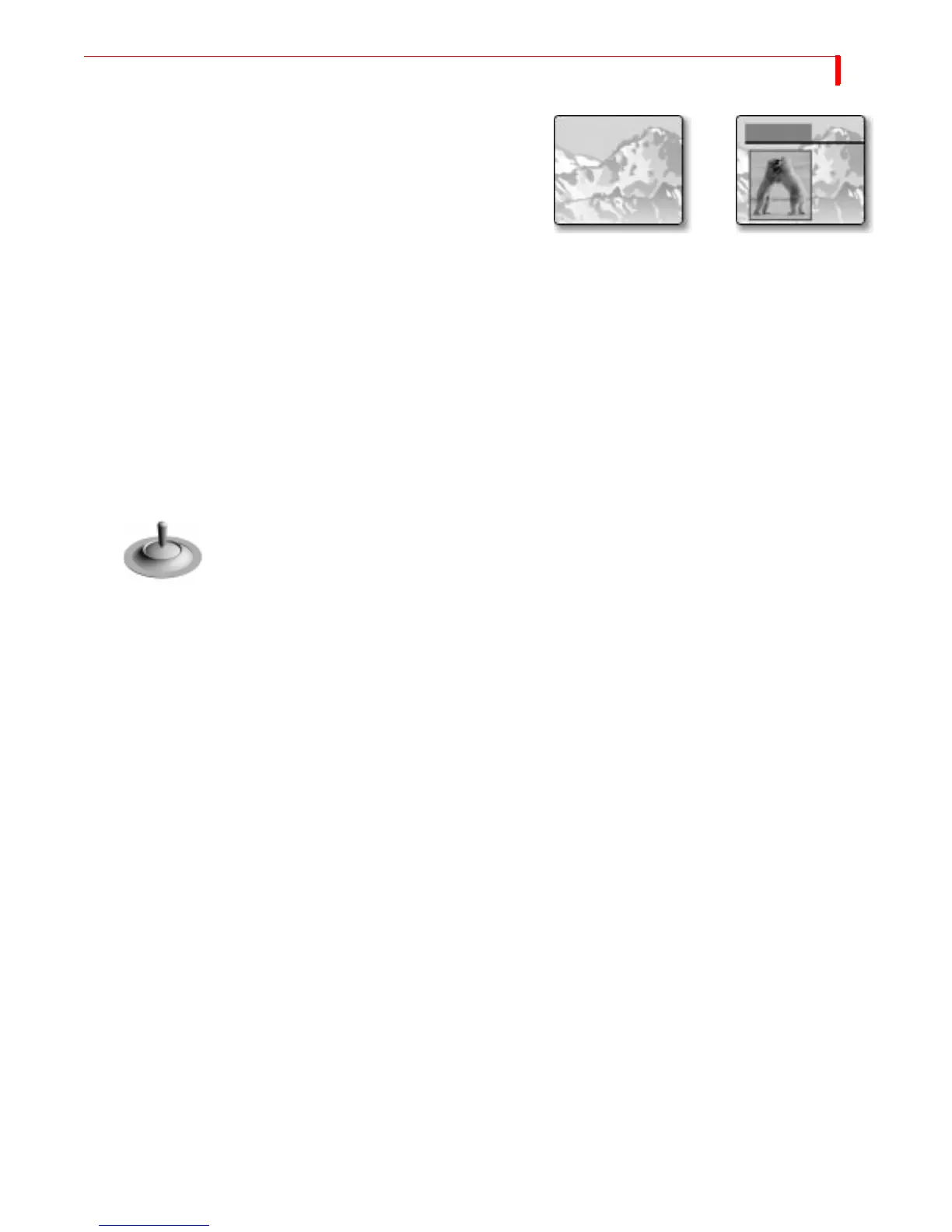
Compose
— MXProDV provides a video
painting system you can use to com-
bine video stills, color shapes, and mov-
ing video on one screen. You can create
a screen that contains a video still of a
football coach (with a surrounding red
border), combined with a moving video
of the players in action on the field.
Audio Mixer
— MXProDV provides sophisticated audio control. You can change the
sound along with the video, or play a constant sound while the video plays. Audio
can come from a video source or from external audio devices.
Four-Channel DV Audio
— MXProDV lets you input and output two-channel or four-
channel DV audio.
CD Quality Audio
— With two-channel output MXProDV’s DV audio is 48 kHz, 16-
bit audio; four-channel audio is 32 kHz, 12-bit audio.
Connectivity
— MXProDV provides multiple video/audio outputs, including one
FireWire output, two Y/C Program outputs, two composite Program outputs, one
composite Preview output, two sets of stereo audio outputs, and a Headphone out-
put.
Joystick
— The joystick gives you fine control over color adjustments and positioning
of PIP (picture-in-picture), compose, and the chromakey cursor.
Color Correction
— Apply true RGB color correction to any or all input sources.
Color correction parameters can be set separately for each channel.
Input Effects
— Apply special effects such as flips, mosaics, and others to the signals
coming in from any input source.



 To Next Page