MXPRODV USER GUIDE APPENDIX E
184
Audio Mixer Screen
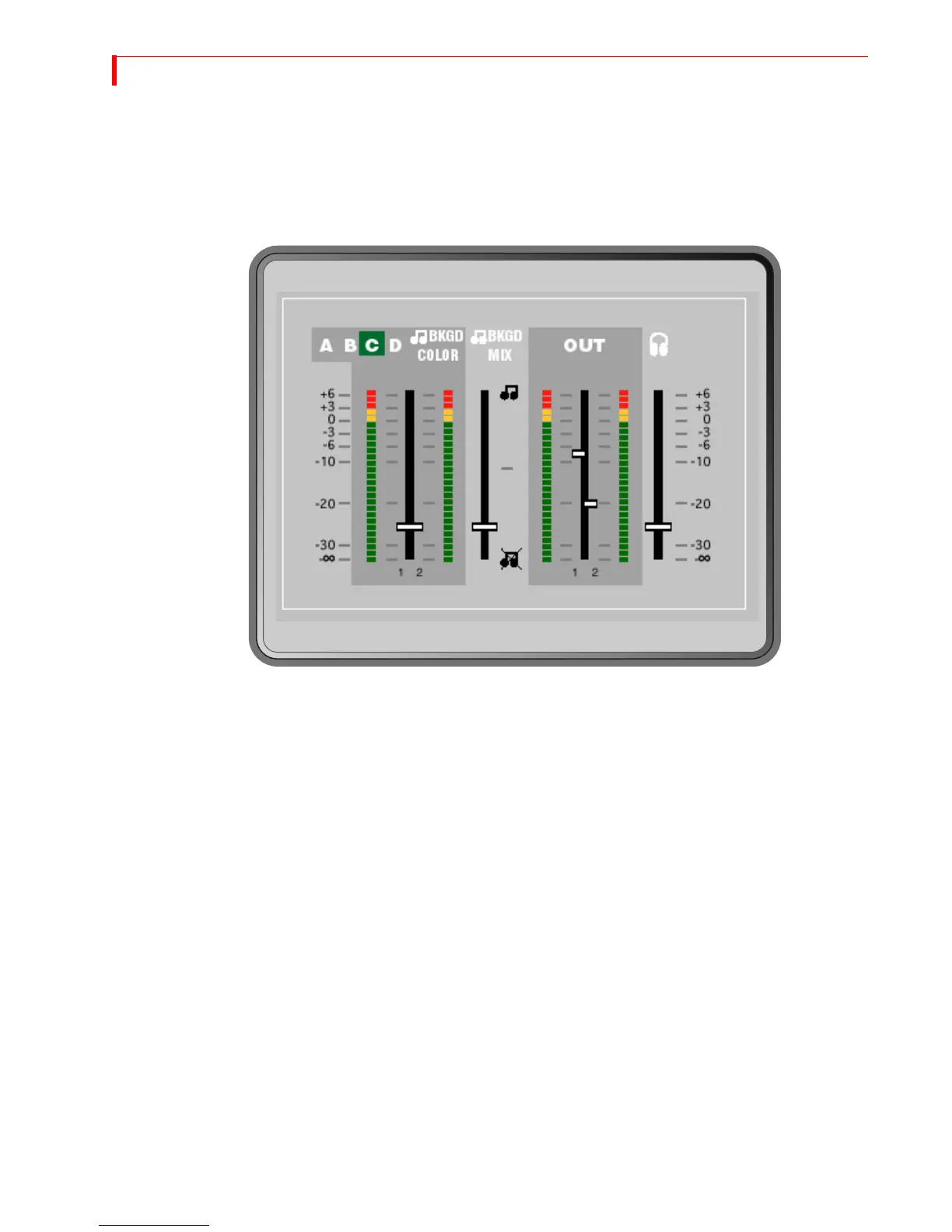
Press AUDIO MIX to display the Audio Mixer Screen. Use this screen to adjust the
volume of your audio sources and output, adjust the mix level between back-
ground and main audio, and adjust the headphone audio volume. It also provides
level meters for monitoring the audio. For information on using the Mixer screen,
see “Using the Audio Mixer” on page 141.



 To Next Page