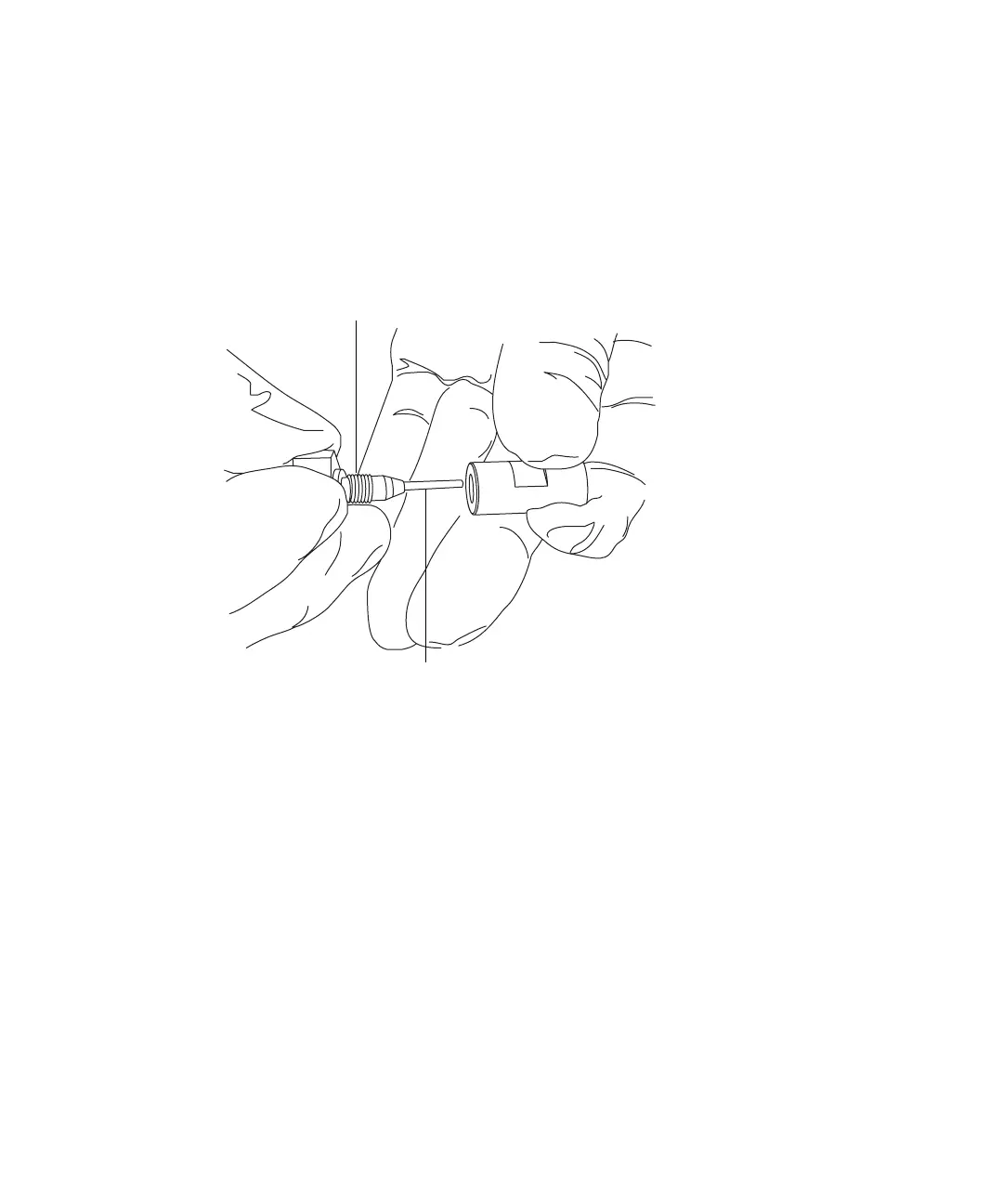
Replacing the ESI probe sample capillary 5-65
1. Using the sharp knife or PEEK tubing cutter, cut an approximately
60-cm (24-inches) length of red PEEK tubing squarely (that is,
perpendicular to its horizontal axis).
2. Insert one end of the red PEEK tubing in the probe inlet connector, and
screw the connector, finger-tight, into the PEEK union.
Rationale: Doing so ensures a minimum dead volume when fitting the
capillary.
3. Fit the UNF coupling to the new capillary.
4. Using the needle-nose pliers, slide a new liner sleeve and ferrule onto
the capillary.
5. Insert the capillary in the PEEK union, and ensure that it is fully
seated.
6. Screw the UNF coupling into the PEEK union, finger-tight only.
7. Gently tug on the capillary, testing to ensure that it stays in place.
8. Using the 7-mm wrench, tighten the locknut against the PEEK union
until the union can no longer be twisted.
9. Slide a new conductive sleeve and the knurled collar over the capillary.
10. Tighten the knurled collar to the UNF coupling.
TP02671
Probe inlet connector
PEEK tubing













 To Next Page