Configuring for ESI mode 3-7
Removing the ESI probe
Required materials
Chemical-resistant, powder-free gloves
To remove the ESI probe
1. Prepare the instrument for work performed on its source (see page 5-7).
2. Disconnect the fluidics tubing from the ESI probe.
3. Disconnect the ESI probe’s cable from the high voltage connector.
4. Unscrew the probe locking ring.
5. Carefully remove the ESI probe from the probe adjuster assembly.
6. If available, fit the protective sleeve to the ESI probe tip.
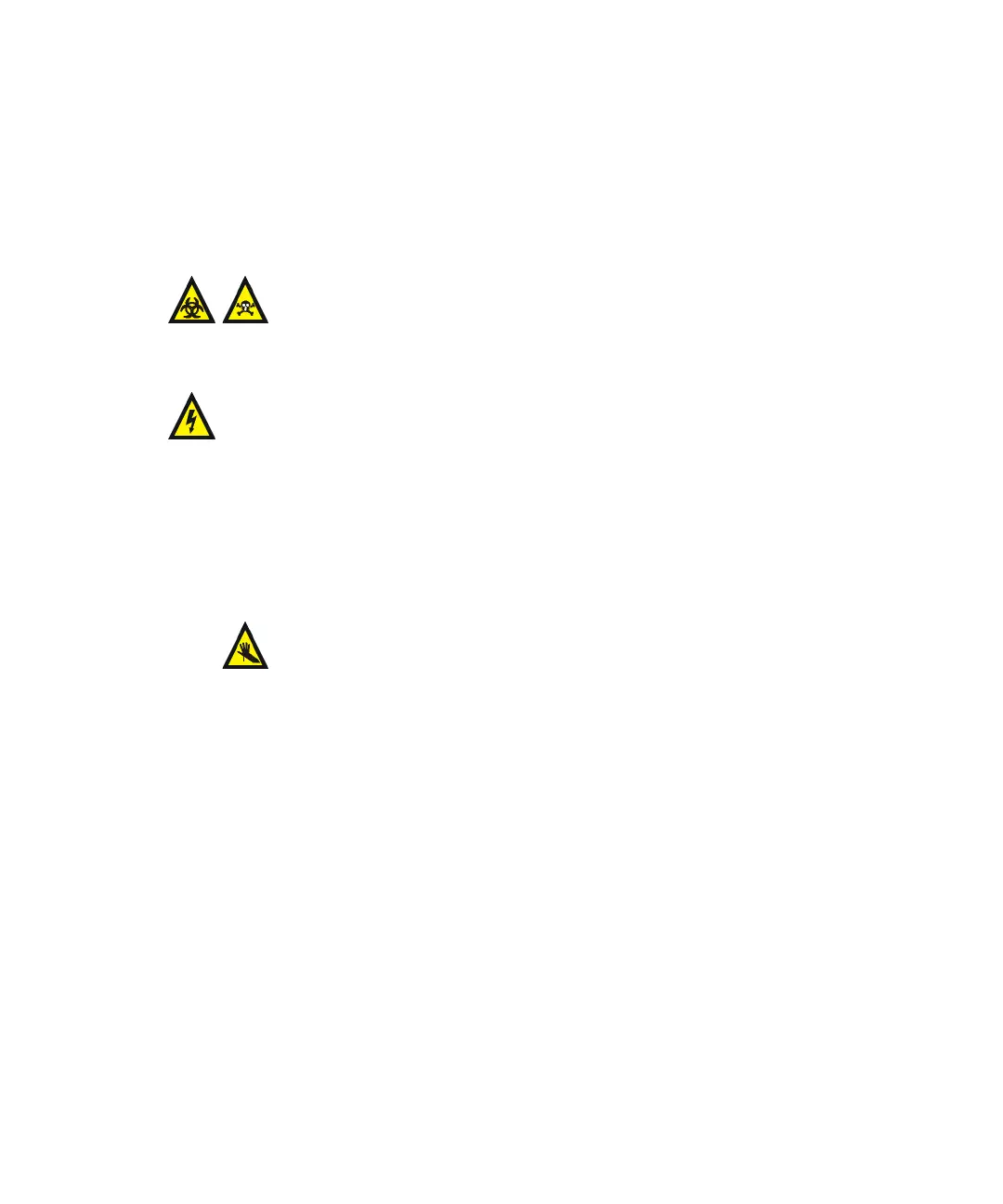
Warning: The LC system connections, ESI probe, and source can
be contaminated with biohazardous and/or toxic materials. Always
wear chemical-resistant, powder-free gloves while performing this
procedure.
Warning: To avoid electric shock, prepare the instrument for work
performed on its source before commencing this procedure.
Warning: The ESI probe tip is sharp. To avoid puncture wounds,
handle the probe with care.













 To Next Page