5-84 Maintenance Procedures
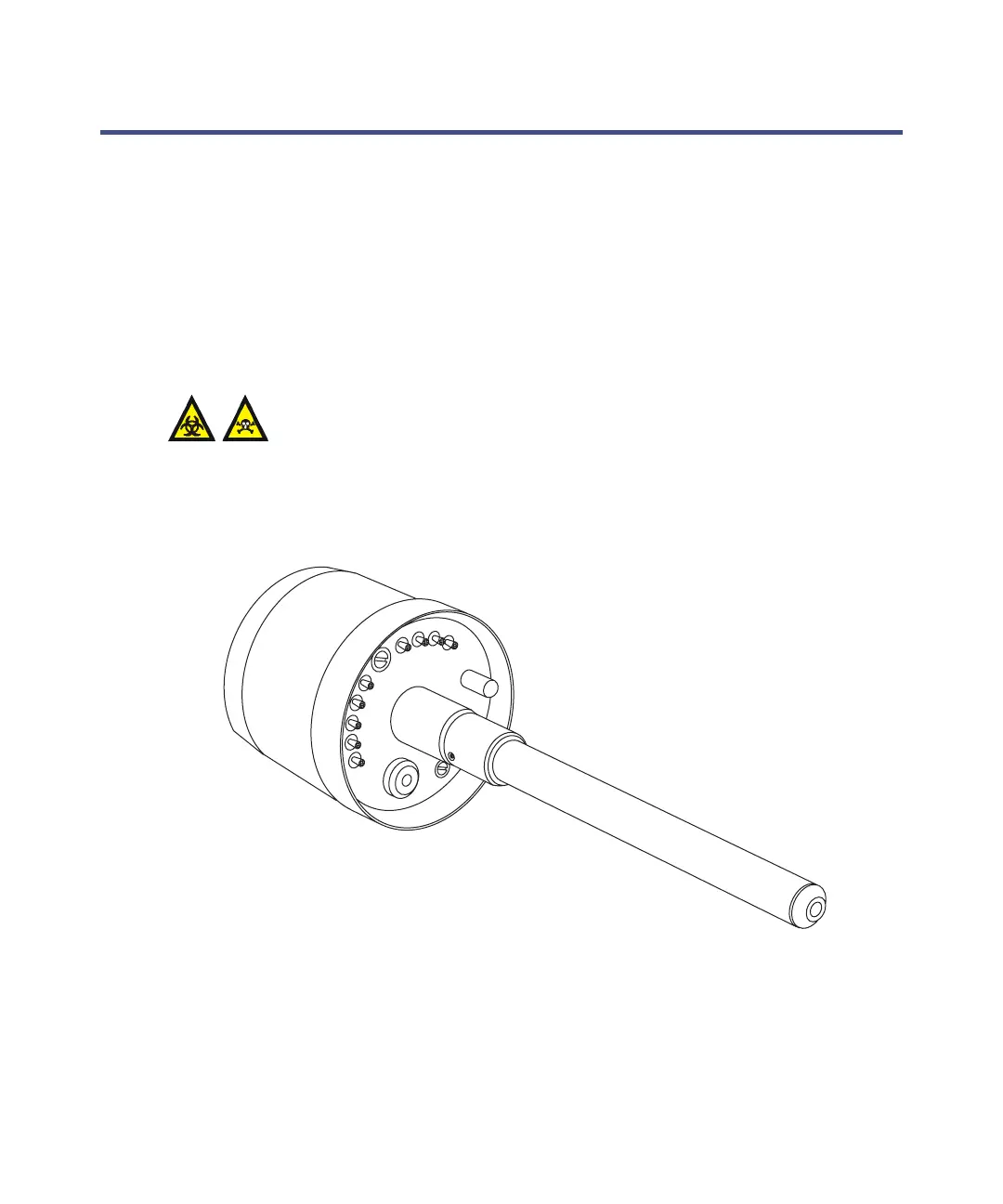
Replacing the APCI probe heater
Replace the APCI probe heater it fails to heat the probe.
Removing the APCI probe heater
Required materials
Chemical-resistant, powder-free gloves
To remove the APCI probe heater
1. Remove the probe from the source (see page 3-18).
Warning: The probe and source components can be contaminated
with biohazardous and/or toxic materials. Always wear
chemical-resistant, powder-free gloves while performing this
procedure.
Probe heater













 To Next Page