Cleaning the extraction cone 5-31
Cleaning the extraction cone
Clean the ion block and extraction cone if cleaning the sample cone and cone
gas nozzle fails to increase signal sensitivity. You must remove the ion block
assembly from the source assembly to clean the extraction cone.
Removing the ion block assembly from the source assembly
Required materials
• Chemical-resistant, powder-free gloves
• Combined 2.5-mm Allen wrench and cone extraction tool
To remove the ion block assembly
1. Vent and shut down the mass spectrometer. See the mass spectrometer’s
online Help for details.
2. Open the source enclosure.
3. Retrieve the combined 2.5-mm Allen wrench and cone extraction tool
from its storage location on the source adaptor housing.
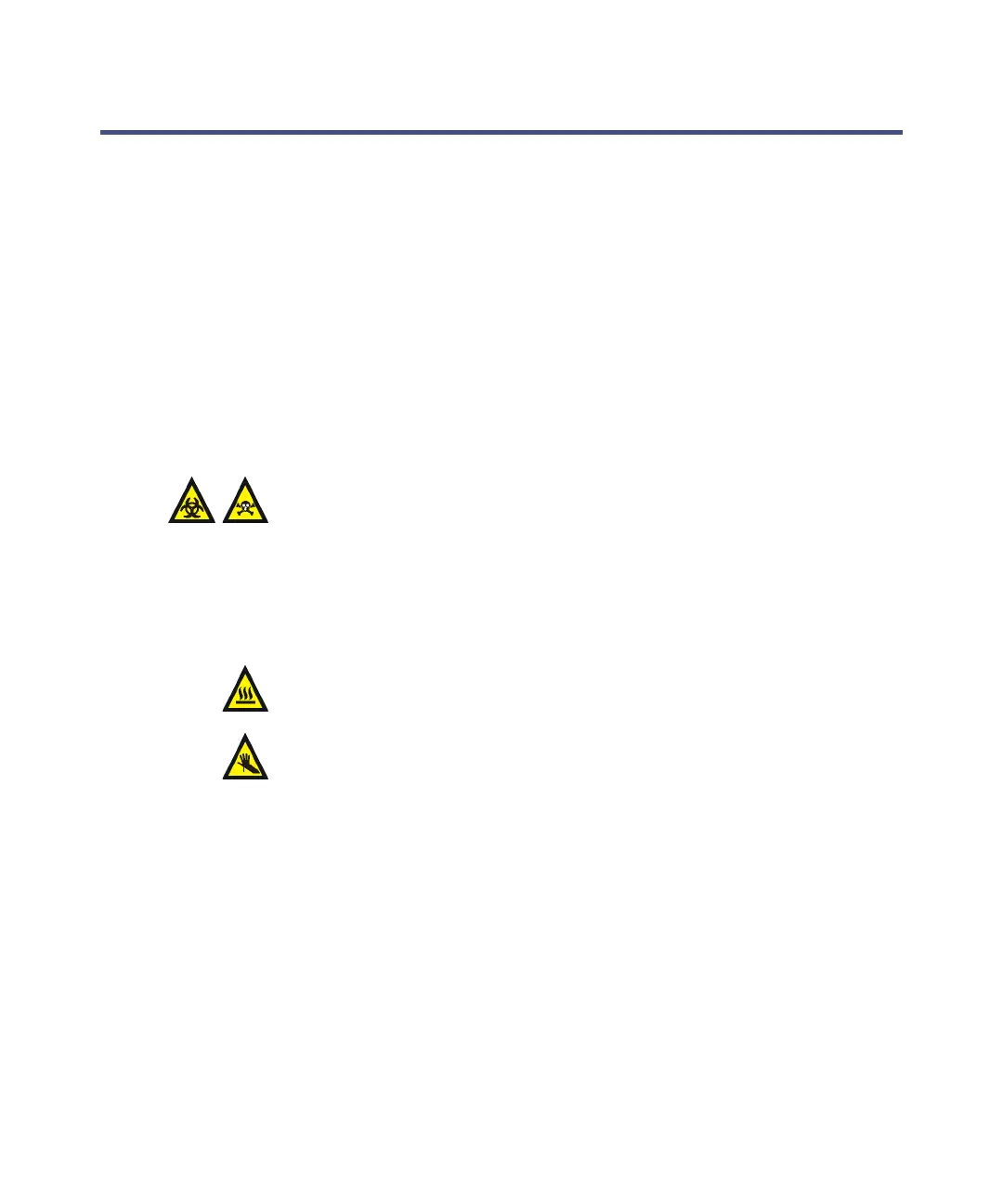
Warning: The source components can be contaminated with
biohazardous and/or toxic materials. Always wear
chemical-resistant, powder-free gloves while performing this
procedure.
Warning: The source can be hot. To avoid burn injuries, allow it to
cool for at least 30 minutes before proceeding.
Warning: To avoid puncture wounds, take great care while
working with the source enclosure open if one or both of these
conditions apply:
• An ESI probe is fitted (the probe tip is sharp).
• A corona pin is fitted (the pin tip is sharp).













 To Next Page