5-14 Maintenance Procedures
5. Close the source enclosure.
6. Look through the source window, and using the vernier probe adjuster
(see the figure on page 3-4), position the ESI probe tip so that it is
pointing, approximately, midway between the tips of the sample cone
and corona pin.
Removing the corona pin from the source
Required materials
Chemical-resistant, powder-free gloves
To remove the corona pin from the source
1. Prepare the instrument for work performed on its source (see page 5-7).
2. Pull the source enclosure release (located at the bottom, right-hand side)
outwards, and swing open the enclosure.
3. Remove the corona pin from its mounting contact (see the figure on
page 5-13).
Tip: Store the corona pin in a safe location.
4. Fit the blanking plug to the corona pin mounting contact
5. Close the source enclosure.
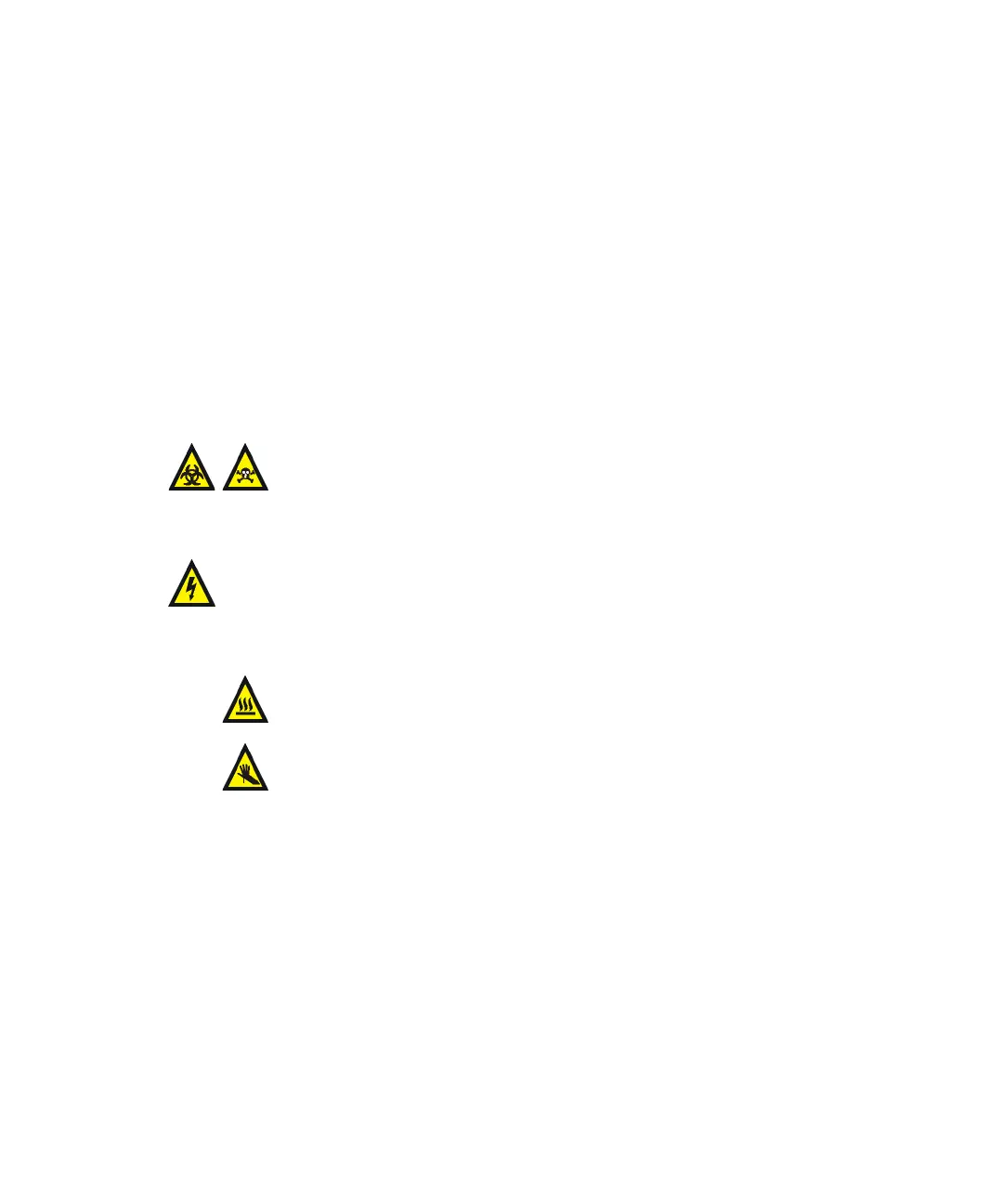
Warning: The LC system connections, ESI probe, and source can
be contaminated with biohazardous and/or toxic materials. Always
wear chemical-resistant, powder-free gloves while performing this
procedure.
Warning: To avoid electric shock, prepare the instrument for work
performed on its source before commencing this procedure.
Warning: The source can be hot. To avoid burn injuries, take great
care while working with the instrument’s source enclosure open.
Warning: The ESI probe tip is sharp. To avoid puncture wounds,
take great care while working with the source enclosure open if an
ESI probe is fitted.













 To Next Page