3-18 Configuring the LockSpray Source
Installing the corona pin in the source
Install the corona pin according to the procedure on page 5-12.
Removing the corona pin from the source
Remove the corona pin according to the procedure on page 5-14.
Removing the APCI probe
Required materials
Chemical-resistant, powder-free gloves
To remove the APCI probe
1. Prepare the instrument for work performed on its source (see page 5-7).
2. Disconnect the diverter valve tubing from the APCI probe.
3. Unscrew the probe locking ring.
4. Carefully remove the probe from the probe adjuster assembly.
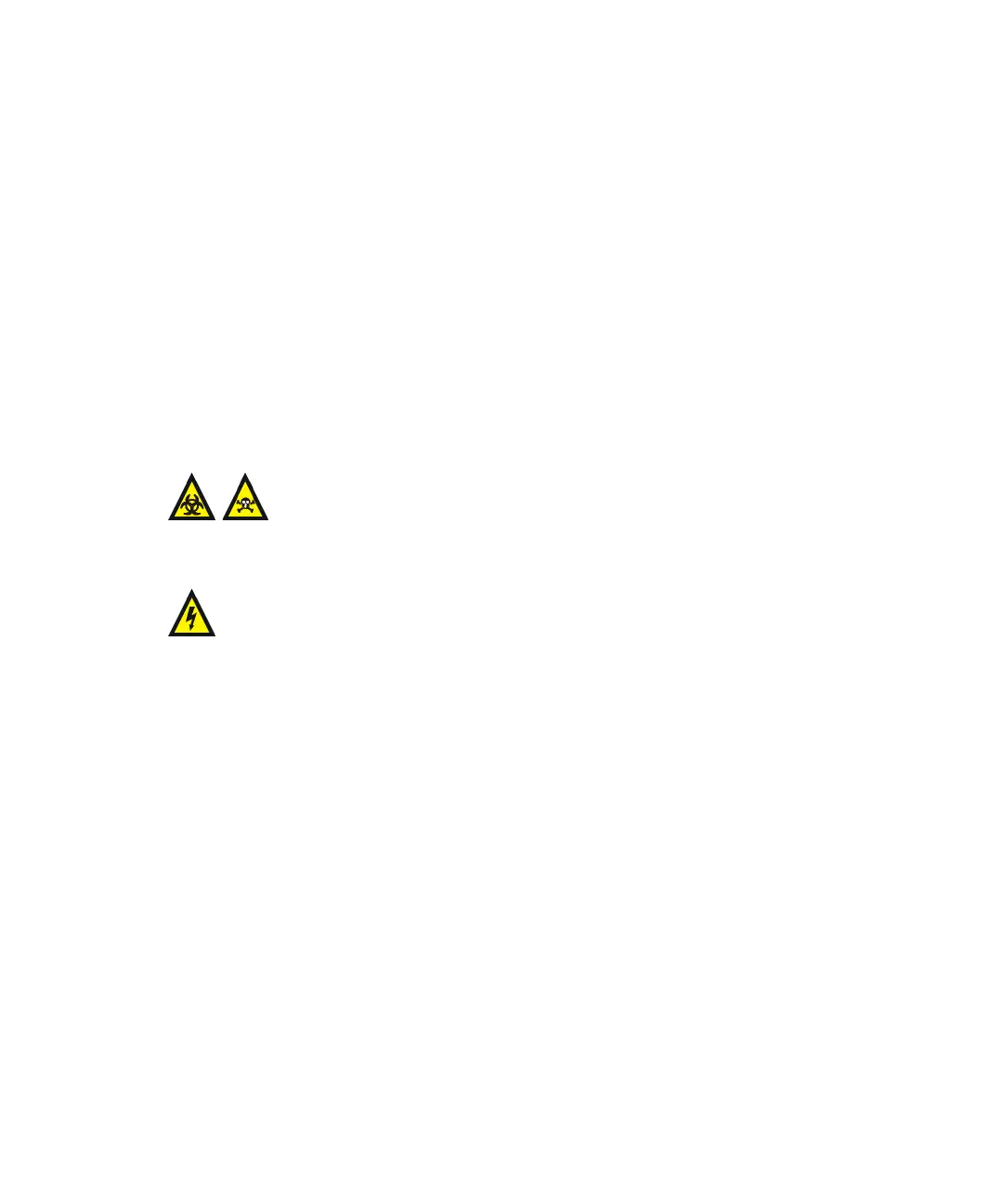
Warning: The LC system connections, APCI probe, and source can
be contaminated with biohazardous and/or toxic materials. Always
wear chemical-resistant, powder-free gloves while performing this
procedure.
Warning: To avoid electric shock, prepare the instrument for work
performed on its source before commencing this procedure.













 To Next Page