Replacing the ESI probe sample capillary 5-59
Replacing the ESI probe sample capillary
Replace the stainless steel sample capillary in the ESI probe if it becomes
blocked and cannot be cleared, or if it becomes contaminated or damaged.
Removing the existing capillary
Required materials
• Chemical-resistant, powder-free gloves
• Combined 2.5-mm Allen wrench and cone extraction tool
•7-mm wrench
•8-mm wrench
•10-mm wrench
• Needle-nose pliers
To remove the existing capillary
1. Remove the probe from the source (see page 3-7).
2. Retrieve the combined 2.5-mm Allen wrench and cone extraction tool
from its storage location on the source adaptor housing.
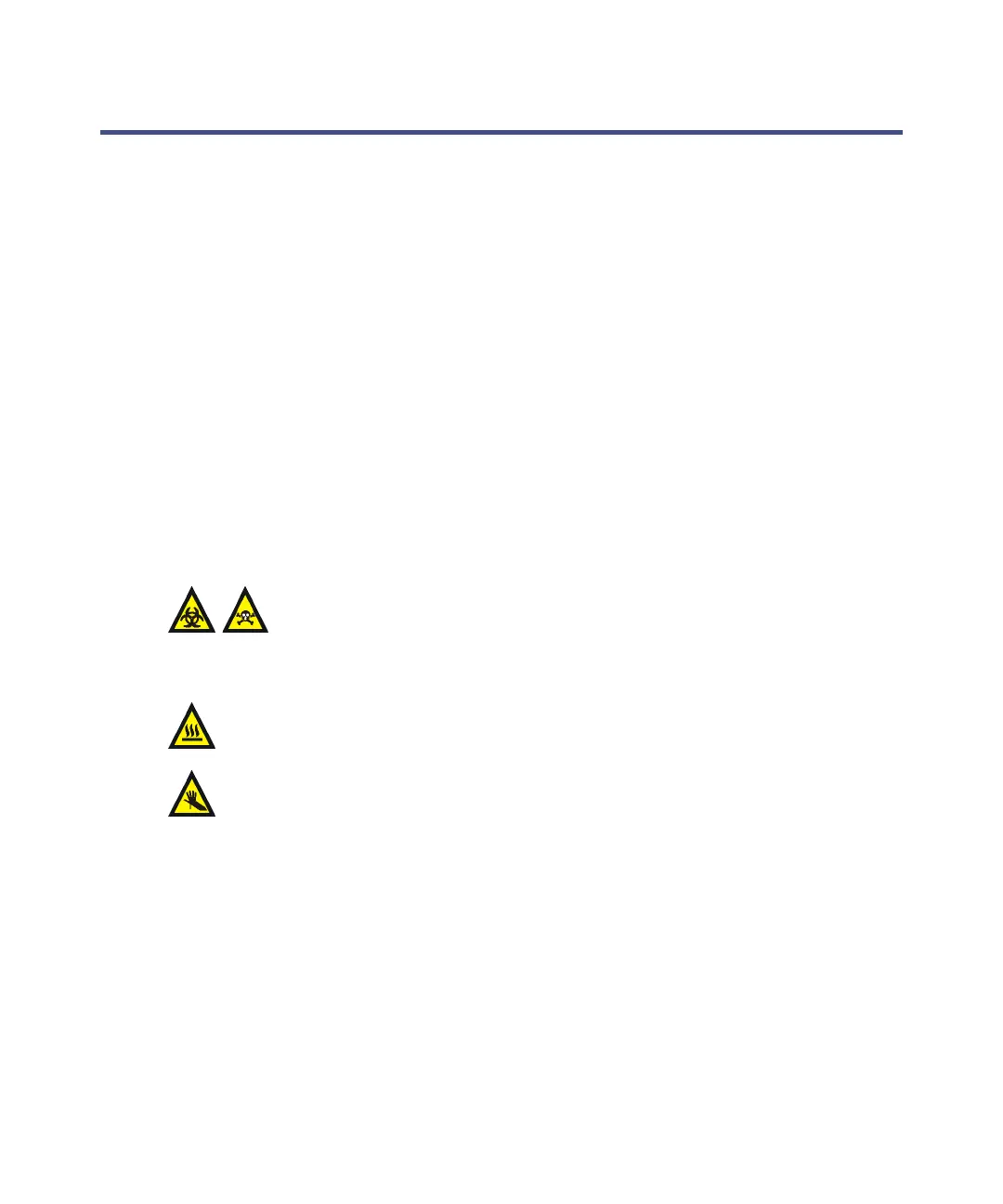
Warning: The probe and source components can be contaminated
with biohazardous and/or toxic materials. Always wear
chemical-resistant, powder-free gloves while performing this
procedure.
Warning: The probe and source can be hot. To avoid burn injuries, take
great care while performing this procedure.
Warning: The ESI probe tip is sharp. To avoid puncture wounds, handle
the probe with care.













 To Next Page