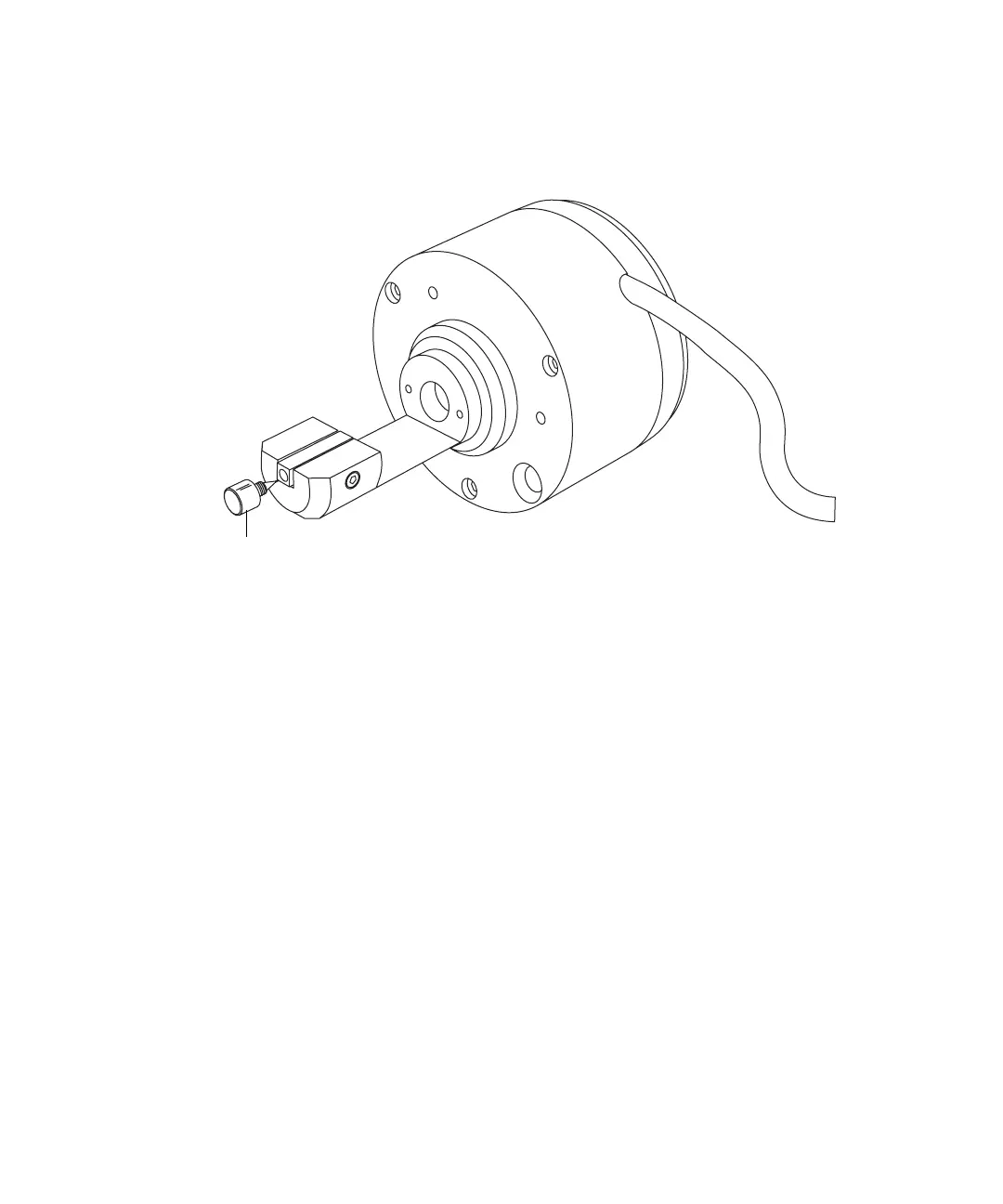
Replacing the NanoLockSpray reference probe capillary 5-81
To install the new TaperTip and capillary
1. On the NanoLockSpray reference probe assembly, screw the pin-plug
capillary locator into the end of the union block.
2. Thread the capillary through the body of the NanoLockSpray reference
probe.
3. Slide a PEEK coupler over the end of the fused-silica capillary.
4. Locate the PEEK coupler in the union, and carefully slide the
fused-silica capillary into the union until it butts against the pin-plug
capillary locator.
Rationale: Doing so ensures a minimum dead volume when fitting the
TaperTip.
5. Tighten the PEEK coupler to hold the capillary in place.
6. Unscrew and remove the pin-plug capillary locator.
Pin-plug capillary locator
NanoLockSpray
reference probe













 To Next Page