3-16 Configuring the LockSpray Source
3. Tighten the probe locking ring to secure the probe in place.
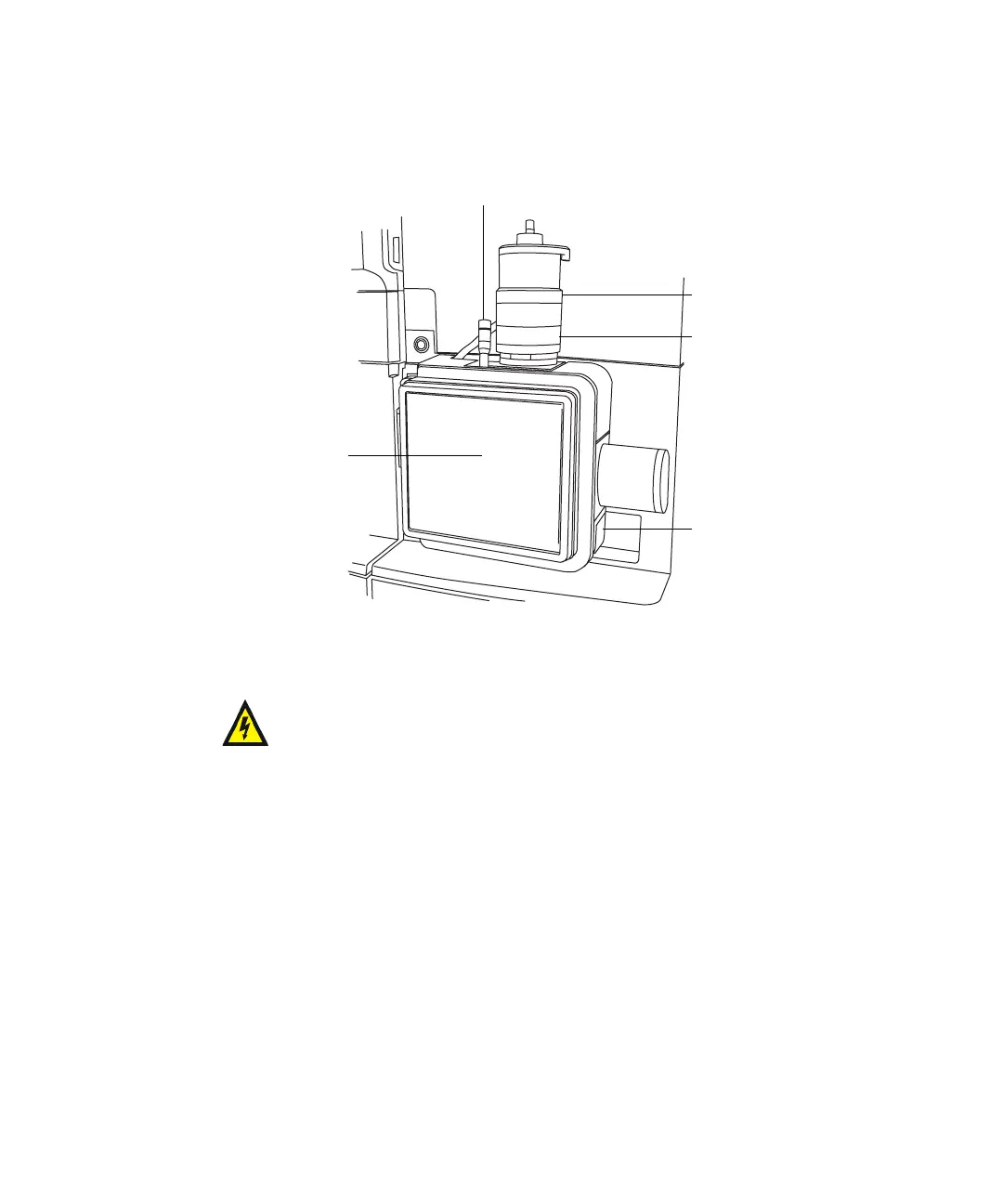
APCI probe mounted on the source enclosure
4. Slide open the instrument’s source interface door (see the figure on
page 3-5).
5. Using tubing greater than or equal to 0.004-inch ID, connect port 2 (the
top port) of the diverter valve to the APCI probe.
Recommendation: To reduce peak broadening, use 0.004-inch ID tubing
for sample flow rates ≤1.2 mL/min; use 0.005-inch ID tubing for sample
flow rates >1.2 mL/min.
Requirement: If you are replacing the tubing supplied with the
instrument, minimize the length of the tubing connecting the diverter
valve to the APCI probe. Doing so minimizes delays and dispersion.
Warning: To avoid electric shock, do not use stainless steel tubing
to connect the diverter valve to the APCI probe; use the PEEK™
tubing supplied with the instrument.
TP03128
APCI probe
Vernier probe adjuster
Probe locking ring
Source window
Source enclosure
release
Vertical probe
adjuster













 To Next Page