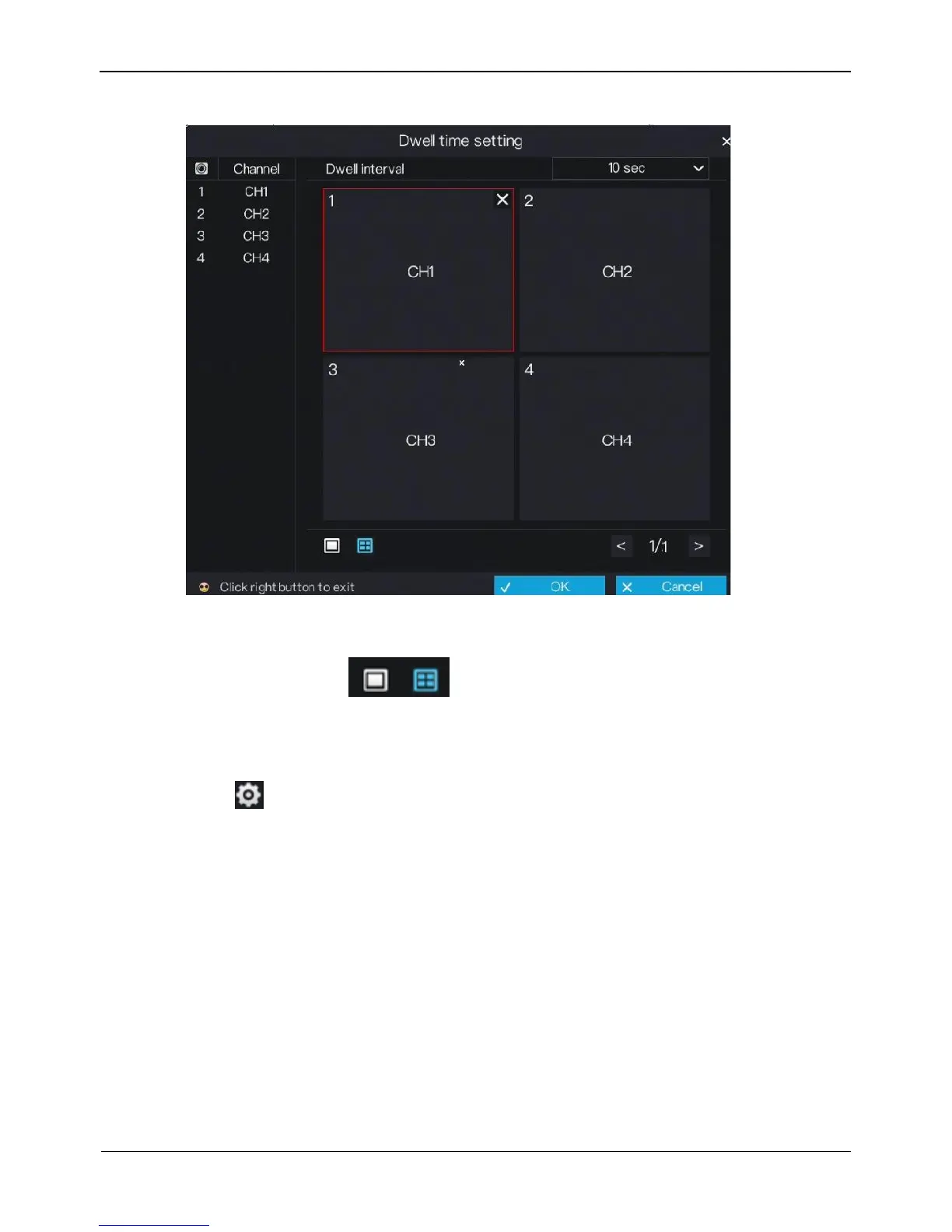
Figure 6-16 Dwell time screen
2. Select a required value from the Dwell interval drop-down list.
3. Set layout. Click to choose layout.
4. Select dwell channel. Click the video window and select a channel from the
channel list to set the dwell channel.
5. Click OK to save dwell settings or click Cancel to cancel settings.
Step 3 Click next to CVBS output settings to access CVBS output settings screen, as
shown in Figure 6-17.



 To Next Page