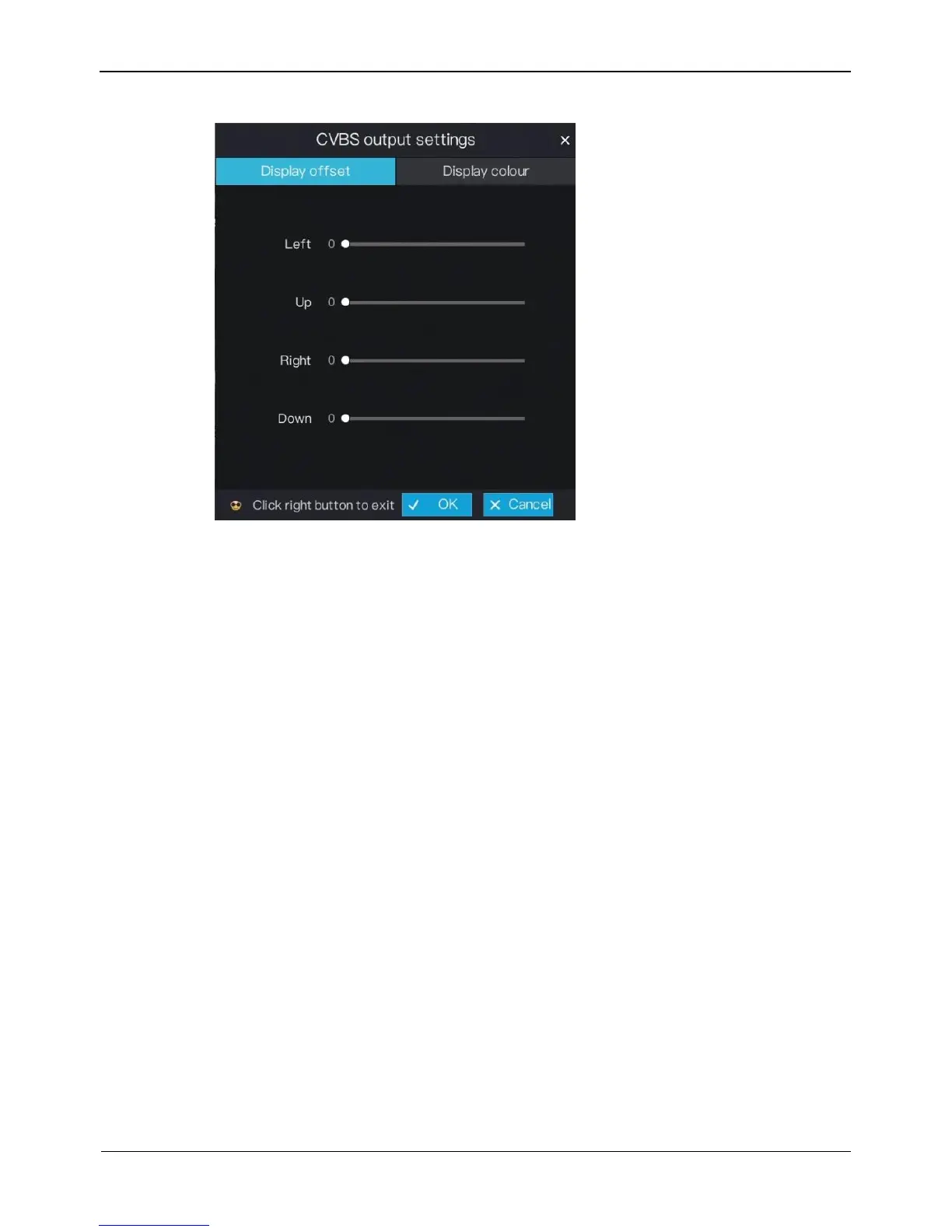
Figure 6-17 CVBS output settings screen
2. Set the display offset. Press and hold the left mouse button and drag the value bar
to set the left, up, right, down display offset of the CVBS monitor.
3. Set the display colour. Click Display colour tag to access the display colour screen,
as shown in Figure 6-18.



 To Next Page