7. SYSTEM ASSEMBLY
7.2 HDMI Micro Video Output
The Workswell WIRIS system is equipped with a standard HDMI micro video output. It can be connected to any
wireless video link or a display with HDMI input that supports WIRIS Pro resoluon.
The default WIRIS Pro resoluon 1280x720 (also called HD or 720p). It is recommended to use a display with
16:9 aspect rao.
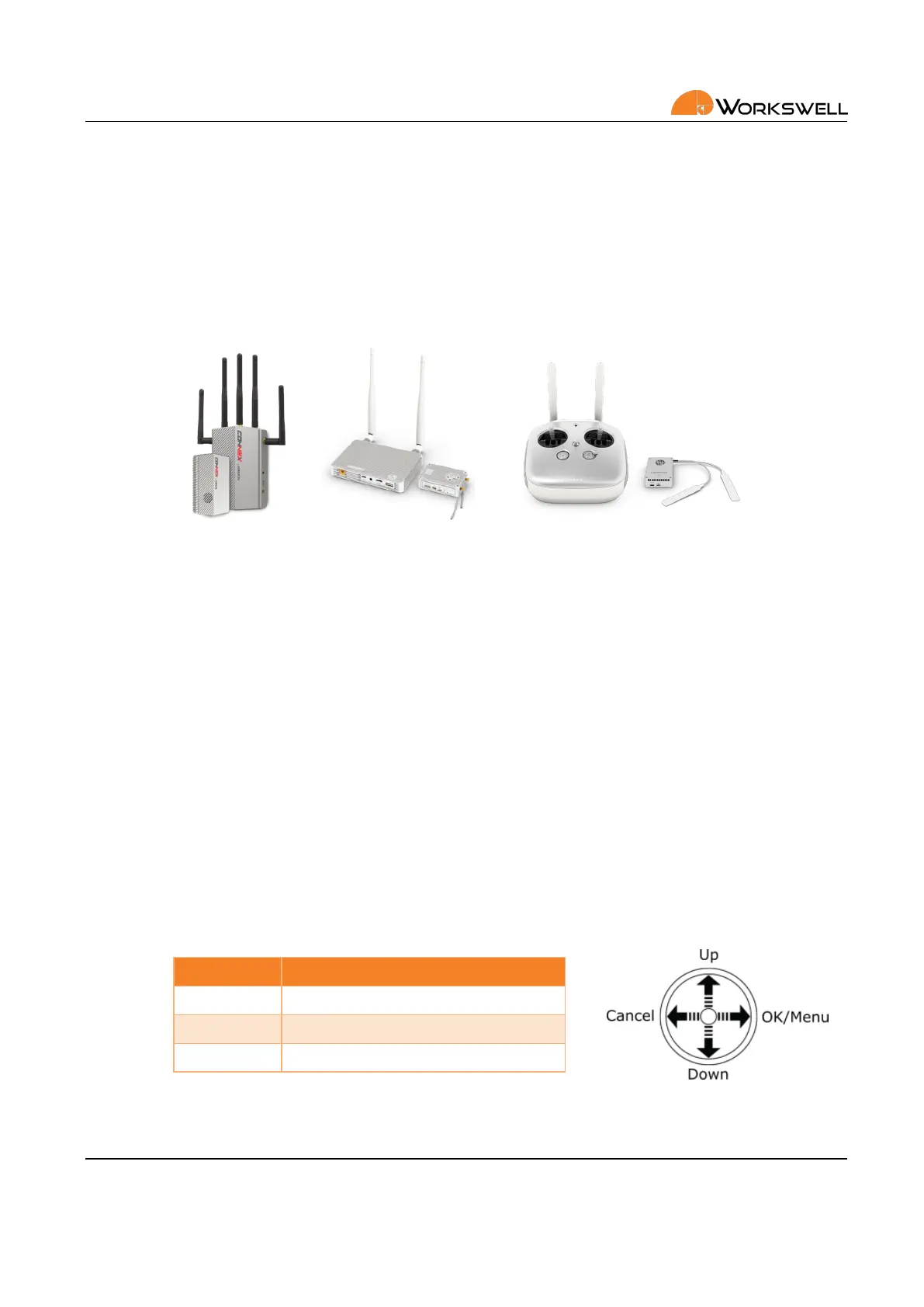
Figure 7.3: Connex wireless video link and DJI Lightbridge (not included)
The system can be connected to a wireless video link or a display using supplied lightweight HDMI cable.
7.3 RC Receiver
For interfacing with standard RC receivers, WIRIS Pro is equipped with a S.BUS input. The S.BUS input, commu‐
nicang control of mulple servo inputs, allows user to control the system remotely during the ight.
The rst two virtual channels on the S.BUS funcon as primary direconal controls within the menus and allow
for complete control over the device. The addional channels allow binding of funcon shortcuts which provide
quick, customizable access to various funcons; capture trigger, mode change and so forth.
It is recommended to use a joysck for navigaon in system menu. If connected as recommended, then the
behavior of the joysck is as shown on the following image.
Digital Input Funcon
1 Up/Down
2 OK/Cancel
3‐4 Oponal (shorcuts)
More informaon about digital inputs can be found in secon 8 Digital IO Ports.
E‐mail and Web
info@workswell.eu
www.workswell.eu
Mobile:
+420 725 877 063
ID:
Reg. No.: 29048575
VAT No.: CZ29048575
Headquarters
U Albrechtova vrchu 12
155 00, Prague 13
Czech Republic
Version: 201215 EN, 15
th
Dec, 2020
All pictures are only for illustraon.
Real values may vary.
12



 To Next Page