13. MAIN MENU (SETTINGS)
13.4 Capture
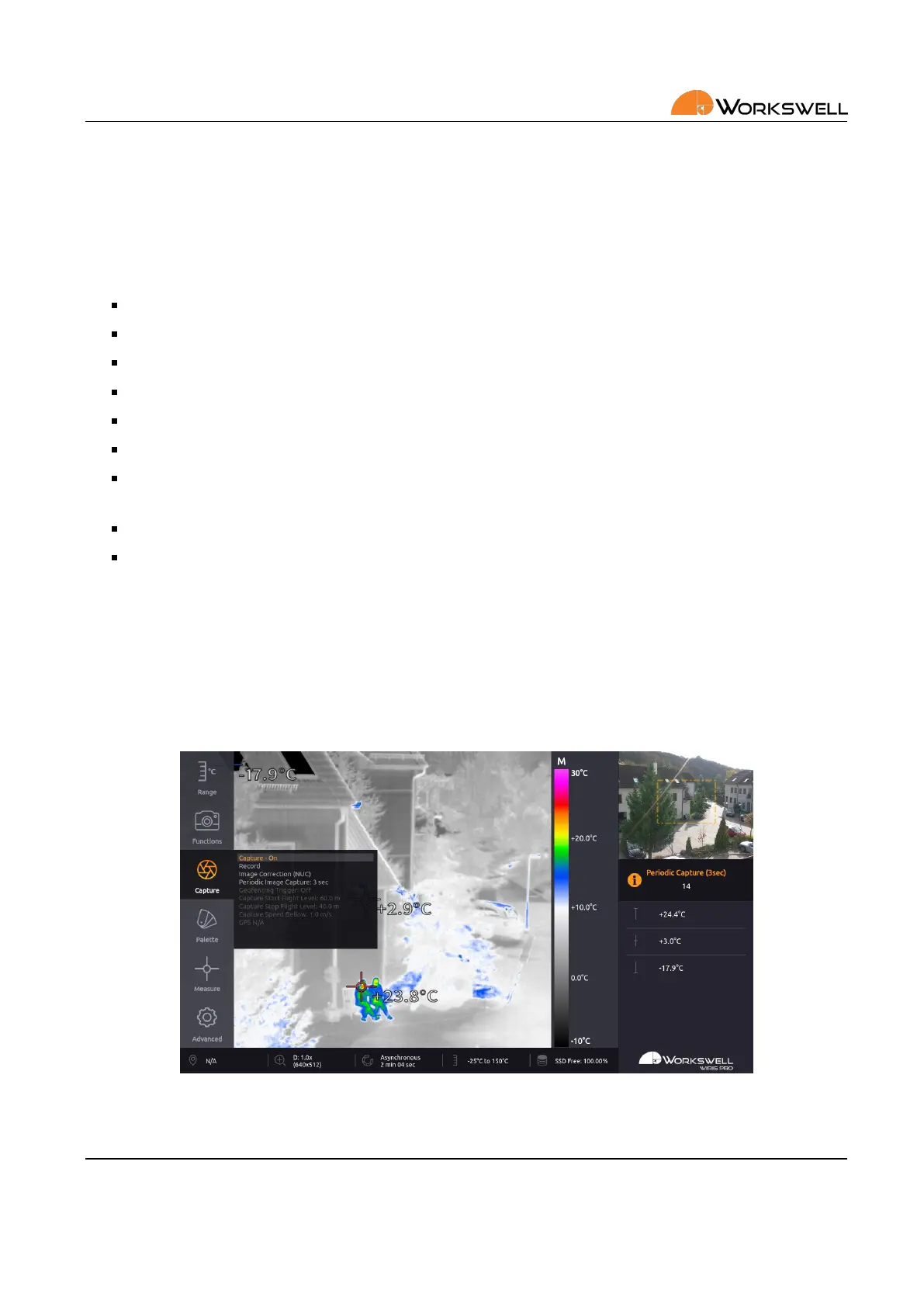
CAPTURE submenu allows user to manually capture images, record video, manually trigger the thermal shuer
calibraon (NUC) and to set periodic series capture.
CAPTURE menu consists of the following items:
CAPTURE ‐ Captures an image or a series, depending on the PERIODIC IMAGE CAPTURE seng
RECORD ‐ Starts and stops recording of radiometric video
IMAGE CORRECTION (NUC) ‐ manually triggers the shuer correcon of the thermal camera
PERIODIC IMAGE CAPTURE ‐ either sets the period for automac image capture or turns it o altogether.
GEOFENCING TRIGGER ‐ Set the Geofencig ON or OFF.
CAPTURE START FLIGHT LEVEL ‐ Set the altude above ground to start automac image capture.
CAPTURE STOP FLIGHT LEVEL ‐ Set the altude above ground to stop automac image capture. This means
that the UAV must be between START and STOP to capture.
CAPTURE SPEED BELOW ‐ Set maximum speed for capture.
GPS ‐ Current GPS speed and altude.
Geofencig
Geofencing is a special mode of automac image capture used for UAV autopilot sessions. The camera will
automacally trigger capturing images when condions are met.
User can dene in which altude the camera should capture images with START and STOP FLIGHT LEVEL. The
image will be captured each me the UAV slows down below the seng SPEED BELOW.
Figure 13.5: Capture opons.
E‐mail and Web
info@workswell.eu
www.workswell.eu
Mobile:
+420 725 877 063
ID:
Reg. No.: 29048575
VAT No.: CZ29048575
Headquarters
U Albrechtova vrchu 12
155 00, Prague 13
Czech Republic
Version: 201215 EN, 15
th
Dec, 2020
All pictures are only for illustraon.
Real values may vary.
40



 To Next Page