7. SYSTEM ASSEMBLY
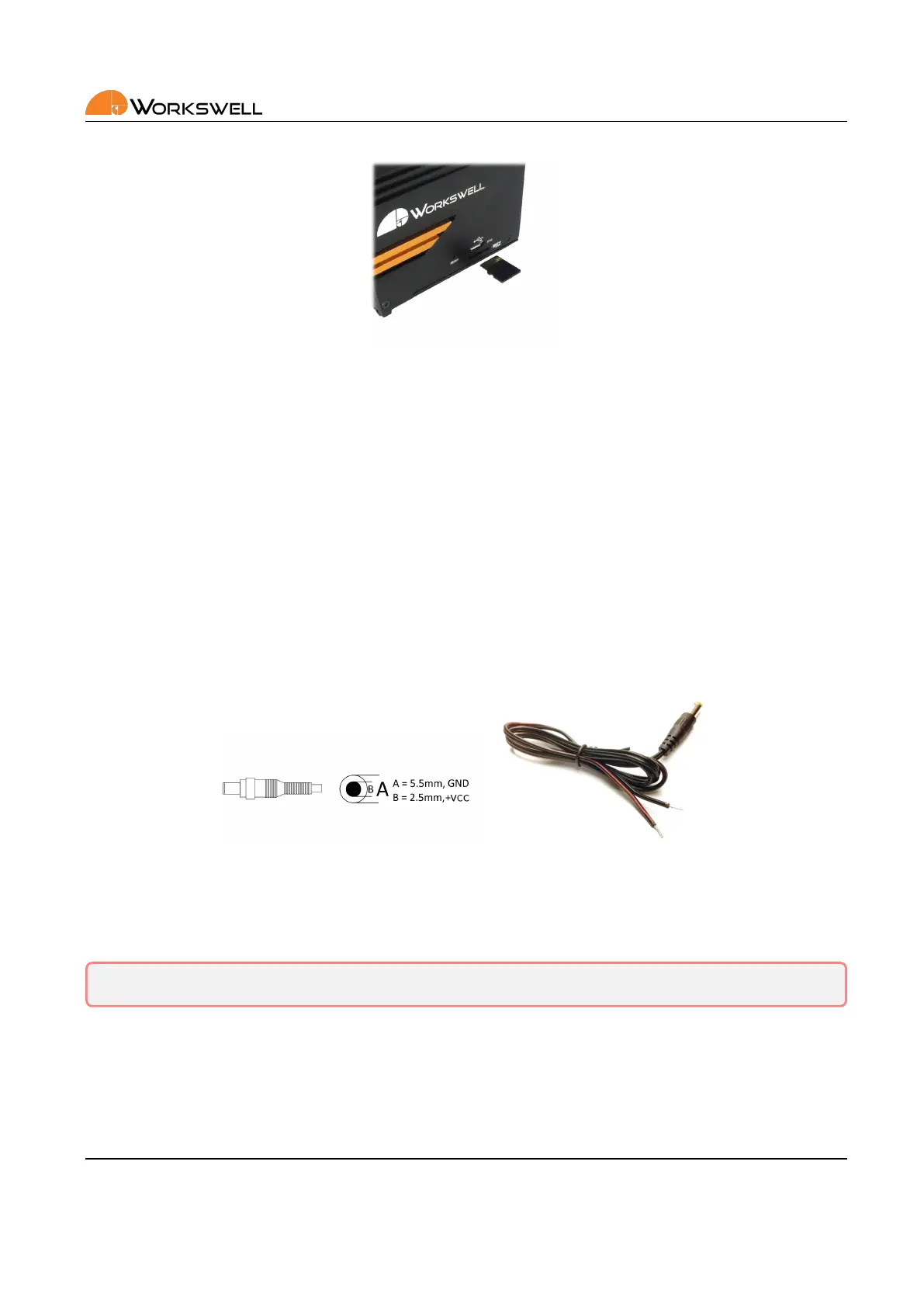
Figure 7.6: MicroSD memory card inseron.
The MicroSD card should be recognized by the device even if inserted with the system already running. The
MicroSD card should only be removed with the device either unpowered, or aer the SD card is manually un‐
mounted in the Memory menu.
7.7 Power Supply
The Workswell WIRIS Pro system can be powered through a +9 to +36 VDC connector on the back panel. The
back panel DC connector is compable with a 5.5 mm/OD (outer diameter) and 2.5 mm/ID (inner diameter) plug,
where the inner contact is +9 to +36 VDC and the shell is GND.
Figure 7.7: Inner power pinout, form of the common cable.
The standard package contains appropriate 5.5x2.5mm coaxial connector with a cable (length of 80 cm).
Warning: Failure to follow these instrucons could damage the system
7.8 Turning the System OFF
To turn the system o, simply unplug the power supply.
E‐mail and Web
info@workswell.eu
www.workswell.eu
Mobile:
+420 725 877 063
ID:
Reg. No.: 29048575
VAT No.: CZ29048575
Headquarters
U Albrechtova vrchu 12
155 00, Prague 13
Czech Republic
Version: 201215 EN, 15
th
Dec, 2020
All pictures are only for illustraon.
Real values may vary.
15



 To Next Page