13. MAIN MENU (SETTINGS)
SYSTEM ‐ Current Time, Current Date, Units, Language, Reboot System, Set Default Sengs
INFO ‐ Product name, Firmware version, Serial Number, Arcle Number, Workswell address, CPU and IR
Core Temperatures
Note: The Advanced menu cannot be accessed while Video or Image Series capture is underway. The
user will be noed of this and prompted to stop the capture or recording before accessing the Advanced
menu.
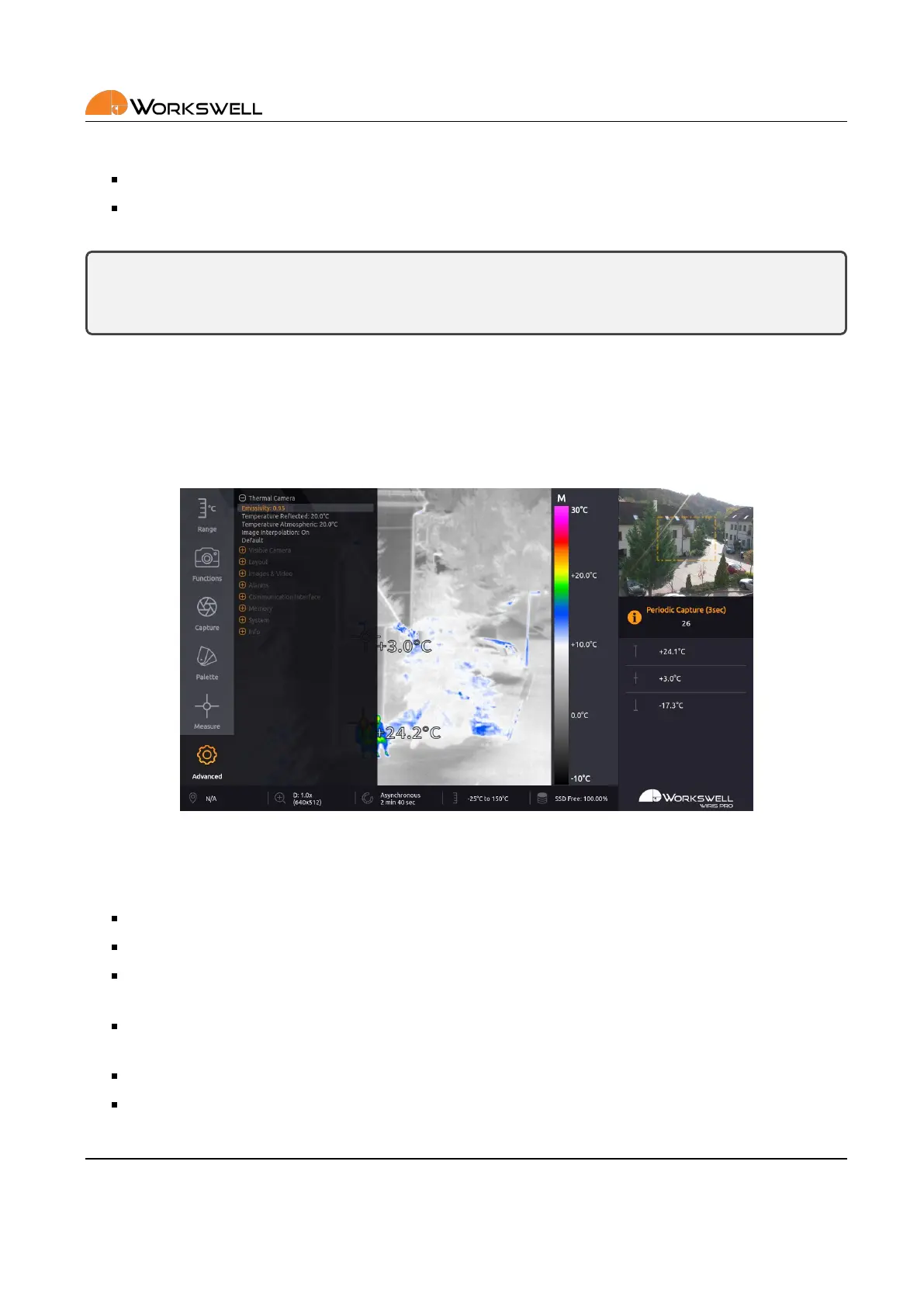
13.7.1 Thermal Camera
THERMAL CAMERA submenu contains sengs of measurement parameters; material emissivity, the reected
and ambient atmospheric temperatures, allows you to set the me period for automac shuer calibraon and
also allows you to revert these parameters to their default values.
Figure 13.9: Thermal Camera menu.
THERMAL CAMERA submenu consists of the following items:
EMISSIVITY ‐ Emissivity of the observed measured surface in the scene.
TEMPERATURE REFLECTED ‐ Temperature of radiaon reected by reecve surfaces in the scene.
TEMPERATURE ATMOSPHERIC ‐ Temperature of the ambient air between the device and the observed
scenery.
SYNCHRONOUS CORRECTION (NUC) ‐ Perform the NUC in xed me periods or asynchronously with chang‐
ing camera temperature
CORRECTION (NUC) PERIOD ‐ Time period aer which the shuer based calibraon automacally triggers.
LENS ‐ A switch for seng the currently installed thermal camera lens. Correct selecon is necessary for
appropriate calibraon to be loaded.
E‐mail and Web
info@workswell.eu
www.workswell.eu
Mobile:
+420 725 877 063
ID:
Reg. No.: 29048575
VAT No.: CZ29048575
Headquarters
U Albrechtova vrchu 12
155 00, Prague 13
Czech Republic
Version: 201215 EN, 15
th
Dec, 2020
All pictures are only for illustraon.
Real values may vary.
45



 To Next Page