12. SYSTEM APPEARANCE
12.1 Layouts
WIRIS Pro implements several dierent Layouts ‐ dierent arrangement of elements on screen. Each layout is
best suited for a parcular situaon or a use case. Selecon of the layout is up to preference of the user. The
underlying funconality of the camera remains mostly the same in all layouts.
12.1.1 Inspecon
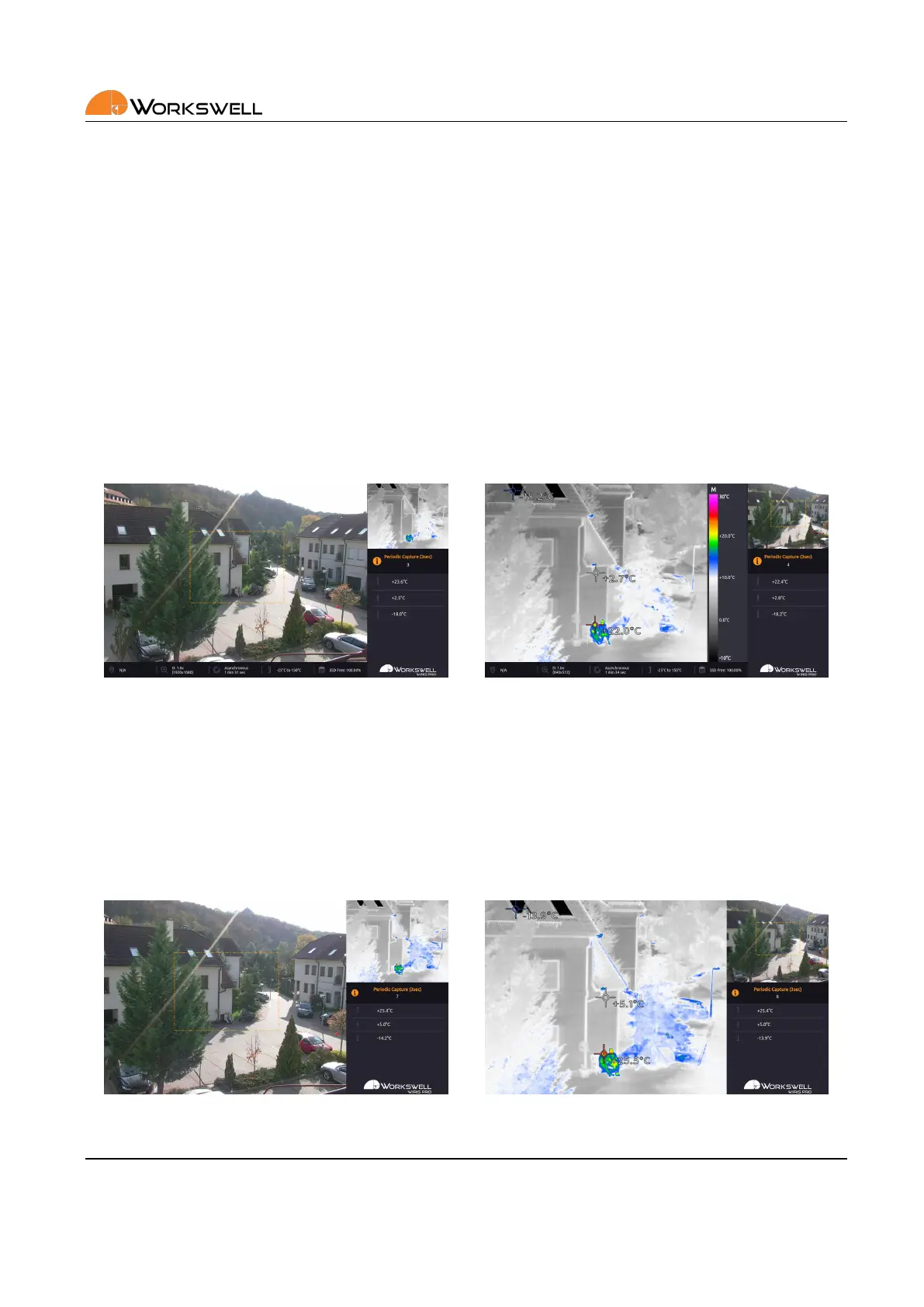
The INSPECTION layout is the Wiris Pro’s default. It is designed for inspecon and measurement uses in mind.
The surface area of screens from cameras is the smallest and the saved space is used for presentaon of system
status and measured data.
Figure 12.6: Inspecon layout.
12.1.2 Security
The SECURITY layout aims to make camera screens as large as possible, simultaneously. It’s primarily intended
for purposes like security, where the image itself is more important than data.
Figure 12.7: Security layout.
E‐mail and Web
info@workswell.eu
www.workswell.eu
Mobile:
+420 725 877 063
ID:
Reg. No.: 29048575
VAT No.: CZ29048575
Headquarters
U Albrechtova vrchu 12
155 00, Prague 13
Czech Republic
Version: 201215 EN, 15
th
Dec, 2020
All pictures are only for illustraon.
Real values may vary.
33



 To Next Page