12. SYSTEM APPEARANCE
12.1.3 Fullscreen
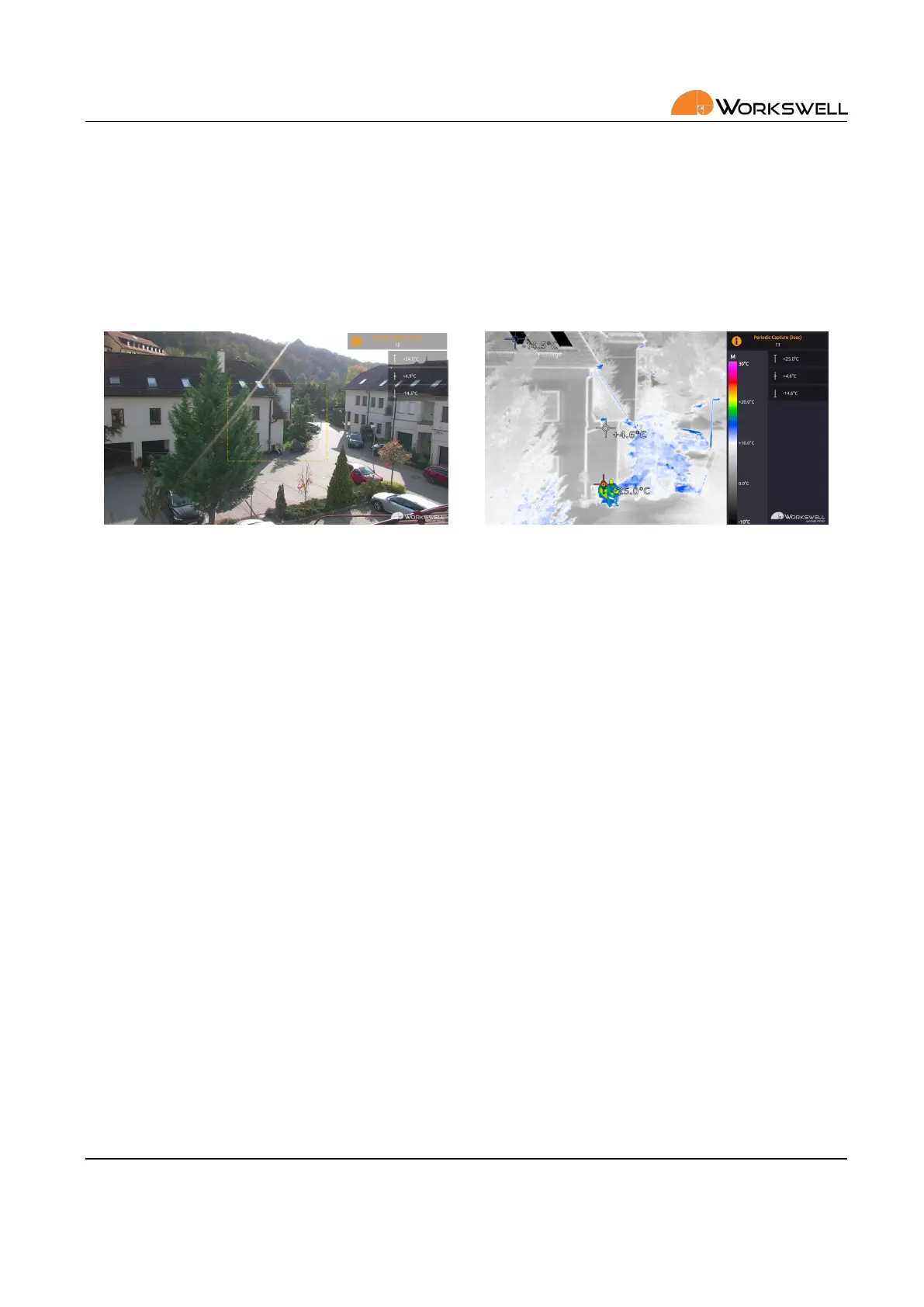
The FULLSCREEN layout shows only one of the camera streams at a me (user can however choose which one
is displayed) over the enre screen. The informaon panels are showed as transparent overlays in case of a
full width rao camera (visible camera) or within the screen’s margin in case of a more narrow aspect camera
(thermal camera). The fullscreen layout oers the best visual performance possible from either of the cameras
which is ideal for situaons where one of the images isn’t important.
Figure 12.8: Fullscreen layout.
E‐mail and Web
info@workswell.eu
www.workswell.eu
Mobile:
+420 725 877 063
ID:
Reg. No.: 29048575
VAT No.: CZ29048575
Headquarters
U Albrechtova vrchu 12
155 00, Prague 13
Czech Republic
Version: 201215 EN, 15
th
Dec, 2020
All pictures are only for illustraon.
Real values may vary.
34



 To Next Page