7. SYSTEM ASSEMBLY
7.4 USB Keyboard
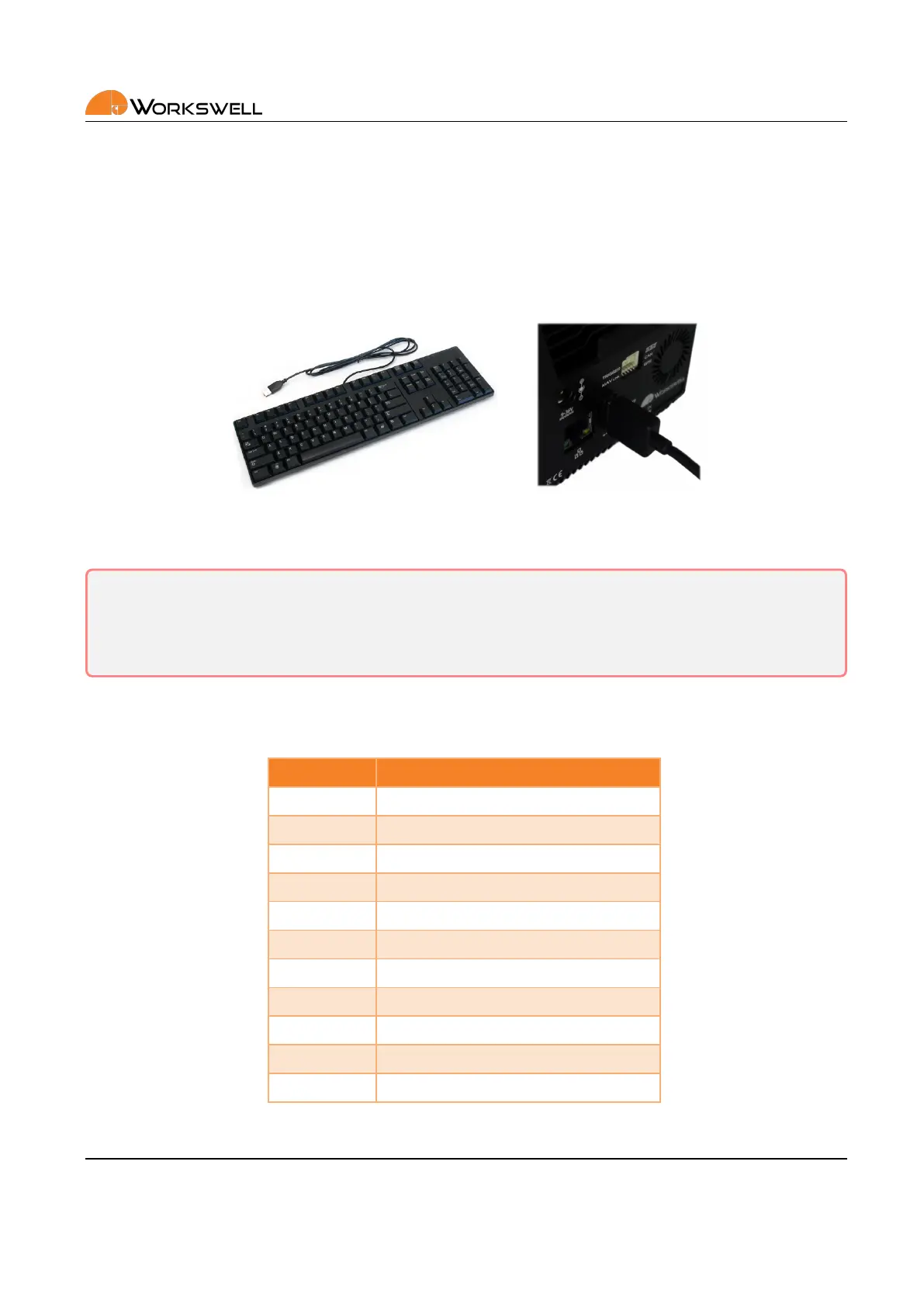
Besides the digital inputs, the Workswell WIRIS Pro system can be controlled also via standard USB keyboard.
Once the keyboard is connected, it can be used for navigaon in system menu, for image capturing, video record‐
ing, mode switching, zoom or seng numerical values.
Figure 7.4: Connecng a generic USB keyboard.
Warning: Do NOT connect WIRIS Pro to any other powered device (such as PC) through the full size USB
port on the rear of WIRIS Pro. As the rear USB port is powered, connecon to another powered USB port
can lead to permanent damage to either device. Only unpowered devices (USB Keyboards and USB Flash
Storage drives) are to be connected into the rear USB A port of WIRIS Pro.
The following table shows the behavior of connected keyboard.
Key Funcon
Up Up
Down Down
Right OK/Menu
Le Cancel
Enter OK/Menu
Escape Cancel
F5 Camera switch
F6 Image capture
F7 Video record
+ Zoom in
‐ Zoom out
E‐mail and Web
info@workswell.eu
www.workswell.eu
Mobile:
+420 725 877 063
ID:
Reg. No.: 29048575
VAT No.: CZ29048575
Headquarters
U Albrechtova vrchu 12
155 00, Prague 13
Czech Republic
Version: 201215 EN, 15
th
Dec, 2020
All pictures are only for illustraon.
Real values may vary.
13



 To Next Page