15. DATA TRANSFER AND MEMORY MANIPULATION
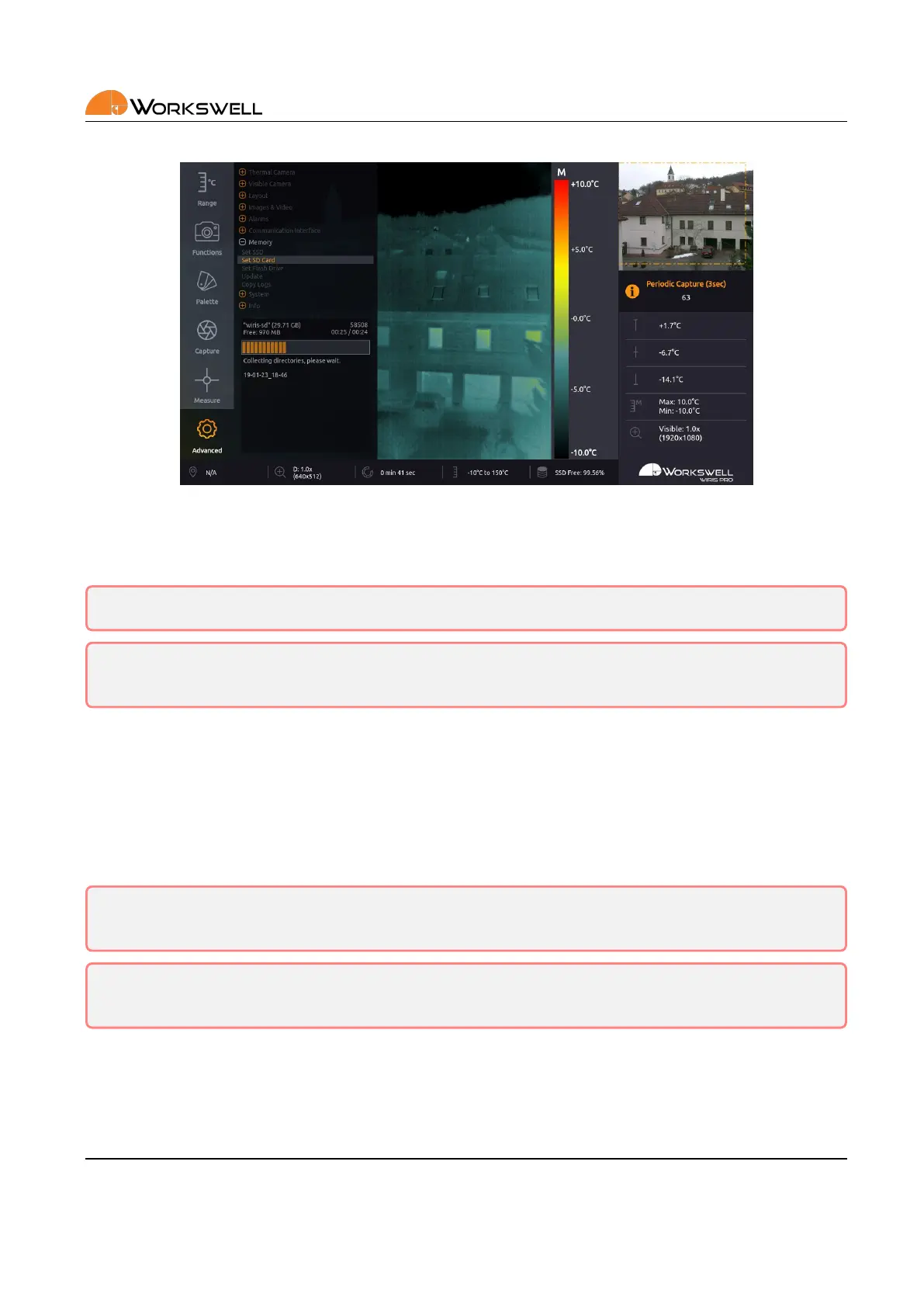
Figure 15.3: Longer acons display a progress bar.
The copy/move process starts when the user chooses COPY/MOVE SELECTED.
Warning: Do not unplug power supply or USB ash drive during copy/move process. Data loss may occur.
Warning: Either always manually unmount external storage media before physically removing it from the
device, or only remove it while the device is powered o altogether. Data loss may occur, otherwise.
15.1.1 Formang Memory
We highly recommend using the supplied USB ash drive and SD Card that is already formaed. It might be
necessary to format any new Flash Drive or SD Card.
This can be done directly from the ADVANCED > MEMORY > SET FLASH DRIVE menu. The formaed le system
is FAT32 with one paron.
Warning: Do not use other le system formats than default FAT32. Do not make more than one paron
in the memory.
Warning: Never format SSD of the camera as a device connected to the PC via USB OTG cable! Format
the SSD of the camera only through the rmware GUI.
E‐mail and Web
info@workswell.eu
www.workswell.eu
Mobile:
+420 725 877 063
ID:
Reg. No.: 29048575
VAT No.: CZ29048575
Headquarters
U Albrechtova vrchu 12
155 00, Prague 13
Czech Republic
Version: 201215 EN, 15
th
Dec, 2020
All pictures are only for illustraon.
Real values may vary.
61



 To Next Page