13. MAIN MENU (SETTINGS)
13.7.4 Images & Video
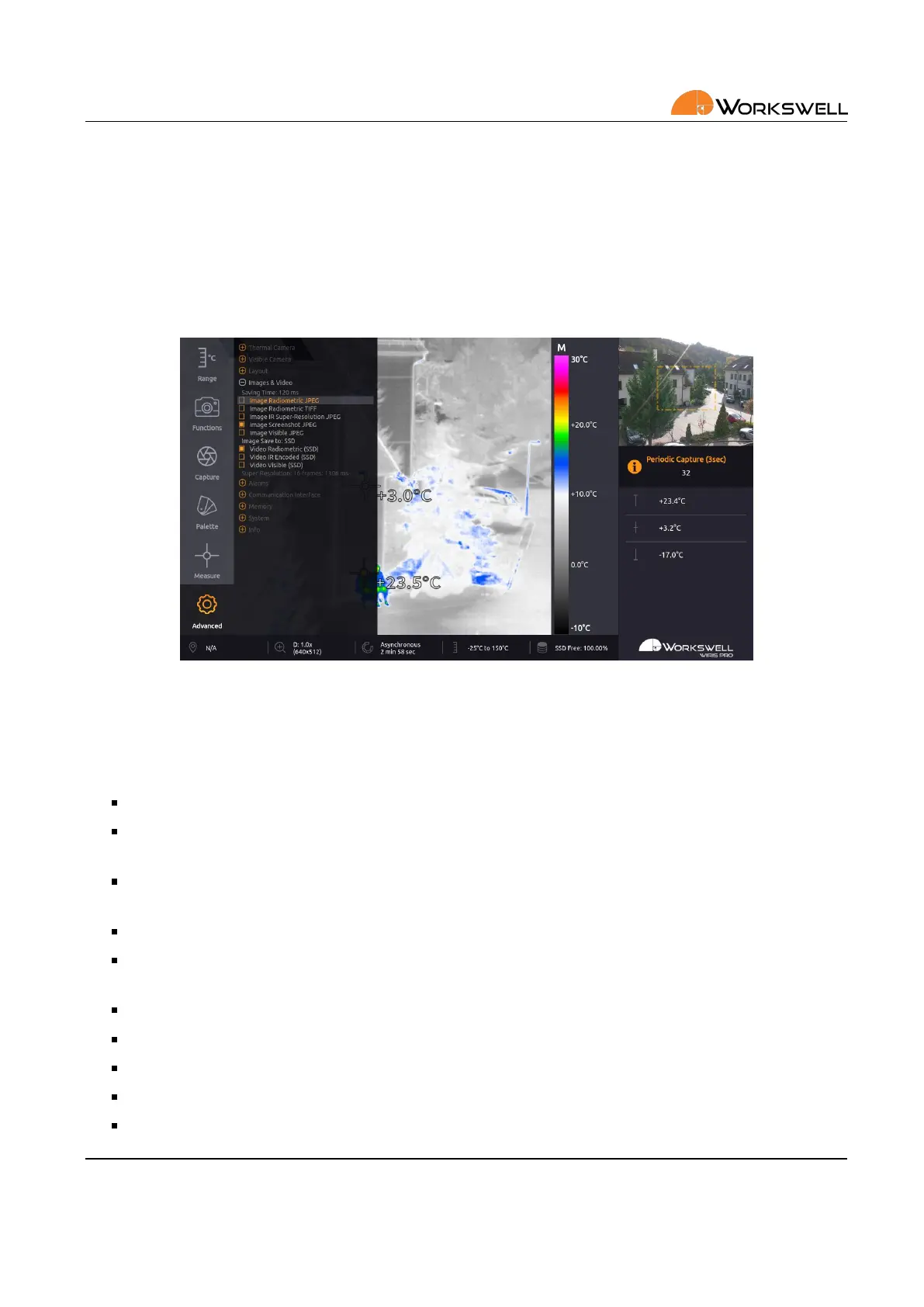
IMAGES & VIDEO submenu allows the user to choose which sll capture image le types should be saved, and
which medium should be used for their storage. It also allows toggling if radiometric and visible video streams
should be recorded.
Figure 13.12: Images & Video submenu.
IMAGES & VIDEO submenu consists of the following items:
SAVING TIME ‐ Displays a rough esmaon of the me required to save all the selected capture formats.
IMAGE RADIOMETRIC JPEG ‐ Toggles saving of radiometric (exact thermal data including) images in the
JPEG le format
IMAGE RADIOMETRIC TIFF ‐ Toggles saving of radiometric (exact thermal data including) images in the TIFF
le format
IMAGE SCREENSHOT JPEG ‐ Toggles saving of simple screen capture images in the JPEG le format
IMAGE IR SUPER‐RESOLUTION JPEG ‐ Toggles saving of special radiometric image containing addional
data for super‐resoluon reconstrucon
IMAGE VISIBLE JPEG ‐ Toggles saving of visible camera image in JPEG le format
IMAGE SAVE TO ‐ Cycles the storage media (SSD, SD Card, Flash Drive) sll image captures will be stored to
VIDEO THERMAL RADIOMETRIC ‐ Toggles saving of thermal radiometric video sequence capture
VIDEO THERMAL NONRADIOMETRIC ‐ Toggles saving of thermal video in common compressed format
VIDEO VISIBLE ‐ Toggles saving of visible video sequence capture
E‐mail and Web
info@workswell.eu
www.workswell.eu
Mobile:
+420 725 877 063
ID:
Reg. No.: 29048575
VAT No.: CZ29048575
Headquarters
U Albrechtova vrchu 12
155 00, Prague 13
Czech Republic
Version: 201215 EN, 15
th
Dec, 2020
All pictures are only for illustraon.
Real values may vary.
50



 To Next Page