9. GPS AND MAVLINK
MAVLINK_MSG_ID_COMMAND_LONG
WIRIS Pro supports the following MAVLink commands:
MAV_CMD_REQUEST_CAMERA_INFORMATION
MAV_CMD_REQUEST_CAMERA_CAPTURE_STATUS
MAV_CMD_IMAGE_START_CAPTURE
MAV_CMD_IMAGE_STOP_CAPTURE
MAV_CMD_VIDEO_START_CAPTURE
MAV_CMD_VIDEO_STOP_CAPTURE
To connect an autopilot to WIRIS Pro, please do the following:
1. Set your autopilot to send messages and commands with UART at 57600 bps
2. Crimp the autopilot cables and insert them into the empty Molex connector
3. Connect the autopilot to WIRIS Pro
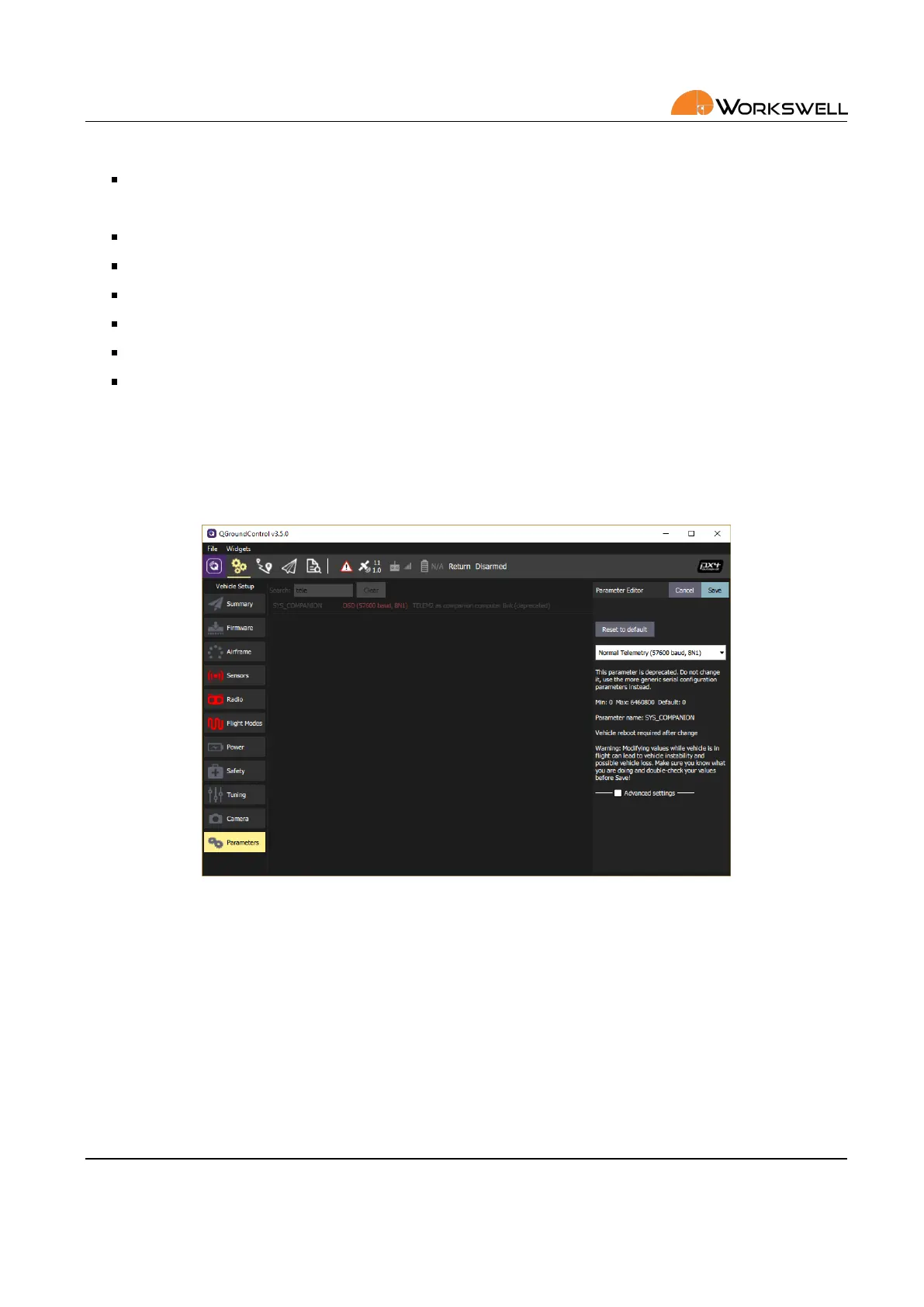
Figure 9.3: QGroundControl sengs for Pixhawk autopilot.
For example, using the Pixhawk 4 autopilot, set the TELEM2 interface as Companion Link or Normal Telemetry.
E‐mail and Web
info@workswell.eu
www.workswell.eu
Mobile:
+420 725 877 063
ID:
Reg. No.: 29048575
VAT No.: CZ29048575
Headquarters
U Albrechtova vrchu 12
155 00, Prague 13
Czech Republic
Version: 201215 EN, 15
th
Dec, 2020
All pictures are only for illustraon.
Real values may vary.
26



 To Next Page