Printing on Specialty Media
Phaser® 6180MFP Multifunction Printer
5-33
5. In the printer driver, select either Labels as the paper type or Tray 1 (MPT) as the paper
tray.
6. If the printer is set to Panel Specified, the control panel asks for media type and size.
Printing Labels from Trays 2 and 3
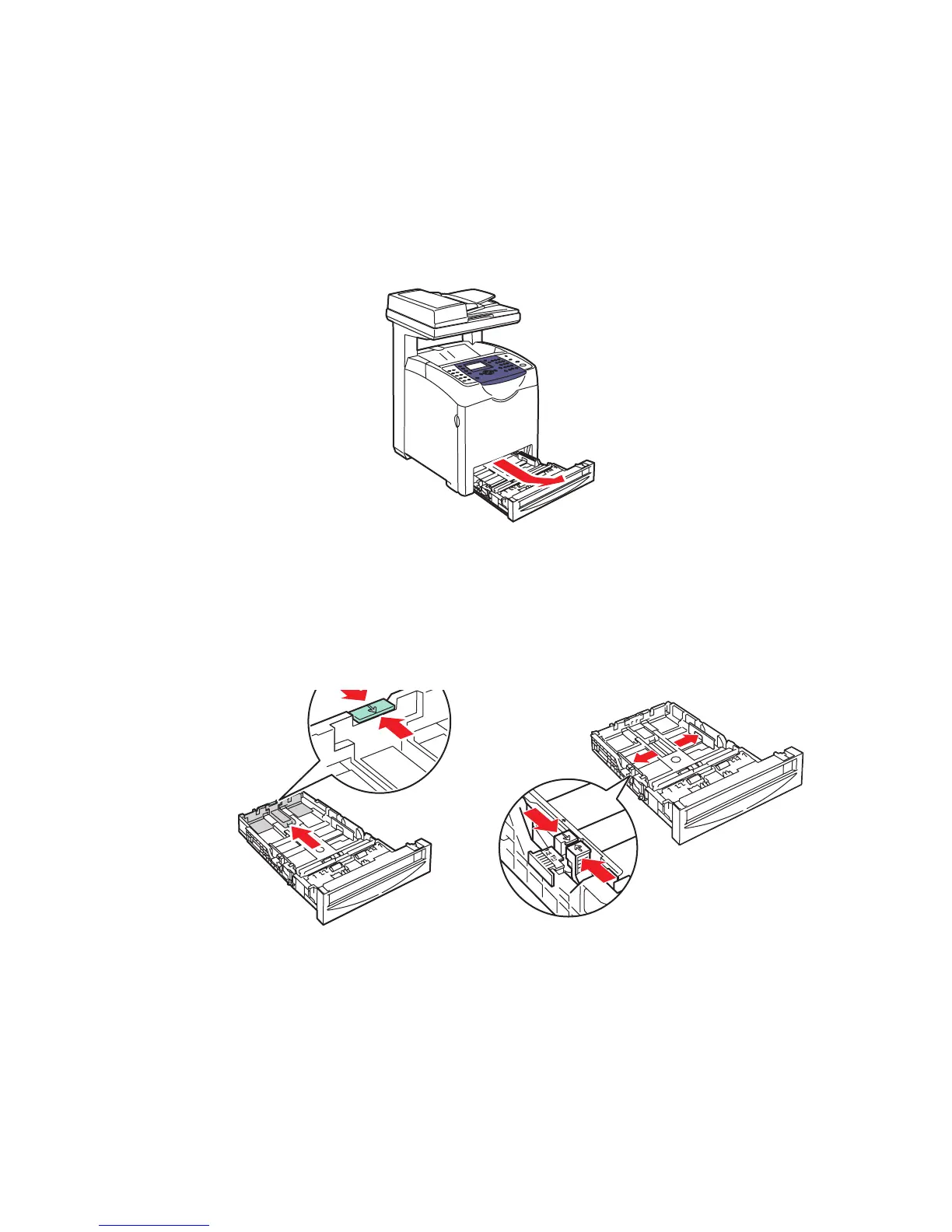
1. Pull the tray out of the printer.
2. If necessary, open the paper guides:
■ Squeeze the tab on the length guide, and then slide it back. The guide clicks into place.
■ Slide the side guides outward.
6180mfp-008
6180mfp-010
6180mfp-009














 To Next Page