ADPRO Presidium by Xtralis Installation and User Manual
Doc. 12384_05 51
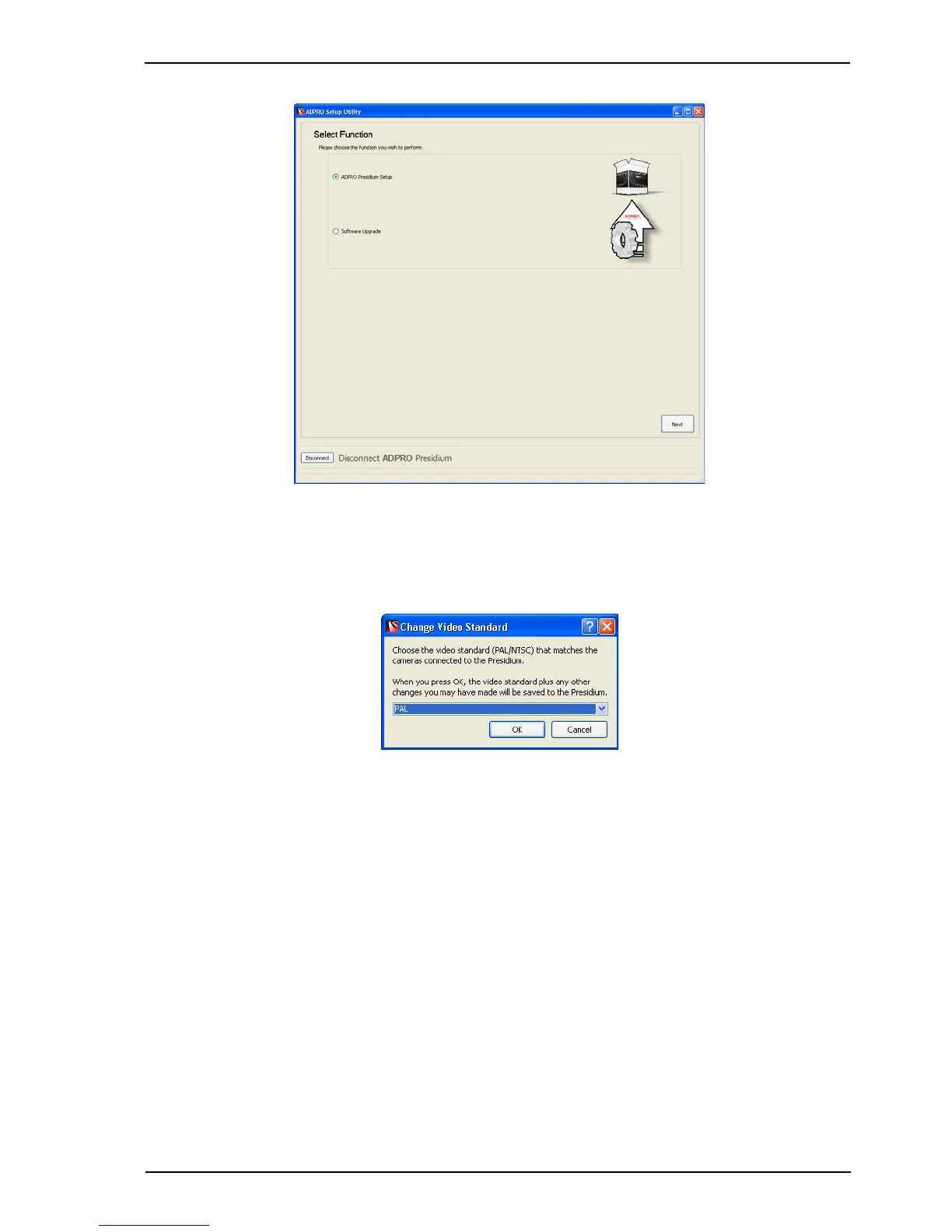
Figure 42: Select Function
2. Select the ADPRO Presidium Setup radio button and select Next.
If this is the first time this Presidium has been connected to, the following screen is displayed.
Figure 43: Change Video Standard
This screen enables PAL or NTSC to be selected as the video standard.
3. Select the video standard of the cameras connected to the Presidium and select OK. The
following screen is displayed.



 To Next Page