ADPRO Presidium by Xtralis Installation and User Manual
Doc. 12384_05 71
4.5.2 Loading a Configuration from File
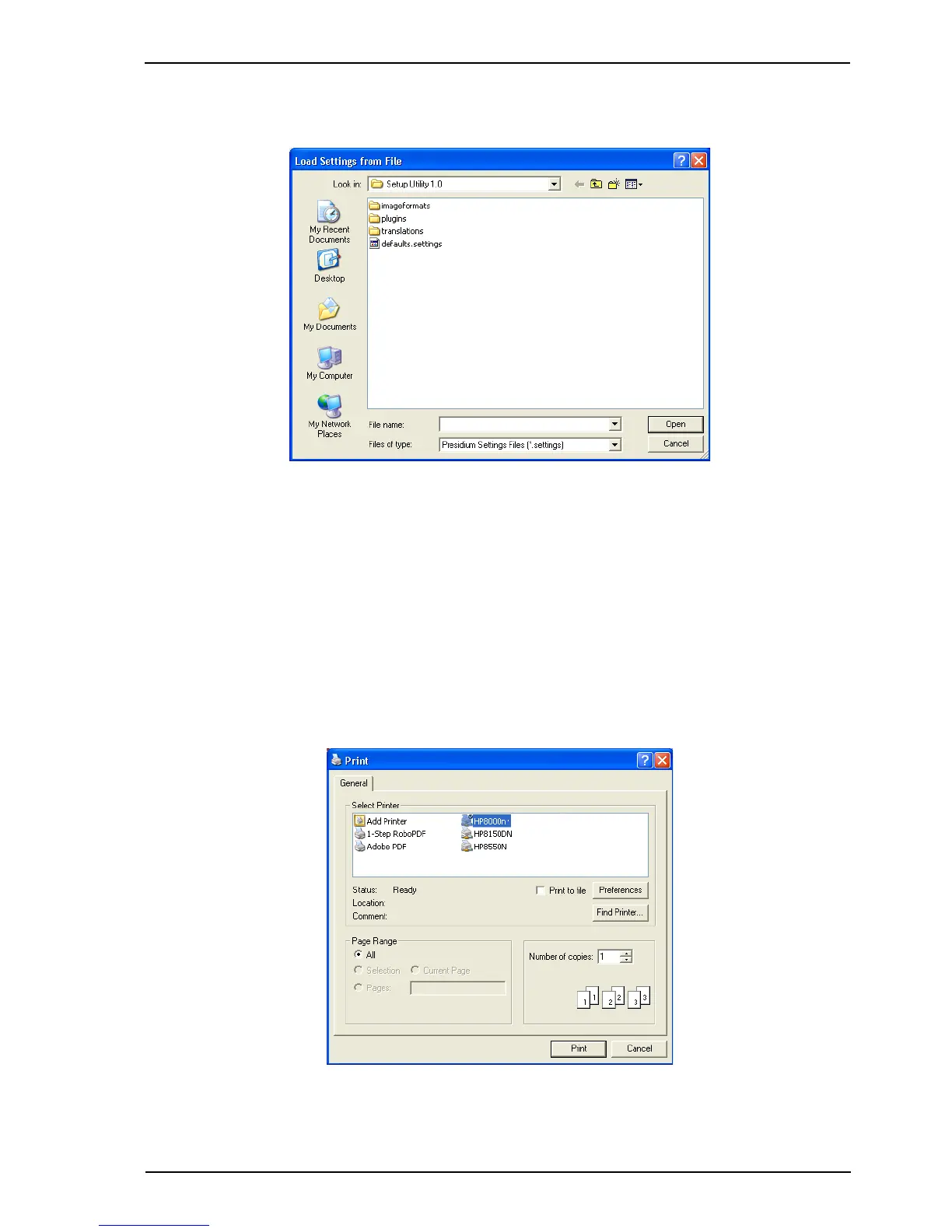
Selecting the Load from File button displays the Load Settings from File window.
Figure 63: Load Settings from File
1. Navigate to the required .settings file and select Open.
2. Select the Save to Presidium... button.
The saved configuration is uploaded to the connected Presidium.
Note: It is not possible to load settings from a Setting File created by an older version of
the Presidium firmware. If Presidium is upgraded then a new settings file should be
saved after the upgrade is completed.
4.5.3 Printing the Site Configuration
Selecting the Print Settings button displays the following screen.
Figure 64: Print Settings
Printing the site configuration produces a print out of all channel settings, as displayed in the
Status tab (refer to Status Tab on page 69).



 To Next Page