ADPRO Presidium by Xtralis Installation and User Manual
Doc. 12384_05 81
5.2.1 Presidium Input Settings
1. Highlight the required channel and select the Configure button to setup the Presidium
Inputs.
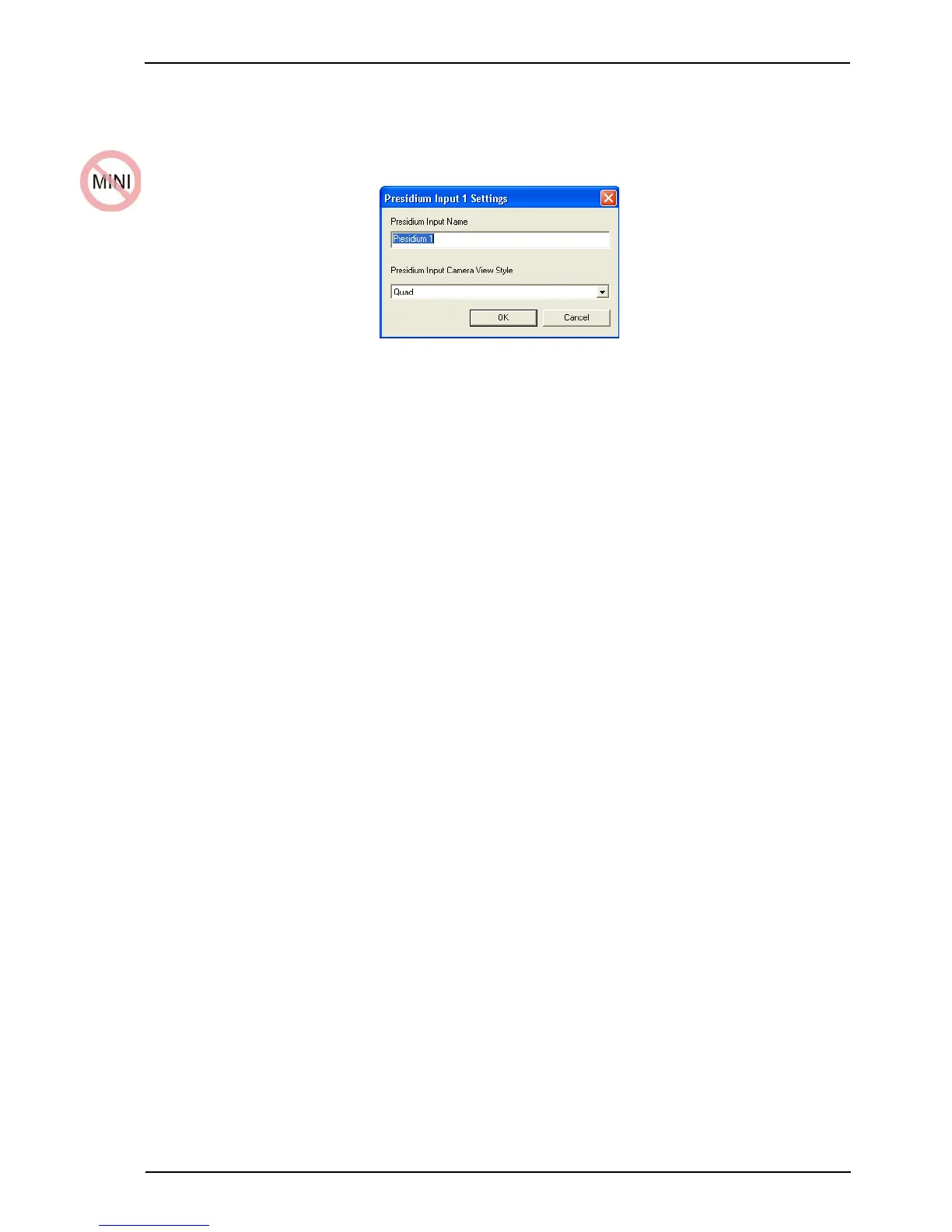
Figure 74: Presidium Input Settings
Presidium Input Name
Option: 16 characters maximum.
Enter the name to be associated with this Presidium Input.
Presidium Input Camera View Style
Options: Live, Quad
Factory Default: Quad
When an alarm is triggered by Presidium, the style of display configuration shown on
VideoCentral can be preset.
The Live option is primarily designed for use with access (entry/exit) points. A live video feed is
displayed at VideoCentral.
The Quad option captures three alarm images in a user-defined period (defined under Camera
Settings/General tab) and displays the images at VideoCentral, along with a fourth pane which
sequences through the three images to highlight movement.
Camera Behaviour Setup
While the FastTrace setup allows any Presidium input to be associated with any camera, they
must be mapped “one to one”, ie. Presidium Input 1 to Camera 1.
See Figure 75 as an example.



 To Next Page