Installation and User Manual ADPRO Presidium by Xtralis
60 Doc. 12384_05
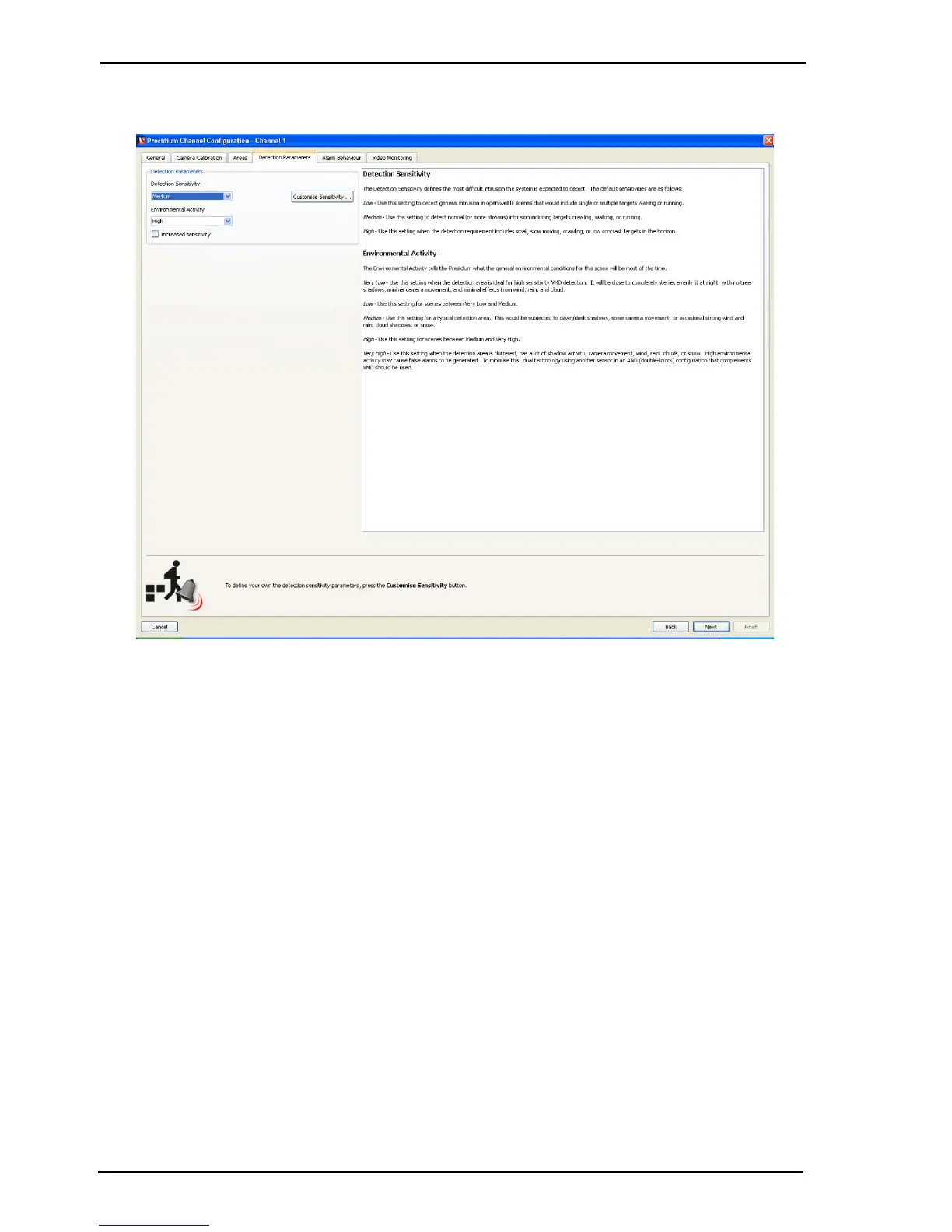
Once all required areas have been defined, select the Next button. The following screen is
displayed.
Figure 51: Detection Parameters
Detection Parameters
The Detection Parameters enables the detection sensitivity of the Presidium channels to be
adjusted.
Detection Sensitivity
This setting adjusts the sensitivity of the channel to movement within the detection area. This
setting defines the level of intrusion being guarded against.
There are three default levels of sensitivity: low, medium and high. If detection problems are
experienced with the default levels, it is possible to customise a new sensitivity level, however,
the default levels should normally be used.
Please refer to the on-screen descriptions for guidance on the setting to use, based on the
camera view.
Environmental Activity
This setting defines how busy the background scene of the detection area is generally likely to
be. Ideally, there should be very little activity (caused by car headlights, trees etc.) in the
background, to avoid false alarms. Please refer to the on-screen descriptions for guidance on the
setting to use, based on the camera view.



 To Next Page