ADPRO Presidium by Xtralis Installation and User Manual
Doc. 12384_05 61
If a cluttered background scene is unavoidable, it is recommended that motion detection be
combined with another method of alarm generation (e.g. PIR, microwave detector or fence
sensor). Both motion detection AND the alarm input must be triggered before an alarm is
generated. This is configured on the next screen (Alarm Behaviour).
Defining trigger areas can also be used to minimise nuisance alarms in these circumstances.
Please refer to the on-screen descriptions for guidance on the setting to use, based on the
camera view.
Increased Sensitivity
To increase the sensitivity of detection under constant lighting conditions, tick the Increased
Sensitivity” check box. Constant lighting usually refers to indoor locations where there is little
change in the lighting level and contrast of a camera view.
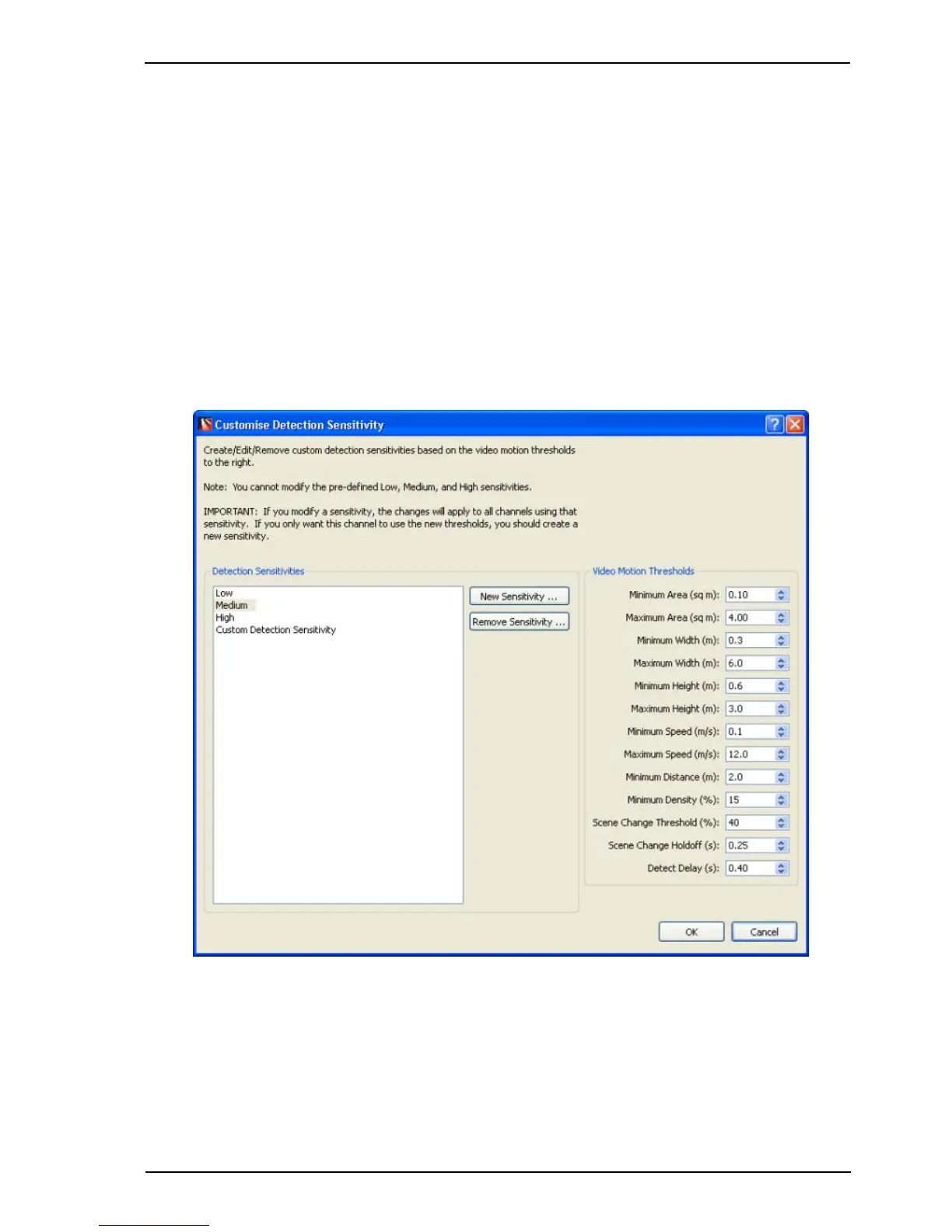
Customise Sensitivity
Figure 52: Customise Detection Sensitivity
This window may be used to create a customised sensitivity level or to edit an existing custom
level.
Note: The standard Low, Medium and High sensitivity levels may not be modified or
deleted.



 To Next Page