ADPRO Presidium by Xtralis Installation and User Manual
Doc. 12384_05 65
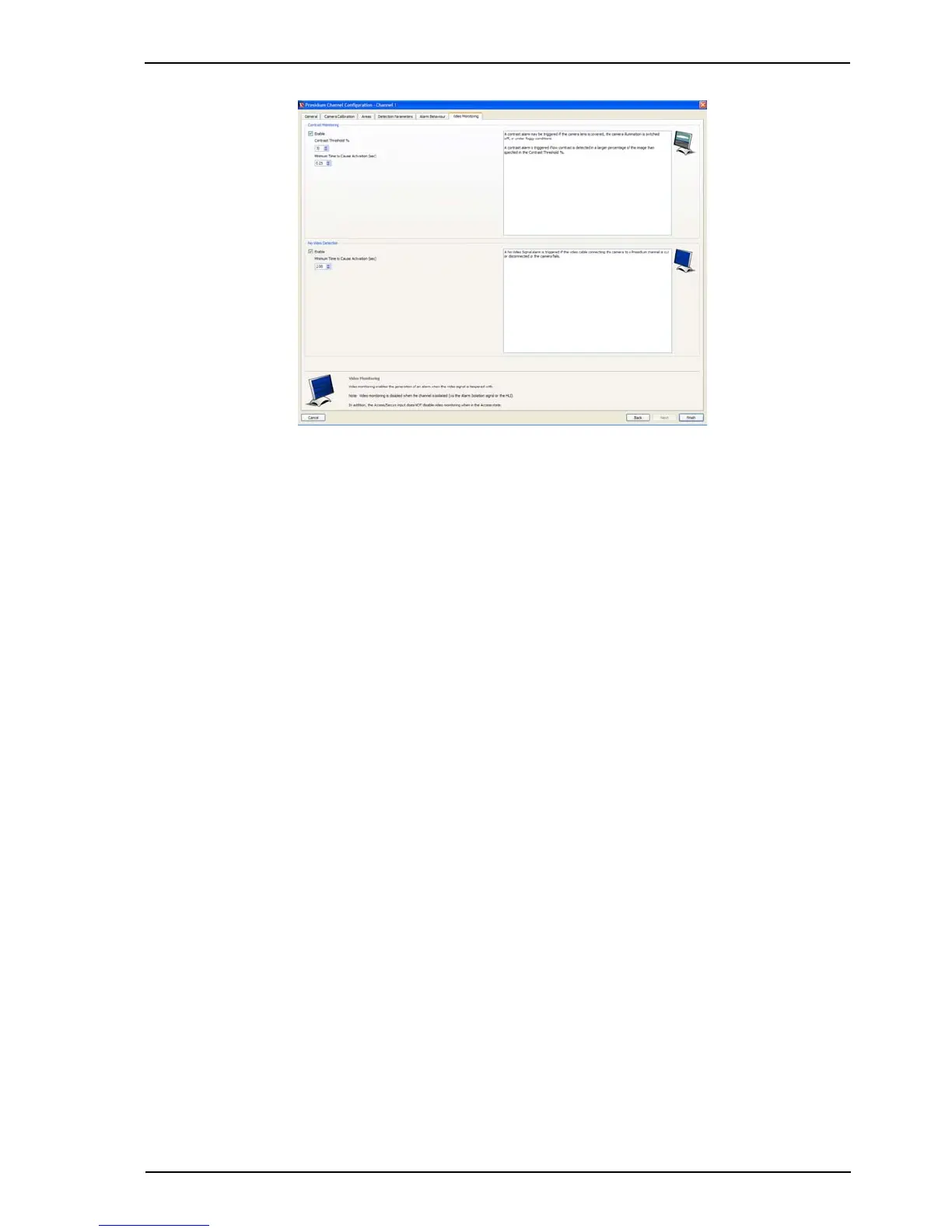
Figure 54: Video Monitoring
Video Monitoring
Video Monitoring enables the generation of an alarm when the video signal is tampered with or a
camera develops a fault.
Contrast Monitoring
The Contrast Monitoring feature is provided as a check that the contrast of the camera image is
acceptable. The settings allow detection of unusually low contrast levels.
A contrast level indicator may be displayed on the video output, refer to Display All Tracks on
Video Output on page 54 for instructions.
A contrast alarm is triggered if low contrast is detected in a larger percentage of the image than
specified in the Contrast Threshold %.
Note: The contrast must be below the threshold for the entire duration defined in the
Minimum Time to Cause Activation setting for a contrast alarm to be generated.
A low contrast alarm will be generated for both the following situations:
• the camera is ‘bagged’ by placing an opaque material over the lens, causing the image to
go dark
• the camera has a very bright light shone into the lens, causing the image to flare and
‘whiteout’
Note: A contrast alarm will not be generated if the channel is isolated.
No-Video Detection
When checked, Presidium will generate an alarm in the event of lost video on this camera
channel, for the defined time, due to camera disconnection or output failure.
Note: A no-video alarm will not be generated if the channel is isolated.
1. Once all Video Monitoring settings are complete, select Finish. The Presidium Setup
screen is displayed (refer to Figure 44).
2. Repeat the channel configuration for all channels.
Once all channels are configured, the following optional settings may be adjusted.



 To Next Page