Installation and User Manual ADPRO Presidium by Xtralis
56 Doc. 12384_05
Camera Calibration
Camera calibration calibrates the dimensions and depth of field of the camera’s field of view.
Camera calibration is important to ensure that Presidium can accurately determine target sizes.
The detection areas and detection parameters are defined in the following sections.
To calibrate the camera:
1. Position a person or object in the foreground of the detection area and press Update
Image.
2. Drag line A over the object, adjusting the horizontal bars to extend from the top to the base
of the object. Ensure that the object is larger than the minimum height to which the line may
be adjusted.
3. Enter the height of object A in the Height of object A box.
Note: An indicator of the position of object A should be retained, to enable the distance
between object A and B to be measured.
4. Position a person or object in the background of the detection area and press Update
Image.
5. Drag line B over the object, adjusting the horizontal bars to extend from the top to the base
of the object. Ensure that the object is larger than the minimum height to which the line may
be adjusted.
6. Enter the height of object B in the Height of object B box.
7. Enter the distance between the base of the two objects in the Distance between base of
each object (C) box.
Note: The greater the distance from foreground to background of the two objects, the
more accurate the camera calibration will be. This is because small inaccuracies in
measurement are less significant over larger distances.
Note: The Darken Image checkbox increases the visibility of the calibration lines.
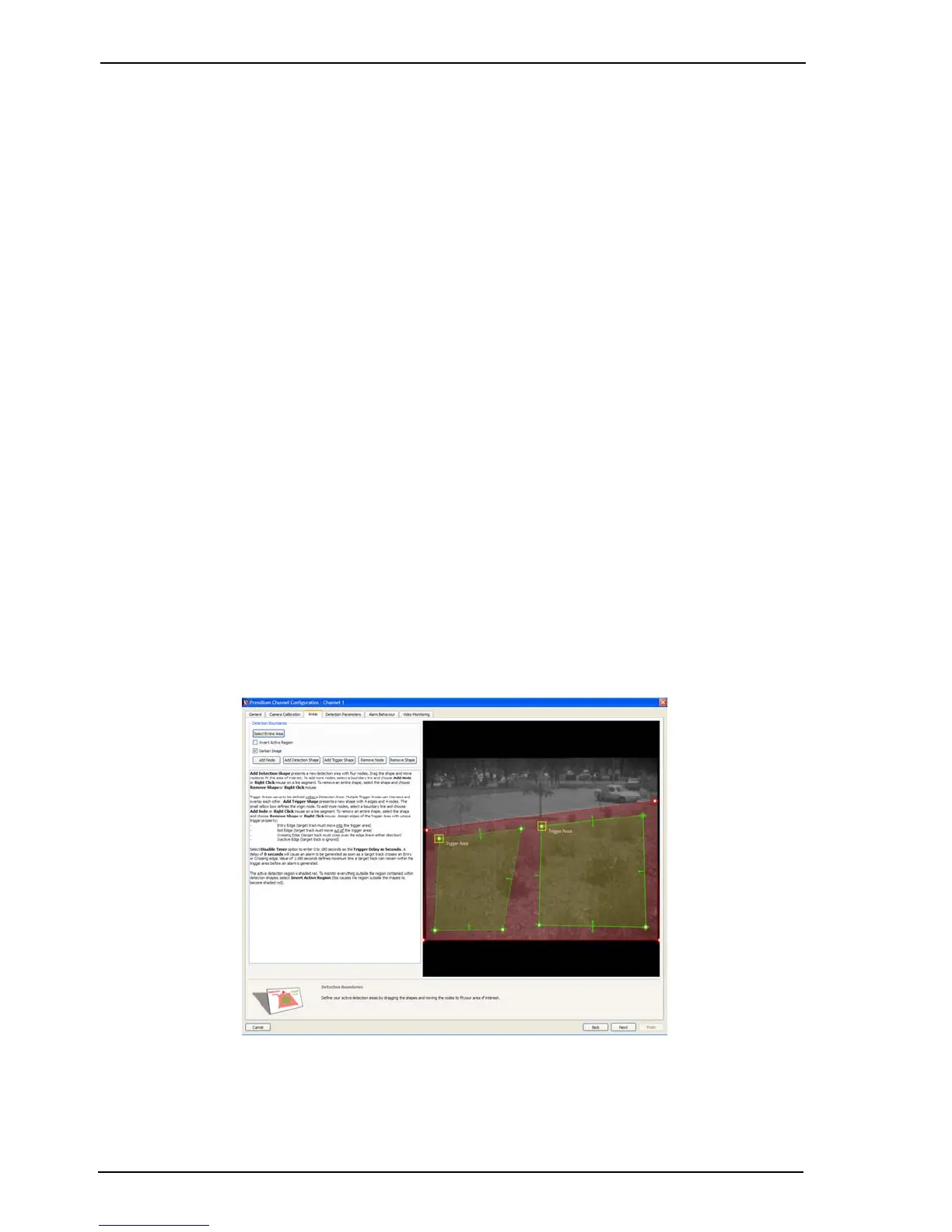
8. Select Next. The following screen is displayed.
Figure 48: Areas



 To Next Page