Installation and User Manual ADPRO Presidium by Xtralis
68 Doc. 12384_05
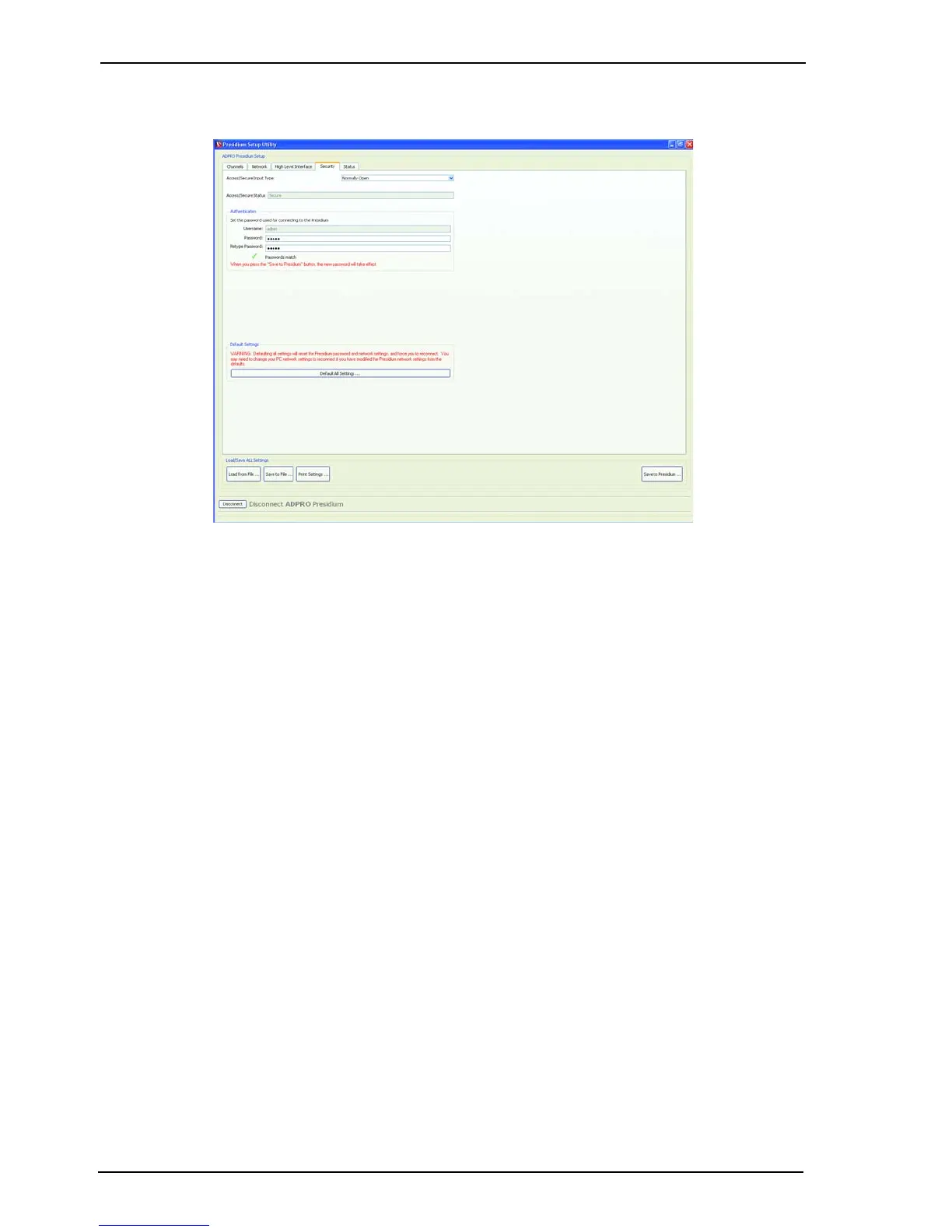
4.4.8 Security Tab
Figure 59: Security Tab
Access/Secure Input Type
The Access/Secure input allows the Presidium to be independently set into the Access state of
operation. This input is usually connected to an alarm panel or access control system.
Refer to Access/Secure Input on page 38 for more information.
1. Select the type of the Access/Secure Input:
- Normally Open - No End Of Line (NEOL) Resistor
- Normally Closed
- Normally Open SEOL - Single End Of Line Resistor
- Normally Closed SEOL
- Normally Open DEOL - Dual End Of Line Resistor
- Normally Closed DEOL.
Note: If the Presidium is to be connected to a FastTrace / FastTx / FastTrace-R, ensure
the Access/Secure input is set in the default state of Normally Open and that
nothing is connected to this input. This ensures the Presidium is in the Secure state
at all times and access is controlled at the FastTrace / FastTx / FastTrace-R.
Authentication
A Password is required to access Presidium setup or software upgrade.
Presidium Mini requires a Username and Password for setup or software upgrade.
The default password (and username) is ‘admin’, this should be changed to a user defined
password.
The new password takes effect once the Save to Presidium... button is pressed.



 To Next Page