Accessories
104
Setup
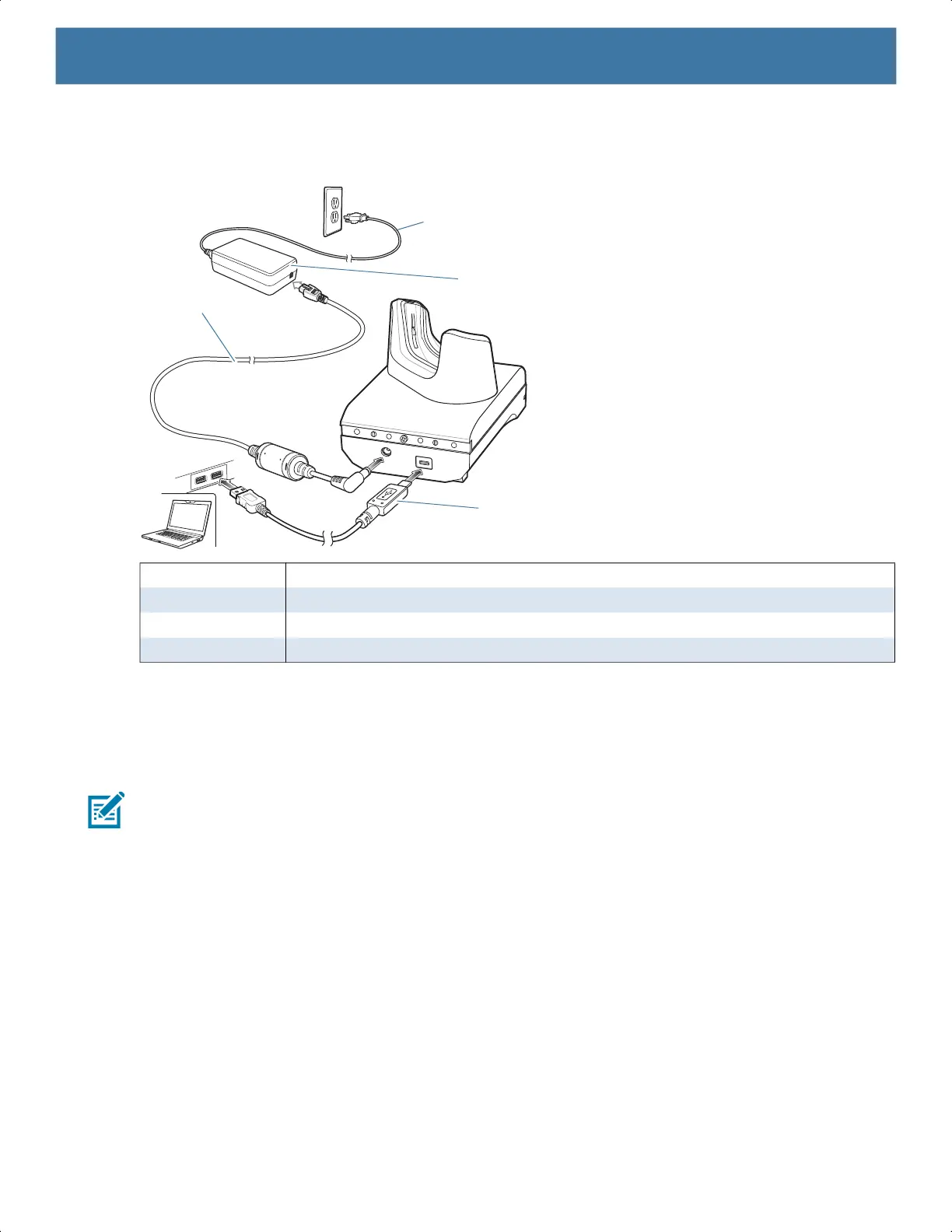
Figure 43 1–Slot USB Charge Cradle Setup
Charging the Device
To charge a device:
NOTE: If the device has a Rugged Boot, remove the cup insert before inserting the device.
By default, the device includes an interface connector. If the interface connector is removed for USB Type C
cable connectivity, then it must be replaced before charging or receiving an Ethernet IP address if placed in a
cradle.
1. Insert the device into the slot to begin charging.
1 AC line cord
2 Power supply
3 USB cable
4 DC line cord
1
2
3
4
MN-003834-01ENa_tc52-android-10-ug-en.book Page 104


 To Next Page
 Loading...
