Accessories
139
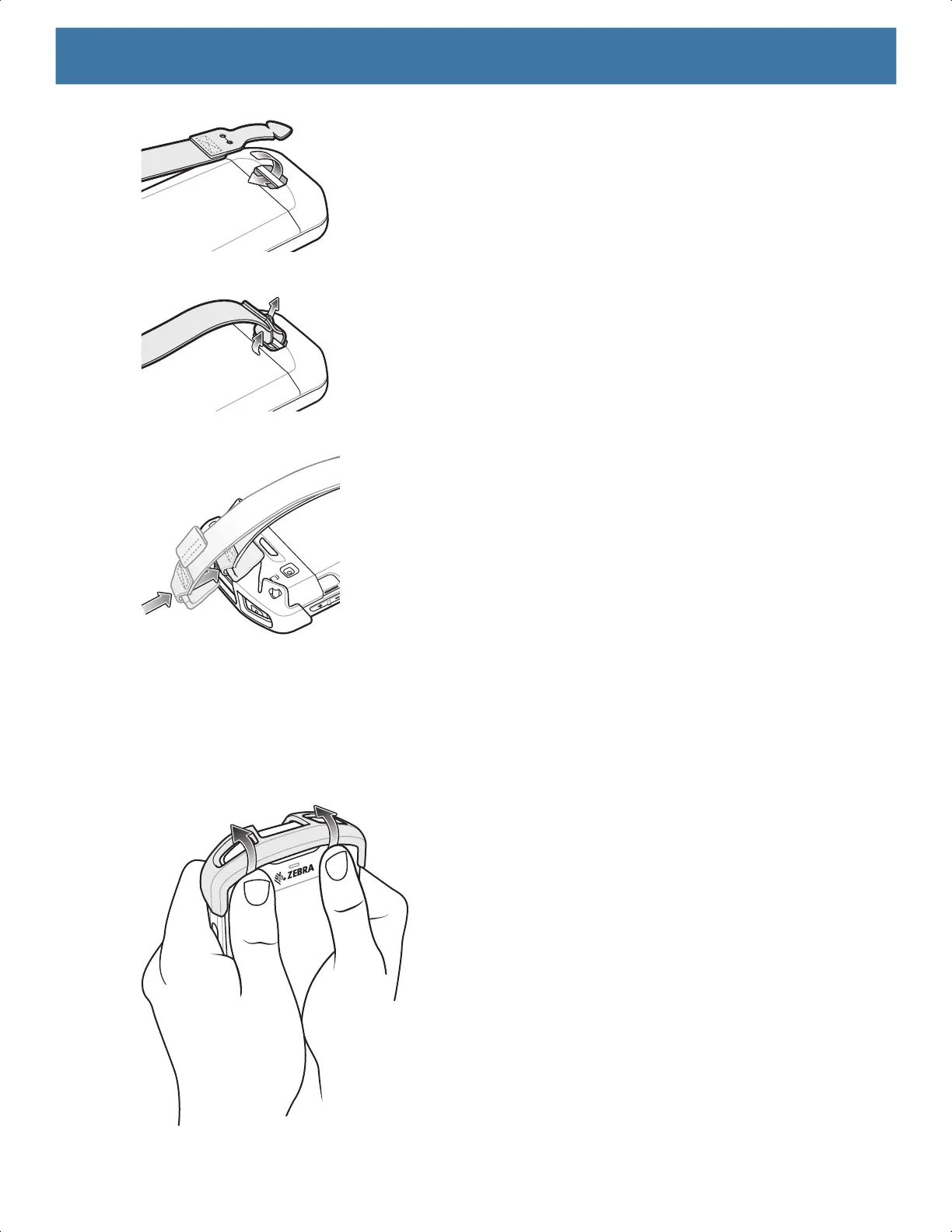
5. Feed the tab into the cut in the strap.
6. Align the hand strap clip with the top cap.
7. Push the clip onto the top cap.
Removal
To remove the Basic Hand Strap Kit:
1. Using thumbs, push the top cap up and rotate over the top of the device.
MN-003834-01ENa_tc52-android-10-ug-en.book Page 139


 To Next Page
 Loading...
