ZEISS 2 Safety | 2.5 Safety Devices and Interlocks
Fig.1: Protective cover panels
1 Electron optical column protective cover
panels
2 Specimen chamber protective cover
panels
3 Plinth protective cover panels
Operation of the microscope is only allowed with attached protective cover panels.
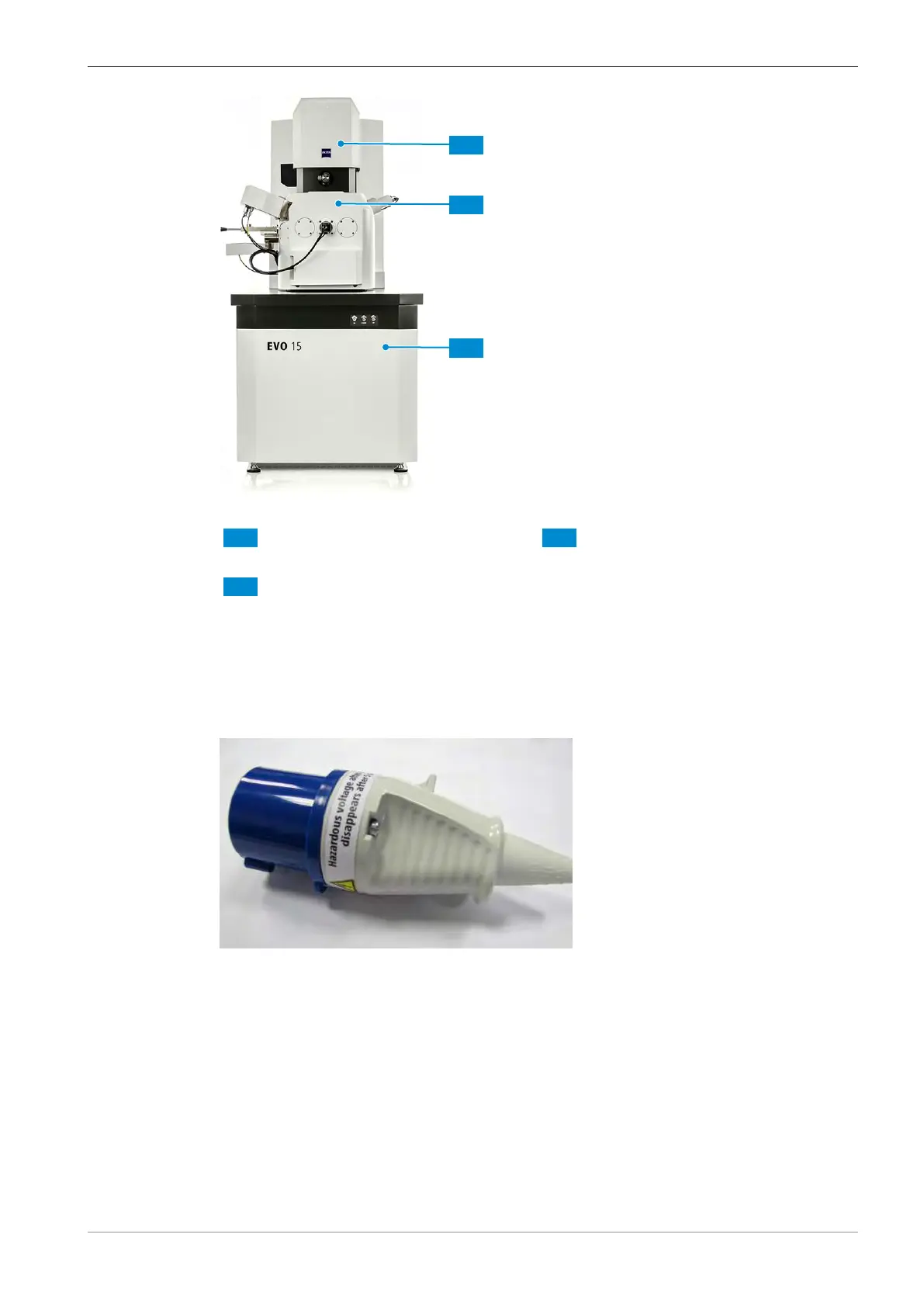
2.5.2 Main Disconnect Device
To disconnect the microscope with all its components from the mains supply, unplug the CEE con-
nector (blue for 230VAC, yellow for 120VAC).
Fig.2: CEE connector
If the Emergency Off (EMO) Option is installed, the Main Switch of the EMO Option may be used
as Main Disconnect Device for the microscope and its components, refer to Emergency Off (EMO)
Option External.
2.5.3 Circuit Breaker
The circuit breaker (F10) at the rear of the plinth will disconnect the mains power from the elec-
tronics in the plinth in case of an over-current (including the first pre-vacuum pump and PC). The
other circuit breaker (F11) disconnects mains power from the heaters and the second pre-vacuum
pump.
However, some other components will still be connected to mains power.
Instruction Manual ZEISS EVO | en-US | Rev. 10 | 354706-0780-006 19



 To Next Page