ZEISS 7 Troubleshooting | 7.3 Power Circuit
7.3 Power Circuit
7.3.1 Checking the Position of the Circuit Breakers
NOTICE
Persisting electrical problems
Tripped circuit breakers or blown fuses may be a hint for an electrical problem in the micro-
scope.
4 If a circuit breaker keeps tripping or a fuse keeps blowing, de-energize the microscope
completely and contact your ZEISS service representative for assistance.
No. Value Type Circuit
F10 10 A Circuit breaker Plinth electronics, pre-vacuum
pump 1, PC
F11 10 A Circuit breaker Pre-vacuum pump 2, heaters
Procedure
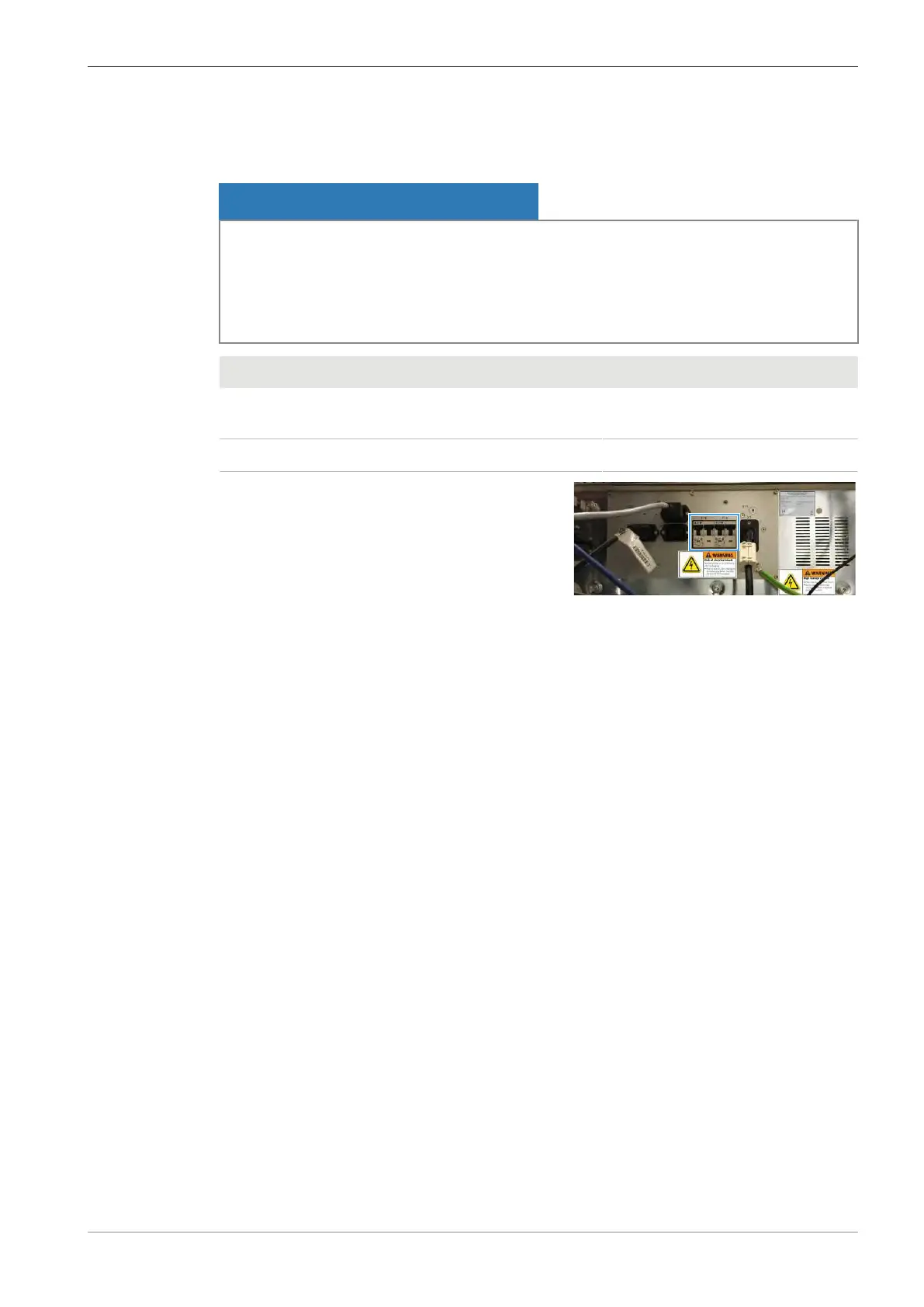
1. Check if the circuit breakers (F10, F11) on the
rear side of the plinth are tripped.
2. If the circuit breaker is tripped, push the circuit breaker upwards.
7.4 PC
7.4.1 Cleaning up the PC
It is important to periodically clean up the PC. This shortens the boot sequence and loading times.
If necessary, refer to standard Windows manuals for instructions to do this.
Procedure
1. Backup the database to the server or to other storage.
2. Delete the temporary files.
3. Check for adequate free space on the hard drives.
4. Backup the log file (EMServer.log).
5. Erase the original log files in the LOG folders.
6. Check that Windows updates are applied and that service packs are applied.
INFO: Each service pack includes all the patches since the last major release.
Instruction Manual ZEISS EVO | en-US | Rev. 10 | 354706-0780-006 147



 To Next Page