ZEISS 5 First Operating Steps | 5.6 Finding Appropriate Detector Settings
Detector Pressure mode
The variable pressure mode can either be normal VP or extended EP. This depends on the fac-
tory configuration. If EP is enabled the VP is replaced by EP.
For information on special set-up procedures for the detectors, refer to:
§ Setting up the SE Detector [
}
83]
§ Setting up the C2D Detector [
}
83]
§ Setting up the C2DX Detector [
}
84]
§ Setting up the BSD Detector [
}
85]
§ Setting up the YAG BSD Detector [
}
87]
Procedure
1. Select the Detectors tab of the SEM Controls panel.
2. Select the detector from the Signal A drop-
down list.
5.6.2 Setting up the SE Detector
Procedure
1. In the Detectors tab of the SEM Controls panel, select SE2 from the Signal A drop-down
list.
2. Use the Collector Bias scroll bar to adjust the
collector bias.
INFO: The default value is 300V.
5.6.3 Setting up the C2D Detector
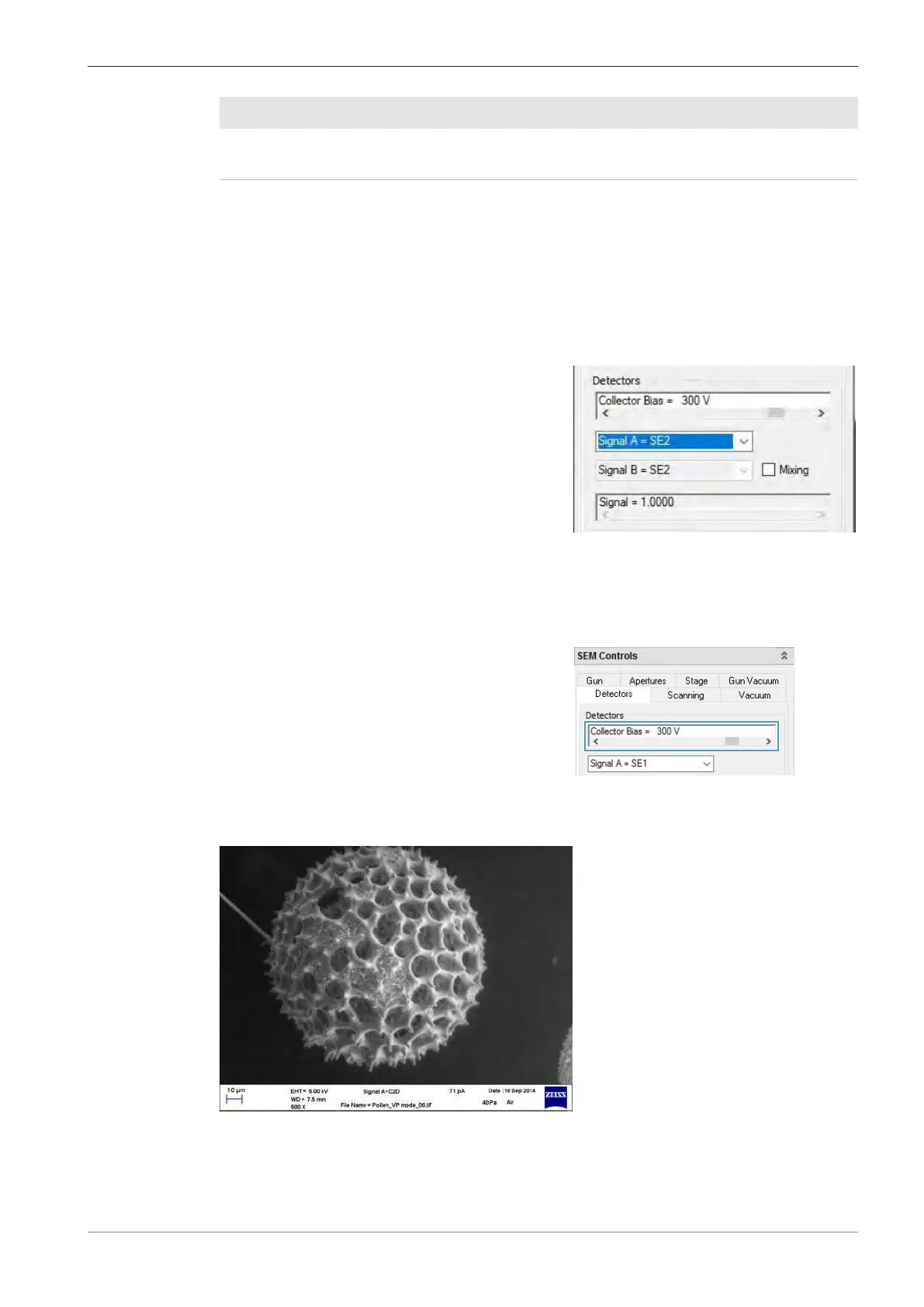
Fig.40: C2D image of radiolaria
Instruction Manual ZEISS EVO | en-US | Rev. 10 | 354706-0780-006 83



 To Next Page