ZEISS 5 First Operating Steps | 5.6 Finding Appropriate Detector Settings
Info
The C2DX detector requires VP pressures of at least 20Pa to acquire a good signal.
A good starting point is EHT=20kV, I Probe=500pA, Chamber pressure=30Pa,
WD=8.5mm, and scan speed=5.
Procedure
1. In the SEM Controls panel, select the Detectors tab.
2. From the Signal A drop-down list, select C2DX.
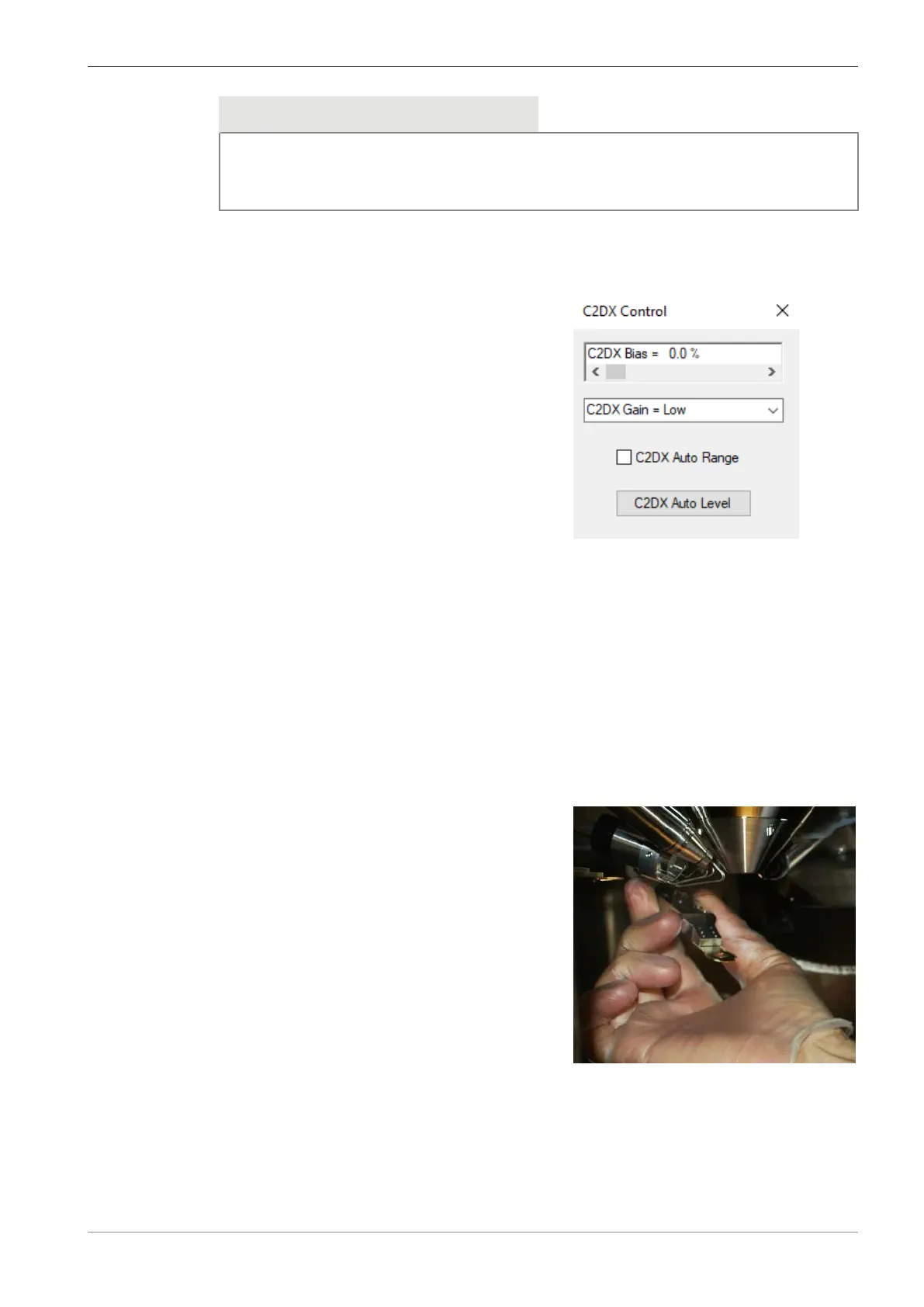
3. In the Panel Configuration Bar, select C2DX Control.
à
The C2DX Control panel is displayed.
4. Select C2DX Gain = Low.
5. Adjust the C2DX Bias scroll bar until you obtain a good and stable image.
INFO: A typical value for C2DX Bias is 50%. Contrast and brightness should also be ad-
justed to obtain an image.
6. Click C2DX Auto Level.
7. If you are unable to reach saturation or if the image quality is not good, select C2DX Gain
= High and repeat the procedure.
5.6.5 Setting up the BSD Detector
Prerequisite
ü
Chamber door is open.
Procedure
1. Check that the lens-mounted BSD detector is fitted.
2. If it is in the parked position, remove the BSD
detector from the parked position.
Instruction Manual ZEISS EVO | en-US | Rev. 10 | 354706-0780-006 85



 To Next Page