ZEISS 7 Troubleshooting | 7.1 Chamber
Prerequisite
ü
Requires the Supervisor privilege.
Procedure
1. From the Windows start menu, select SmartSEM > SmartSEM Administrator.
à The SmartSEM Administrator Log on window is displayed.
2. Enter user name and password.
3. To confirm, click OK.
à The SmartSEM Administrator window is displayed showing the user list.
4. Click Column/Stage.
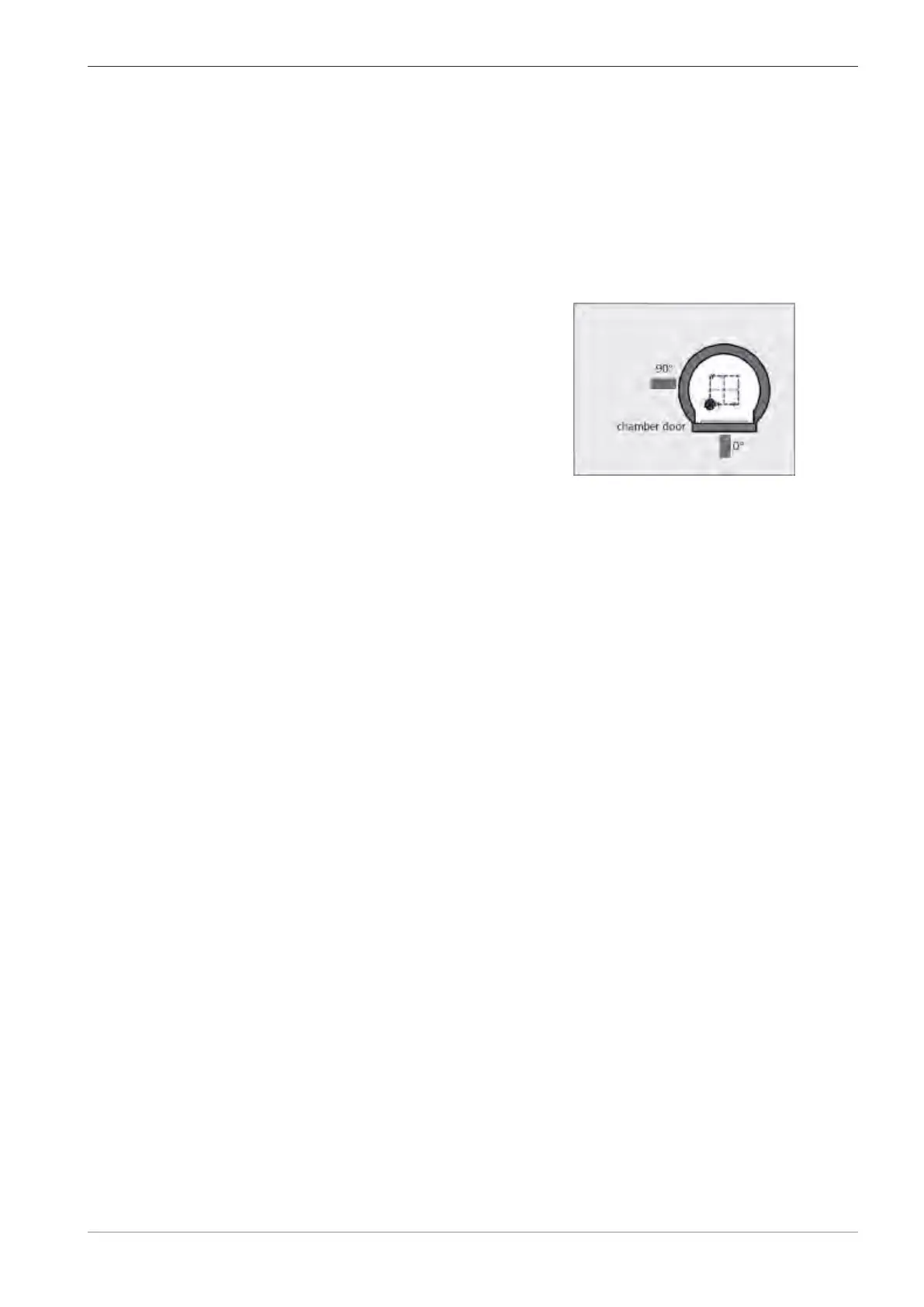
5. In the Stage Options section, double-click the Joystick TV Angle input field.
6. Enter an angle depending on the installation lo-
cation of the CCD camera.
If the CCD camera is installed at the front, enter
0°.
If the CCD camera is installed at the side, enter
90°.
7.1.4 Resetting the Touch Alarm
To prevent damage, a touch alarm is integrated in the microscope. If the specimen or the speci-
men holder touches the chamber walls, the detectors, or the objective lens, the stage is stopped
immediately. An audible warning sounds and an on-screen message is displayed.
Prerequisite
ü
The EM server shows the message WARNING Stage Touching.
Procedure
1. To accept the warning, click OK.
2. Move the stage in the reverse direction away from the touch.
7.1.5 Checking the Temperature
Procedure
1. In the Panel Configuration Bar, double-click Water Flow/Temperature.
à The Water Flow/Temperature panel is displayed.
2. Check the entries.
à If a value is critical, it is displayed in red.
7.1.6 Replacing the Chamber Door Seal
Possible reasons for replacing the chamber door seal are the following:
§ Chamber door does not close tightly
§ Bad chamber vacuum
This procedure consists of the following steps:
1. Venting the Specimen Chamber [
}
64]
2. Replacing the O-ring [
}
118]
3. Evacuating the Specimen Chamber [
}
66]
Instruction Manual ZEISS EVO | en-US | Rev. 10 | 354706-0780-006 117



 To Next Page