5 First Operating Steps | 5.7 Working with Specific Specimen Types ZEISS
Parameter General Mi-
croscopy
EDS High Resolution
§ Fil I set to first
peak for magni-
fications
<10,000x (gives
longer filament
life)
§ Fil I set to sec-
ond peak for
magnifications
>10,000x (for
better resolu-
tion)
§ Fil I set to sec-
ond peak for
quantitative
analysis
§ Fil I set to sec-
ond peak
Mid-column aperture 30μm 30 μm 20μm
Pressure-limiting
aperture
– – –
Detector SE with collector bias
>+300V
BSD
INFO: If not in use,
retract any re-
tractable detectors
from the chamber.
SE with collector bias
+400V
Scanning parameters Cycle time = 20 s to
reduce noise
Cycle time ≥ 20 s for
X-ray mapping
Cycle time ≥ 1.3min
to reduce noise
5.7.1.1 Using the Sample Type Selection Function
The sample type selection function enables the user to obtain an image of any specimen quickly,
i.e. a reference image, without putting any effort in selecting the operating parameters (vacuum
mode, acceleration voltage, probe current, and detector). The quality of the initial image can sub-
sequently be improved, if necessary, by modifying the imaging parameters.
Procedure
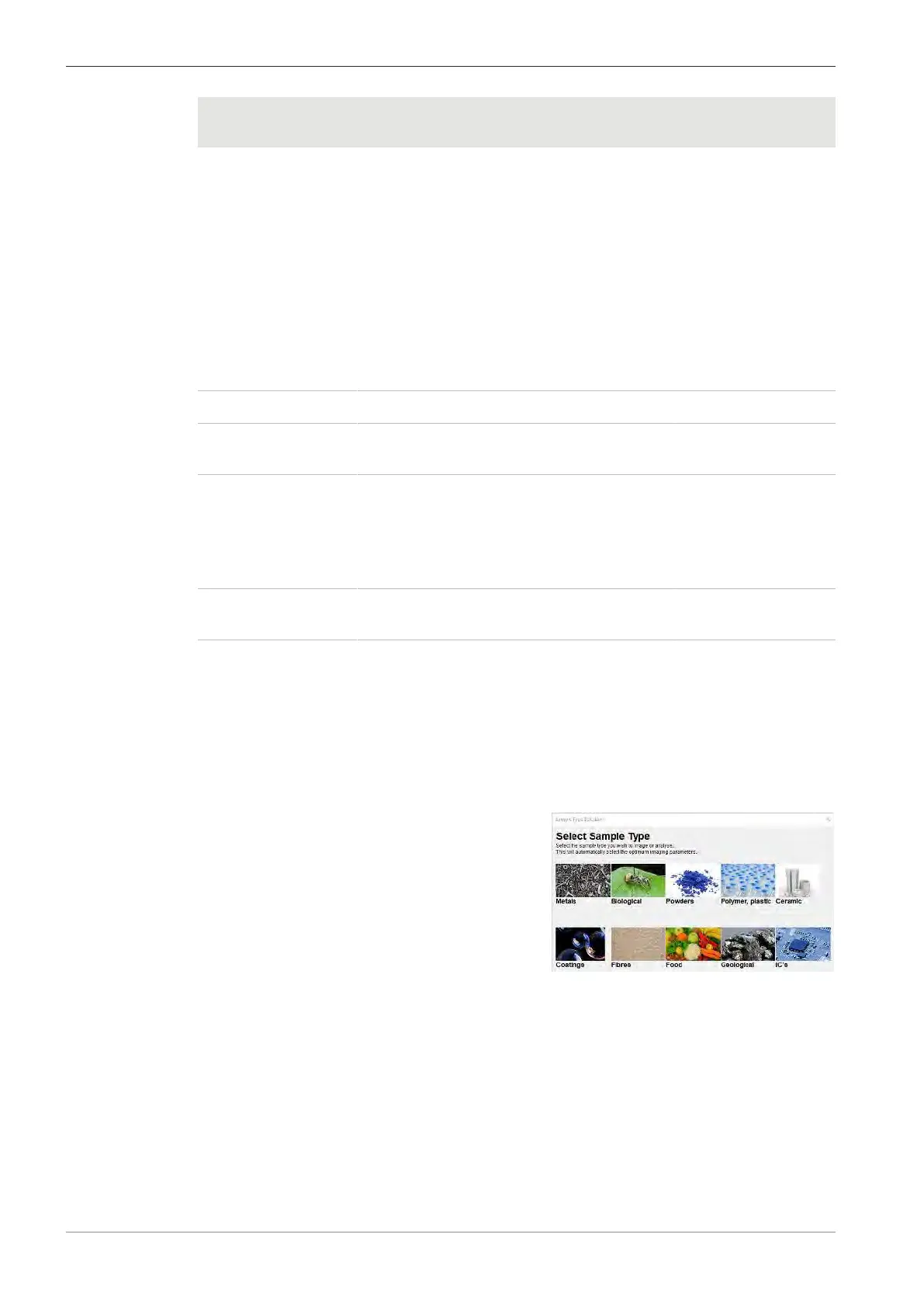
1. From the Panel Configuration Bar, select Sample Type Selection.
à
The Sample Type Selection menu is dis-
played.
2. Select a sample type that is similar to the sample under analysis.
à A dialog is displayed asking you to provide more information about the sample under
analysis.
3. Enter the relevant parameters.
à When the information regarding the specimen status is provided, the software runs
macros that are assigned to the different specimen types, with predefined parameters
and vacuum settings.
92 Instruction Manual ZEISS EVO | en-US | Rev. 10 | 354706-0780-006



 To Next Page