5 Diagnostics
980-001-0210G NetPath 100 User’s Manual - Installation Guide 5-27
June
1999
LED Indicator
Troubleshoot-
ing
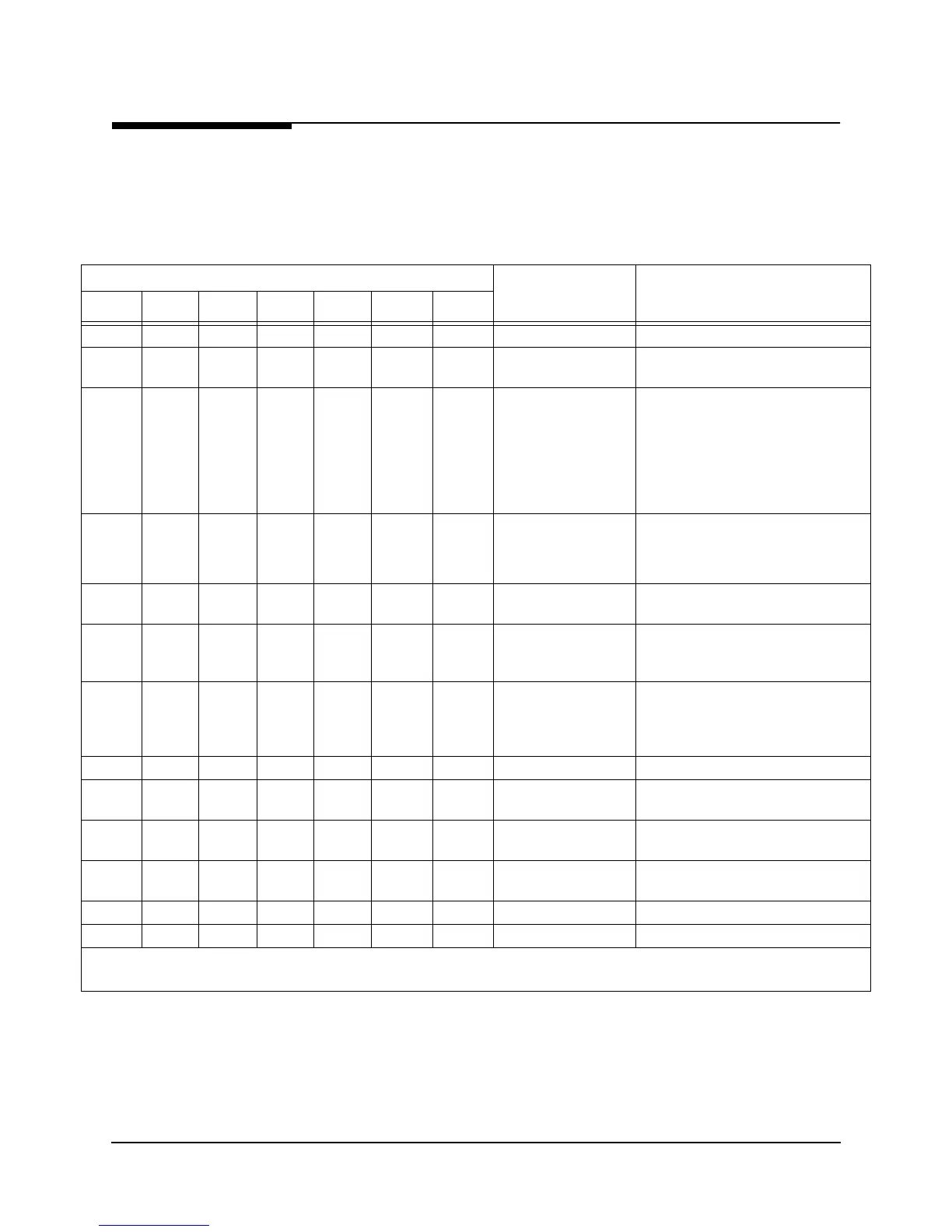
The NetPath 100 front panel LED indicators may also be used to troubleshoot a prob-
lem. Table 5-4 describes the LED indicator’s normal states, and some possible causes
for abnormal indications.
.
Table 5-4 NetPath 100 LED Dia
nostics
NetPath 100 LED Status
Condition Possible Cause(s)
POWER READY
T1
ALARM
HS PORT
TxD
HS PORT
RxD
FR MGMT.
MODEM
IN USE
ON ON OFF Flashing Flashing --- ---
NORMAL, No problem Normal LED status for NetPath 100.
OFF --- --- --- --- --- ---
Loss of power to
NetPath 100
Check AC power cord to NetPath 100.
Verify AC outlet is powered.
ON Flashing --- --- --- --- ---
NetPath 100 performing
self-test
Normal on power-up or reset, duration
of test approx. 45 seconds. Successful
completion sets READY LED On
steady.
Continuous cycles of flashing indicate
critical internal circuit fault, replace with
known good unit.
ON ON
but
Flash OFF
every
5 Secs.
--- --- --- --- ---
Improper AUX 2 cable
detected.
Disconnect AUX 2 cable and contact
Technical Support immediately.
ON OFF --- --- --- --- ---
NetPath 100 fails
45 sec. self-test
Internal circuit fault.
Replace with known good unit.
ON ON Flashing
Slowly
--- --- Flashing
Slowly
---
NetPath 100 is waiting
for a software
download*
A command was issued to the unit to
upgrade its software, or an error was
detected in the internal program storage.
ON ON Flashing
Fast
--- --- Flashing
Fast
---
NetPath 100 is in the
process of
downloading* its
software
Do not disturb the unit until this process
completes.
ON ON ON --- --- --- ---
Loss of T1 facility Check T1 facility.
ON ON OFF On Steady
or OFF
--- --- ---
Loss of Data from DTE Check power to DTE and
interconnection cable.
ON ON OFF --- On Steady
or OFF
--- ---
Loss of Data to DTE Check for data from Network and/or for
LMI traps from Network.
ON ON OFF --- --- OFF ---
Loss of management
channel data
Check for valid DLCI.
ON --- --- --- --- --- OFF
Dial Line on hook Normal for no Dial-In or Dial-Out.
ON --- --- --- --- --- ON
Modem in use Normal for Dial-In or Dial-Out.
NOTE: A table entry of “---” means status of that LED is not relevant.
*Refer to Software Download on the next page of this manual for description.



 To Next Page