3 Installation
980-001-0210G NetPath 100 User’s Manual - Installation Guide 3-7
June
1999
Input/Output
Connections
Basic NetPath 100 has input/output connectors for the T1 Line, Data Port (DTE), two
AUX ports, and Modem Line. Pinouts for each of the these ports are provided in the
tables that follow.
NOTE: Refer to section 6 Options of this manual for a description of additional con-
nectors for options such as ISDN Adapter.
CAUTION
The installer must ensure that the plu
s connectin
the
T1 Line to the NetPath 100 are matchin
“keyed”
modular plu
s. This will prevent the accidental
connection of the T1 Line to either of the NetPath 100
AUX connectors.
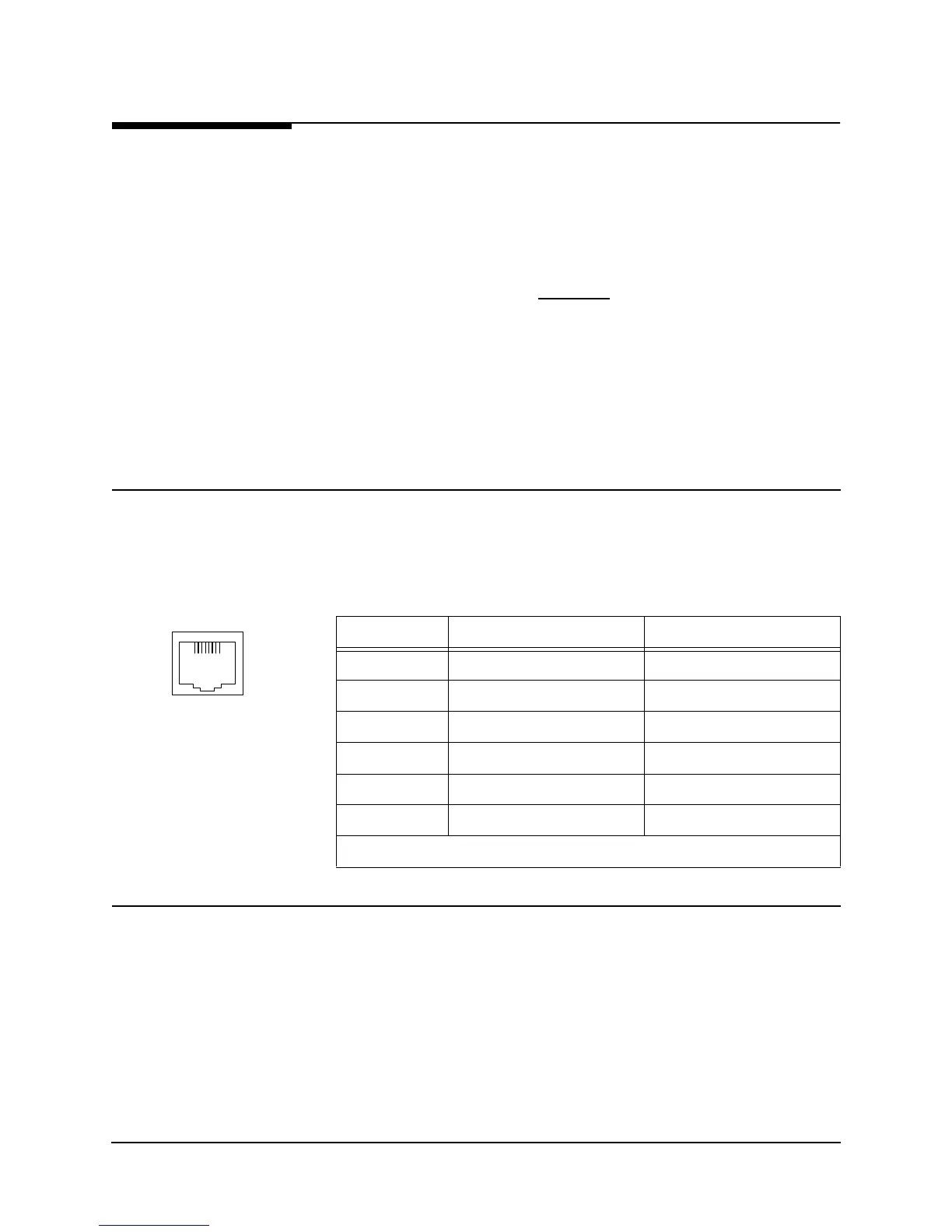
T1 Line
Connection
Use CRC cable assembly # 135-982-0006, or per pinout shown in Table 3-2.
Data Port Interface
& Cable Codes
The NetPath 100 Data Port (DTE) supports four electrical interface types; ITU-V.35,
EIA-530, EIA-530-A and ITU-X.21-NS. The Data Port connector on the back of the
NetPath 100 is a DB-44 high density female. A short (approx. 2.5 ft.) adapter cable is
used to convert from the DB-44 to the appropriate connector type for the interface se-
lected. The adapter cable also includes a unique Cable Code (CBC), a special wiring
pattern at the DB-44 connector, which automatically sets the port to the desired inter-
face type.
NOTE: Some manufacturer specific cable pinouts are provided at the end of this man-
ual section, under General Specifications.
Table 3-2 T1 Line Pinout, RJ48C Connector
Pin Description Direction
1 R1 (Ring 1) Receive
2 T1 (Tip 1) Receive
3,6 No Connection N/A
4R (Ring) Transmit
5T (Tip) Transmit
7,8 Frame Ground N/A
NOTE: Use Twisted Pair Cable conductors for pins: 1 & 2, 4 & 5, and 7 & 8.
T1 Line
18



 To Next Page