SC800 User Manual
Page | 75 Copyright©2022 ZKTECO CO., LTD. All rights reserved.
Add a New Holiday:
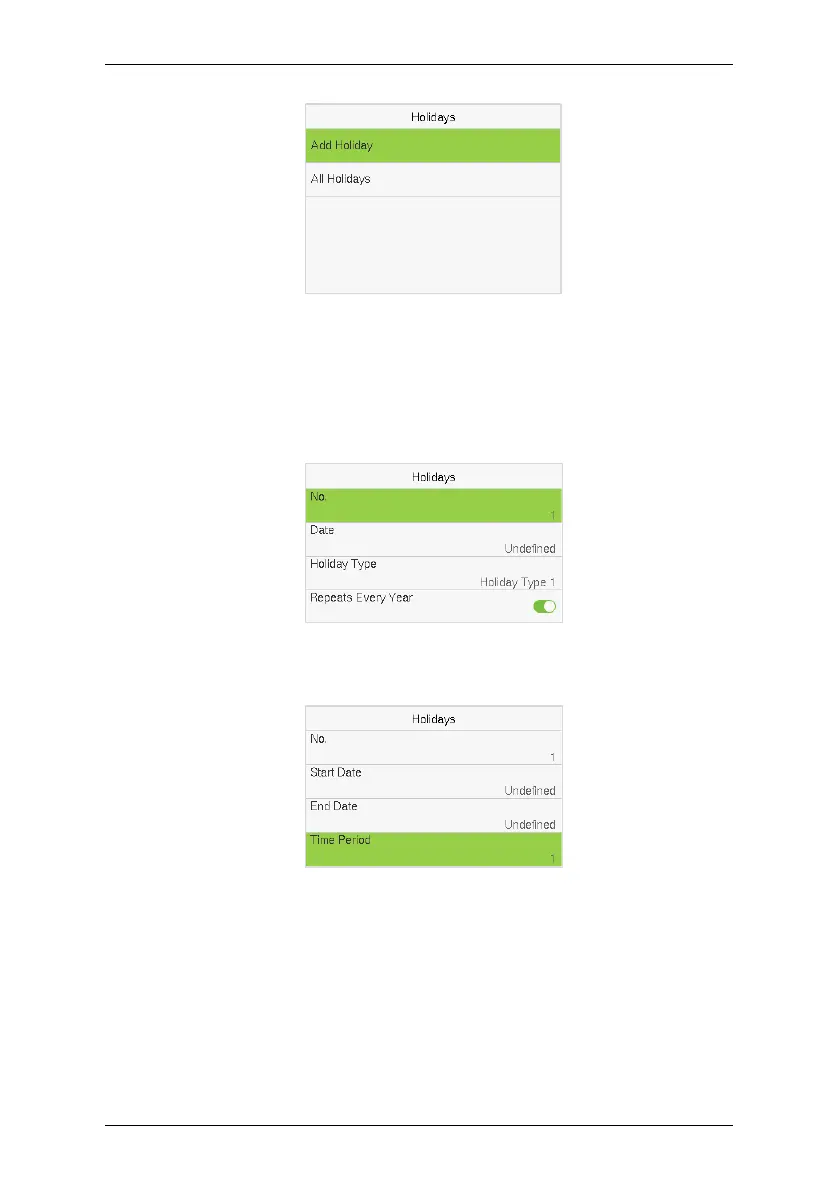
Tap Add Holiday on the Holidays interface and set the holiday parameters.
Access Control Terminal:
Time Attendance Terminal:
Edit a Holiday:
On the Holidays interface, select a holiday item to be modified. Tap Edit to
modify holiday parameters.
Delete a Holiday:
On the Holidays interface, select a holiday item to be deleted and tap Delete.



 To Next Page